

In this article, I will cover the Best Wave Accounting Rivals for Free Invoicing in 2026. We’ll compare the top invoicing and accounting platforms based on free plans, invoice limits, recurring invoices, payment collection, accounting tools, automation, integrations, and business features. This guide helps freelancers and small businesses determine which Wave alternatives are suitable for their invoicing and accounting needs.
- What Are Wave Accounting Rivals?
- Key Points
- 1. Zoho Invoicing
- Why Zoho Invoicing Instead of Wave Accounting?
- 2. Zoho Books
- Why Zoho Books Instead of Wave Accounting?
- 3. Invoice Ninja
- Why Invoice Ninja Instead of Wave Accounting?
- 4. FreshBooks
- Why FreshBooks Instead of Wave Accounting?
- 5. QuickBooks Online
- Why QuickBooks Online Instead of Wave Accounting?
- 6. Xero
- Why Xero Instead of Wave Accounting?
- 7. Sage Accounting
- Why Sage Accounting Instead of Wave Accounting?
- 8. Free Agent
- Why Free Agent Instead of Wave Accounting?
- 9. Manager. io
- Why Manager. io Instead of Wave Accounting?
- 10. Accounting with Odoo
- Why Odoo Accounting Instead of Wave Accounting?
- Conclusion
- FAQ
What Are Wave Accounting Rivals?
Wave Accounting competitors are invoice and accounting software that offer alternatives to Wave for invoice, payments, expenses, bookkeeping and business financials.
They range from free invoice software like Zoho Invoice and Invoice Ninja to more comprehensive accounting software like Zoho Books, QuickBooks Online, Xero, Sage Accounting, FreeAgent, Manager.io, and Odoo Accounting.
Think about alternatives such as different invoice limits, recurring billing, ways to collect payments, bank reconciliation, reporting, integrations, tax tools, or more advanced accounting capabilities, as these may be required by businesses.
The right Wave competitor depends on your business size, invoicing volume, accounting needs, budget, and desired automation.
Key Points
| Wave Alternative | Best For | Key Advantage for Free Invoicing |
|---|---|---|
| Zoho Invoice | Freelancers & small businesses | Completely free invoicing with recurring invoices, payment reminders, client portal, and multi-currency support. |
| Zoho Books | Growing small businesses | Free plan includes invoicing, accounting, bank reconciliation, and expense tracking. |
| Invoice Ninja | Agencies & consultants | Open-source invoicing platform with self-hosting option and free invoicing features. |
| FreshBooks | Service-based businesses | Professional invoicing, time tracking, and client management tools. |
| QuickBooks Online | Small businesses needing accounting depth | Extensive accounting ecosystem plus customizable invoicing. |
| Xero | Businesses with multiple users | Unlimited-user collaboration and strong invoice customization. |
| Sage Accounting | Established small businesses | Accounting and invoicing platform with scalable financial tools. |
| FreeAgent | Self-employed professionals | Simple invoicing with built-in expense and tax management. |
| Manager.io | Budget-conscious businesses | Free desktop accounting software with invoice creation and customer management. |
| Odoo Accounting | Businesses needing ERP integration | Free open-source invoicing connected with CRM, inventory, and sales modules. |
1. Zoho Invoicing
Zoho Invoice is an invoicing platform created by Zoho Corporation, a company that started in 1996. The software is targeted mainly to freelancers, consultants and small businesses that need professional invoicing without big costs.
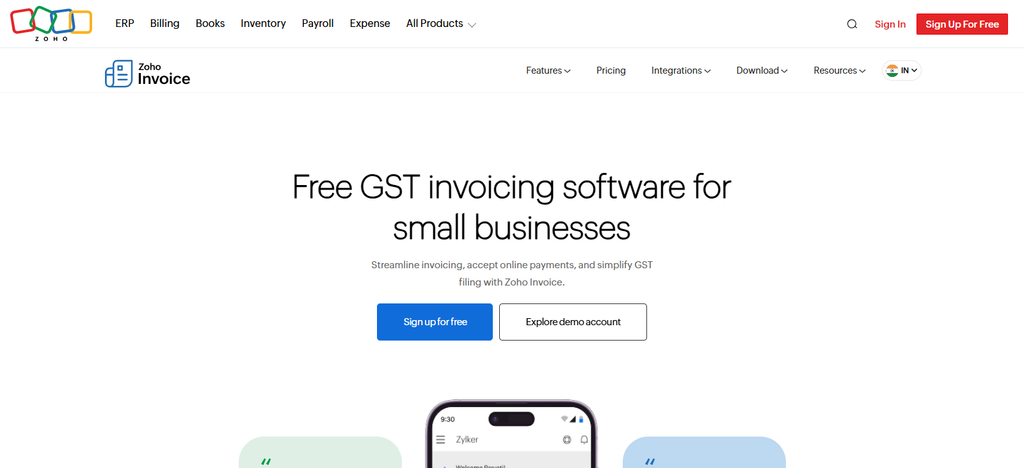
The biggest advantage is the free plan where you can create invoices, track clients, send recurring invoices, automatic payment reminders and billing in multiple currencies. It allows users to collect payments online in the middle of its workflow, track invoice status, monitor customer balances, and automate recurring billing cycles through integrated payment gateways.
It’s not a full accounting package, but it focuses on invoicing and provides enough financial tracking for many service-based businesses.
Why Zoho Invoicing Instead of Wave Accounting?
- Customer Portal: Clients can see invoices, estimates, payments and other transaction data in a portal dedicated to them.
- Free Invoicing Focus: Zoho Invoice is built specifically around invoicing, so it’s useful for freelancers and small businesses that don’t need a full-fledged accounting suite.
- Payment Collection: It allows the collection of payments online through the available payment gateways and helps the businesses to receive the invoice payments online.
Expense and Time Tracking: Businesses can track expenses and billable hours, and then add them to customer invoices.
| Feature | Details |
|---|---|
| Invoicing | Create, customize, schedule, send, and manage professional invoices |
| Free Access | Free invoicing product |
| Invoice Limit | Designed for free online invoicing; limits can vary by region/plan |
| Recurring Invoices | Create invoices automatically at selected intervals |
| Payment Collection | Online gateways, payment reminders, auto-charge, and offline payment recording |
| Customer Portal | Customers can view invoices, quotes, timesheets, and make payments |
| Estimates | Create and send estimates and convert them into invoices |
| Expenses | Track expenses, mileage, and convert billable expenses into invoices |
| Time Tracking | Track project/task hours and bill customers |
| Automation | Automated reminders, recurring invoices, and recurring payment collection |
| Reports | Around 30 business and payment-related reports |
| Customization | Custom invoice and payment-receipt templates |
| Mobile | Manage invoicing and business activities through mobile access |
| Best Fit | Freelancers, consultants, and small businesses focused on invoicing |
2. Zoho Books
Zoho Books is a cloud accounting software created by Zoho Corporation. It’s perfect for businesses looking for both invoicing and bookkeeping. It has come out of the Zoho ecosystem, and has a free plan for qualifying small businesses, as well as paid tiers with more features.
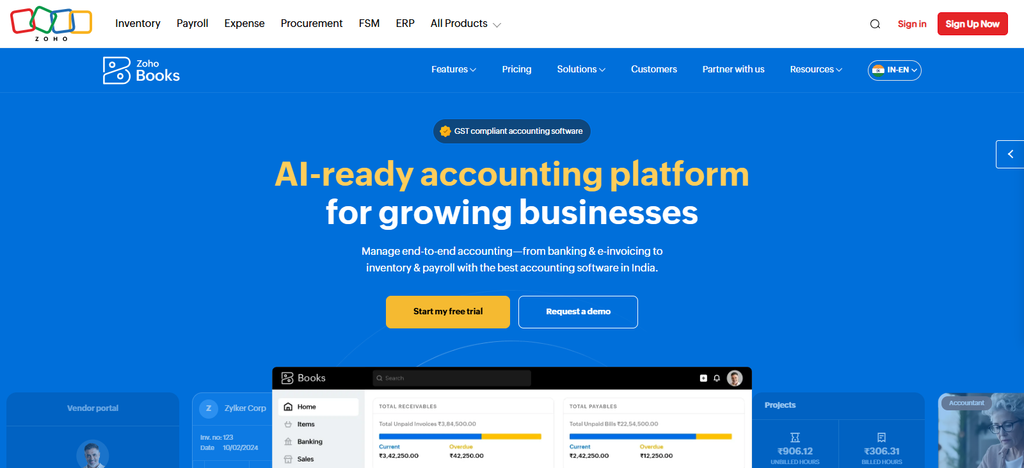
Right in the middle of its feature set are accounting tools like bank reconciliation, expense tracking, tax management, inventory monitoring, recurring invoices, automated workflows, and customer payment collection.
Businesses can create professional invoices, set up recurring billing, track outstanding balances, and accept digital payments. Unlike invoice-only products, Zoho Books is a full accounting environment, yet it is well integrated with CRM, inventory and other business applications.
Why Zoho Books Instead of Wave Accounting?
- Tax Features: Businesses with a presence in supported countries can access tax-related services such as GST accounting and compliance.
- Bank Reconciliation: Businesses can reconcile and import transactions with accounting records using connected bank accounts.
- Inventory Management: Besides invoicing, Zoho Books also has inventory and stock-management features.
Scalability: Its more advanced accounting features make it suitable for businesses that may outgrow basic invoice software.
| Feature | Details |
|---|---|
| Invoicing | Professional, branded, tax-ready invoices |
| Free Access | Free plan available in supported markets |
| Invoice Limit | Plan and country dependent |
| Recurring Invoices | Automatically generate recurring invoices |
| Accounting | Full accounting, journals, chart of accounts, reports, and reconciliation |
| Payment Collection | Online payments, payment links, customer portal, partial payments |
| Bank Feeds | Connect bank/credit-card accounts and import transactions |
| Bank Reconciliation | Match and reconcile business transactions |
| GST | GST accounting, e-invoicing, e-Way bills, and related compliance tools in India |
| Quotes | Create and send quotes |
| Sales Orders | Manage sales orders and convert them into invoices |
| Expenses | Record and categorize business expenses |
| Inventory | Inventory and stock-management capabilities |
| Customer Portal | Customers can access invoices and make payments |
| Automation | Payment reminders, transaction workflows, and recurring transactions |
| Best Fit | Small businesses requiring invoicing plus full accounting |
3. Invoice Ninja
Invoice Ninja is an invoicing and business management platform for freelancers and agencies launched in 2014. It is known for its hosted cloud service and self-hosted open source version. The free plan provides invoice creation, client management, expense tracking, quotations and online payment acceptance.
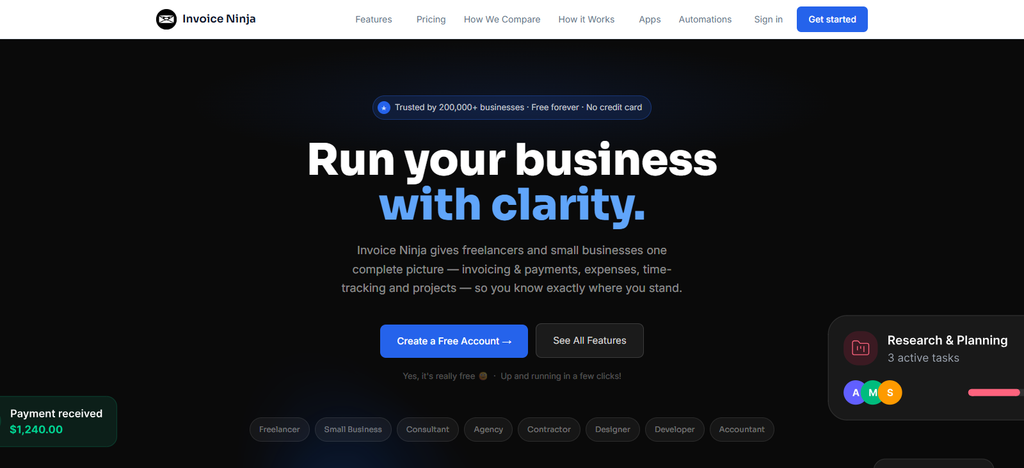
Users can automate recurring invoices, save payment methods, manage subscriptions, create estimates and collect payments through multiple gateways in the middle of its business workflow. Invoice Ninja also offers time tracking and project billing features.
It doesn’t have the same accounting power as dedicated accounting platforms, but it’s still a great option for businesses that want more freedom and control over their invoicing.
Why Invoice Ninja Instead of Wave Accounting?
- Free Invoicing: Invoice Ninja offers a free plan that is heavily focused on creating and managing invoices.
- Recurring Invoices: Automate billing schedules and recurring invoices for customers.
Multiple Payment Gateways: It provides integration with various payment processors, enabling businesses to accept payments. - Client Portal: Customers have access to invoices, payments, quotes and more via portal.
- Flexible Billing: Deposits, partial payments, expenses, time tracking and custom invoices accommodate different service-business workflows.
| Feature | Details |
|---|---|
| Invoicing | Professional invoices with customizable numbering and templates |
| Free Access | Free-forever plan available |
| Invoice Limit | Free plan supports unlimited invoicing with client restrictions |
| Recurring Invoices | Weekly, monthly, annual, and custom recurring schedules |
| Auto-Billing | Automatically charge customers on recurring schedules |
| Payment Collection | Stripe, PayPal, Square, GoCardless, Authorize.net, Mollie, and others |
| Client Portal | Customers can view and pay invoices |
| Partial Payments | Accept deposits and partial payments |
| Payment Reminders | Automated late-payment reminder sequences |
| Quotes | Create quotes and convert accepted quotes into invoices |
| Expenses | Record and report business expenses |
| Inventory | Track product stock levels |
| Reports | Invoice, payment, expense, P&L, and client reports |
| Integrations | Make, Pabbly, n8n, Integrately, email services, and API |
| Best Fit | Freelancers and small businesses wanting flexible invoicing |
4. FreshBooks
Founded in 2003, FreshBooks has grown to be the #1 accounting solution for freelancers and service-based businesses. Its most well-known features are its easy-to-use invoice management, client billing and time-tracking.
There is no permanent free plan, but there is a trial period and some paid subscription levels. In the center of the platform, businesses can create recurring invoices, set up late payment reminders, log billable hours, record expenses, match bank transactions and accept online payments.
FreshBooks also provides project collaboration and financial reporting. Its mix of accounting and invoicing tools makes it especially appealing to consultants, agencies and professional service firms.
Why FreshBooks Instead of Wave Accounting?
- Service-Business Orientation: FreshBooks is built for freelancers, consultants, agencies, and other service businesses.
Time Tracking: Businesses can track billable hours and add them directly to customer invoices.
Project Management: One workflow can contain time, expenses, costs, and billing information for projects. - Automated Billing: Recurring invoices and automated payment reminders can ease the repetitive billing work.
- Accounting Tools: FreshBooks layers expense tracking, financial reporting and other accounting features on top of invoicing.
| Feature | Details |
|---|---|
| Invoicing | Create, customize, send, and track professional invoices |
| Free Access | Free trial rather than a permanent free accounting plan |
| Invoice Limit | Depends on subscription/client tier |
| Recurring Invoices | Automated recurring invoices and billing |
| Accounting | Bookkeeping, expenses, financial reports, and accounting workflows |
| Payment Collection | Online invoice payments and supported payment methods |
| Estimates | Create estimates and convert them into invoices |
| Expense Tracking | Track and categorize business expenses |
| Time Tracking | Record billable hours and add them to invoices |
| Project Management | Track project costs, time, and profitability |
| Payment Reminders | Automated reminders for outstanding invoices |
| Client Management | Customer records and transaction history |
| Mobile | Mobile access for invoicing and expense management |
| Best Fit | Freelancers, agencies, consultants, and service businesses |
5. QuickBooks Online
Intuit is the company that makes QuickBooks Online. Intuit was founded in 1983 and is still one of the most used accounting systems in the world. The cloud-based platform doesn’t have a permanent free plan but offers different subscription tiers for different business sizes.
Its expansive accounting suite allows businesses to handle invoicing, bank reconciliation, payroll, inventory, tax preparation, recurring invoices, financial reporting, and payment collection right within the software.
You can email invoices directly to your customers, track outstanding payments, automate your billing schedule and watch your cash flow in real time. It’s loved by growing businesses for its strong accountant network and large third-party integrations.
Why QuickBooks Online Instead of Wave Accounting?
- Better accounting: Not only does QuickBooks Online do invoicing and billing, it has an entire suite of accounting tools.
- Banking Integration: Businesses can link financial accounts and organize imported transactions in their accounting workflow.
- Financial Reporting: Provides you with a number of reports to track your income, expenses, profitability and overall financial performance.
Expense Management: Businesses can record, categorize and process expenses along with their accounting records.
Business Scalability: With growing operations, its wider feature set can cater to businesses needing more sophisticated accounting processes.
| Feature | Details |
|---|---|
| Invoicing | Create, customize, send, and track invoices |
| Free Access | Paid subscription platform; trials/promotions may be available |
| Invoice Limit | Depends on subscription and current product terms |
| Recurring Invoices | Supports recurring transactions and billing |
| Accounting | Income, expenses, bills, financial reports, and bookkeeping |
| Payment Collection | Online invoice payments through supported QuickBooks payment services |
| Expense Tracking | Categorize and manage business expenses |
| Bank Connections | Connect financial accounts and import transactions |
| Bank Reconciliation | Reconcile accounts against recorded transactions |
| Estimates | Create estimates and convert them into invoices |
| Reports | Financial and business reports |
| Tax Tools | Tax-related accounting and reporting features |
| Integrations | Broad ecosystem of third-party business integrations |
| Mobile | Mobile access for accounting and invoicing |
| Best Fit | Small and growing businesses needing broader accounting |
6. Xero
Founded in New Zealand in 2006, Xero is now one of the most popular cloud accounting platforms in the world. It is a software for small and medium business that want modern accounting functionality and collaboration features.

Xero doesn’t offer a forever free plan, but its subscription packages include invoicing, expense management, reporting, inventory tracking and bank reconciliation. Its accounting workflow lets users create recurring invoices, send automatic reminders, accept online payments, deal with multiple currencies and collaborate with accountants through unlimited user access.
Xero’s neat interface and good integration ecosystem is particularly attractive to companies with a global focus.
Why Xero Instead of Wave Accounting?
- Cloud Accounting: Xero offers online invoicing and more advanced bookkeeping and accounting features.
- Bank Reconciliation: Users can link their bank accounts and reconcile transactions directly in the accounting software.
- Accounts Payable: Xero has features for managing bills and supplier transactions.
- Recurring Billing: Businesses can create recurring invoices for customers with recurring services.
- Integration Ecosystem: Xero has a broad range of third-party application integrations across accounting, payments, payroll, expenses and business operations.
| Feature | Details |
|---|---|
| Invoicing | Create, send, customize, and track invoices |
| Free Access | Subscription-based accounting platform |
| Invoice Limit | Depends on the selected plan |
| Recurring Invoices | Supports repeating/recurring invoices |
| Accounting | Full cloud accounting and bookkeeping |
| Payment Collection | Online payments through supported payment services |
| Bank Feeds | Import and synchronize bank transactions |
| Reconciliation | Match transactions with accounting records |
| Bills | Manage bills and accounts payable |
| Expenses | Track business expenses |
| Quotes | Create quotes and convert them into invoices |
| Reporting | Business and financial reporting |
| Integrations | Large ecosystem of third-party integrations |
| Multi-Currency | Available with supported plans |
| Best Fit | Growing businesses and accounting teams |
7. Sage Accounting
Sage Accounting is owned by Sage Group, a firm established in 1981 that provides accounting and business management software. The platform offers reliable bookkeeping, invoicing and financial management tools for small businesses.
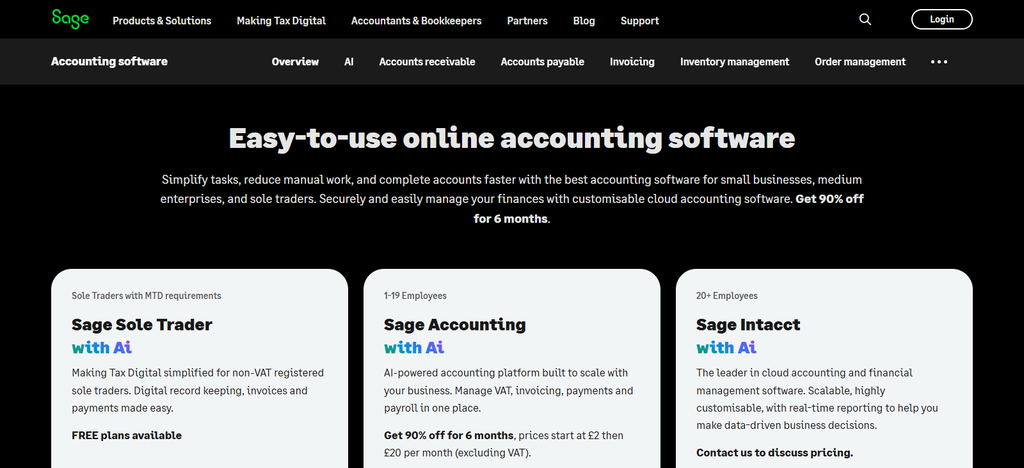
Sage Accounting does not usually have a free forever plan, it has a subscription model instead. Amidst daily business, companies can handle recurring invoices, monitor income and expenses, reconcile bank transactions, produce financial reports and receive payments electronically.
The software also supports cash flow monitoring and tax processes. Designed to scale, which means as your accounting needs get more complex, businesses can transition into the larger Sage products.
Why Sage Accounting Instead of Wave Accounting?
- Complete Accounting Platform: Besides invoicing, Sage offers a complete accounting and financial management platform.
- Recurring Invoices: Businesses can create automatic repeat sales invoices for customers with recurring billing needs.
- Bank Connectivity Bank feeds make it easier to import financial transactions into the accounting process.
- Expense Management: Businesses can manage and track business expenses along with income and invoices.
Financial Reporting: Sage offers accounting reports to help businesses track their financial health and transactions.
| Feature | Details |
|---|---|
| Invoicing | Create, send, and manage customer invoices |
| Free Access | Primarily subscription-based |
| Invoice Limit | Depends on subscription and regional edition |
| Recurring Invoices | Supports recurring sales invoices |
| Accounting | Accounting, bookkeeping, reporting, and financial management |
| Payment Collection | Invoice and customer-payment workflows |
| Estimates | Supports sales/quotation workflows depending on edition |
| Expenses | Business expense management |
| Bank Feeds | Connect and import banking transactions |
| Reconciliation | Bank reconciliation functionality |
| Tax | Tax and compliance features vary by region |
| Reporting | Financial and management reports |
| Recurring Automation | Automates repeat invoice creation and delivery |
| Integrations | Supports connections with selected business services |
| Best Fit | Small businesses seeking established accounting software |
8. Free Agent
FreeAgent was founded in 2007 and is designed for freelancers, contractors and small business owners who want easy financial management. The platform combines invoicing, bookkeeping, expense tracking, and tax preparation in a single interface.
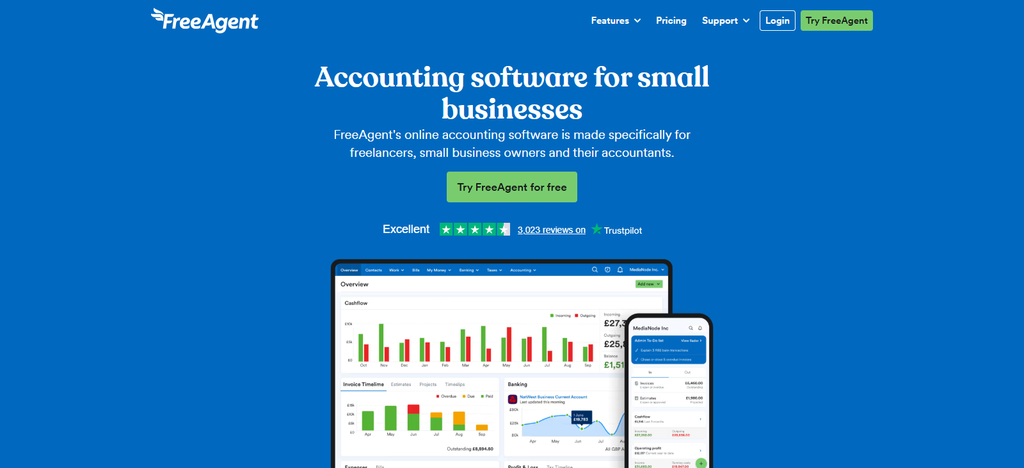
FreeAgent is mostly subscription based but some users may access it through banking partnerships. In the middle of its functionality, businesses can generate professional invoices, schedule recurring billing, send payment reminders, record expenses, reconcile accounts and accept digital payments.
The software also includes project profitability tracking and tax estimation tools. FreeAgent is especially popular for making admin work easier while retaining key accounting and invoicing features.
Why Free Agent Instead of Wave Accounting?
- Automated Accounting: FreeAgent combines invoicing with automated bookkeeping and accounting workflows.
- Project Tracking: Businesses can track project time, income, expenses, and profitability.
- Recurring Invoices: Recurring billing can automatically generate and send invoices to regular customers.
- Tax Management: FreeAgent provides tax-related accounting and reporting features for eligible markets.
- Bank Reconciliation: Connected banking information can be matched against accounting transactions to reduce manual bookkeeping.
| Feature | Details |
|---|---|
| Invoicing | Create, customize, send, and track invoices |
| Free Access | 30-day trial; eligibility-based free arrangements may also exist |
| Invoice Limit | Depends on applicable plan |
| Recurring Invoices | Automatically create and send recurring invoices |
| Accounting | Double-entry accounting and automated bookkeeping |
| Payment Collection | Stripe and PayPal payment options |
| Payment Reminders | Automated late-payment reminders |
| Bank Feeds | Connect banking data and automatically update accounts |
| Reconciliation | Match bank transactions with invoices |
| Expenses | Track expenses and mileage |
| Projects | Track project income, costs, time, and profitability |
| Reports | P&L, Balance Sheet, Trial Balance, and aged reports |
| Multi-Currency | International invoicing and multiple currencies |
| Mobile | Create and manage invoices through mobile |
| Best Fit | Freelancers, contractors, and small businesses |
9. Manager. io
Manager.io is accounting software for small businesses that need affordability and control, launched in 2010. Its desktop edition is free, which is attractive for startups and those with budget constraints.
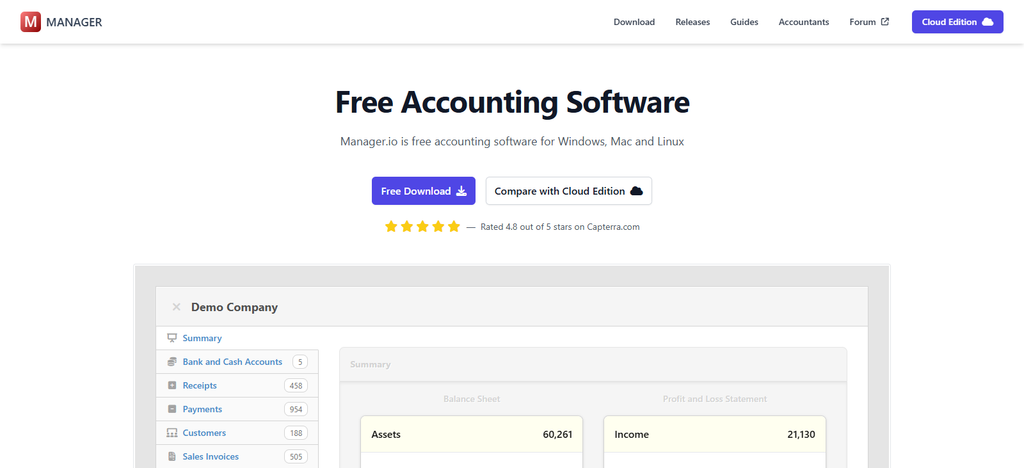
Users can generate invoices, maintain customer records, reconcile bank accounts, track inventory, create financial statements and manage recurring billing processes in the middle of its accounting environment.
Customer accounts enable businesses to track outstanding balances effectively as payment collection can be monitored directly. Manager.io provides full accounting capabilities for a low price which makes it a practical alternative for businesses that want to own their financial data.
Why Manager. io Instead of Wave Accounting?
- Free Desktop Accounting: Manager’s Desktop Edition is accounting minus the recurring SaaS subscription.
- Double Entry Accounting: It gives you the full double entry accounting, not just invoices.
- Inventory Management: Control inventory and stock transactions with accounting records.
- Multi-Currency Support: Companies that have to deal with multiple currencies can maintain accurate accounting records.
Workflow ready for offline operation: If your company prefers locally installed accounting software instead of a cloud platform, the Desktop Edition can be useful.
| Feature | Details |
|---|---|
| Invoicing | Customer invoices and accounts-receivable management |
| Free Access | Free Desktop Edition |
| Invoice Limit | Desktop Edition does not use a typical monthly SaaS invoice quota |
| Recurring Invoices | Supports recurring transaction workflows |
| Accounting | General ledger, double-entry accounting, and financial statements |
| Banking | Bank accounts and reconciliation |
| Expenses | Track business expenses |
| Accounts Payable | Manage supplier bills and payments |
| Inventory | Inventory and stock accounting |
| Fixed Assets | Track and manage fixed assets |
| Tax | Tax-related accounting capabilities |
| Multi-Currency | Supports multiple currencies |
| Projects | Project accounting and tracking |
| Reports | Financial statements and accounting reports |
| Deployment | Desktop, Cloud, and Server options |
| Best Fit | Businesses wanting broader accounting with a free desktop option |
10. Accounting with Odoo
Odoo Accounting is part of Odoo Business Software Suite, developed by Odoo S.A. which was founded in 2005. The platform combines accounting with a broader suite of enterprise management features, including CRM, inventory, sales, purchasing, and project management.
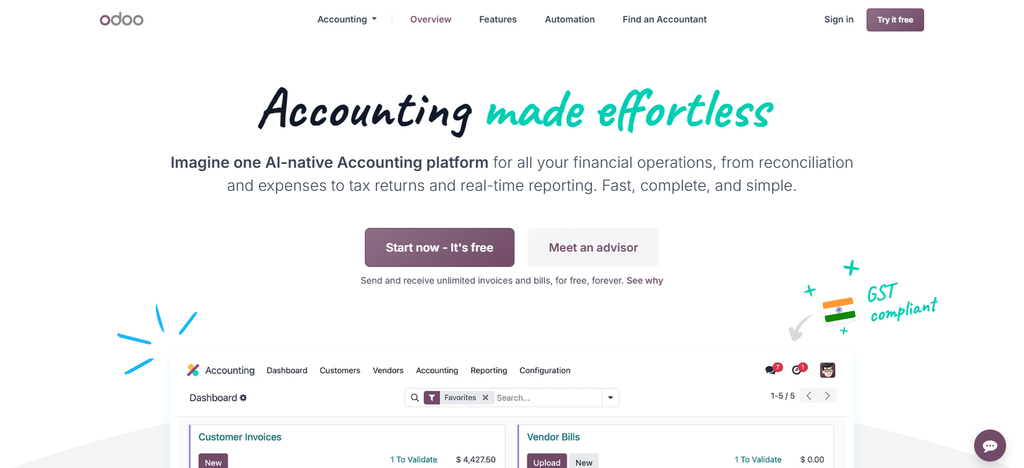
Depending on the deployment and configuration, companies can select community or enterprise options. Its accounting workflow allows users to create invoices, automate recurring billing, reconcile bank transactions, monitor cash flow, process payments, and manage customer balances.
Odoo also offers integrated business operations and online payment collection. The biggest advantage is the ability to link invoicing and accounting to almost every other operational process in a business.
Why Odoo Accounting Instead of Wave Accounting?
- Full Accounting: Double-entry bookkeeping, financial reports, reconciliation, bills, payments and accounting workflows.
- Integrated ERP: Odoo Accounting allows you to integrate accounting with other business applications such as sales, inventory, CRM, expenses, and purchasing.
- E-Invoicing: Businesses may utilize electronic invoicing features for supported countries and requirements.
- Bank Reconciliation Automation: Reconciliation of bank transactions with accounting records to reduce manual reconciliation work.
- Business Automation: Odoo can link invoicing and accounting to broader business processes, making it a great choice for companies looking for an integrated business management platform.
| Feature | Details |
|---|---|
| Invoicing | Create, send, and manage customer invoices |
| Free Access | Odoo provides an invoicing application with different deployment/plan options |
| Invoice Limit | Depends on Odoo setup and selected plan/apps |
| Recurring Invoices | Supports recurring billing workflows |
| Accounting | Full double-entry accounting |
| Payment Collection | Online payments, checks, batches, and payment follow-ups |
| Bank Synchronization | Connect and synchronize bank accounts |
| Reconciliation | Bank reconciliation and matching |
| Vendor Bills | Create and manage supplier bills |
| Expenses | Record and manage expenses |
| E-Invoicing | Electronic invoicing capabilities |
| OCR | Invoice digitization and automated data recognition |
| Reporting | Financial, analytic, and accounting reports |
| Budgets | Budget management |
| Asset Management | Manage accounting assets |
| Best Fit | Businesses wanting integrated ERP and accounting |
Conclusion
Which Wave Accounting competitor is best for you depends on your invoice volume, accounting needs, payment needs, and business size. Both Zoho Invoice and Invoice Ninja are solid contenders for low-cost invoicing, while Zoho Books and Odoo are more comprehensive for accounting.
Manager.io is a good option for businesses looking for free desktop accounting, while FreshBooks, QuickBooks Online, Xero, Sage Accounting and FreeAgent are more geared toward paid accounting plans with more features.
Before switching, compare free plan limits, recurring invoices, payment collection fees, customer limits, accounting tools, integrations, and upgrade requirements. This makes it easier for companies to find an invoicing platform that fits their workflow and budget.
FAQ
What is the best free alternative to Wave Accounting?
The best option depends on your requirements. Zoho Invoice, Invoice Ninja, and Manager.io can be considered for businesses prioritizing free or low-cost invoicing, while Zoho Books and Odoo provide broader accounting functionality.
Is Zoho Invoice completely free?
Zoho Invoice offers a free invoicing product with features such as estimates, invoices, payment reminders, recurring invoices, and customer management. Availability and limits can vary by country.
Does Invoice Ninja offer unlimited invoices?
Invoice Ninja’s free plan provides unlimited invoicing, although it limits the number of clients that can be managed on that plan.
Is FreshBooks free like Wave Accounting?
FreshBooks is not generally a permanent free accounting platform. It offers a free trial, while continued access requires a paid subscription.