
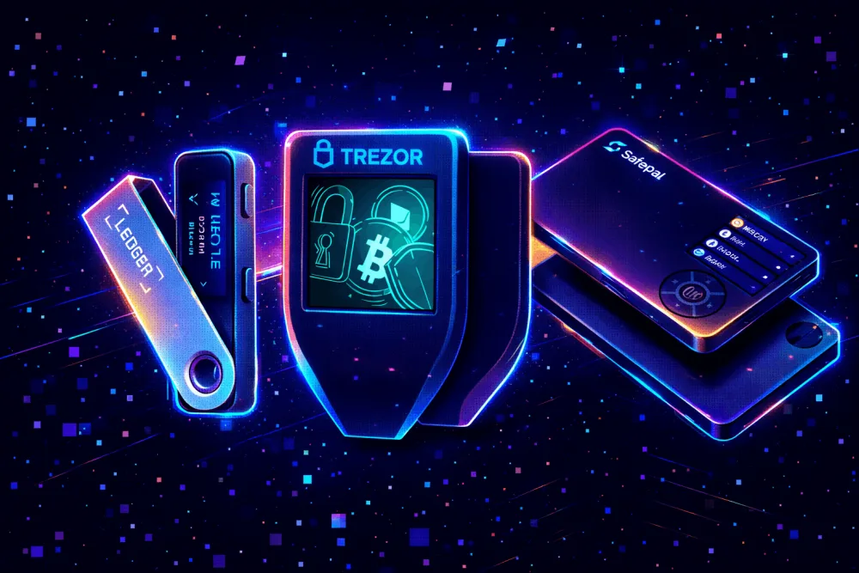

In this article I will discuss the best crypto wallets in terms of security and ease of use. I will compare popular options based on their private key protection, security architecture, supported cryptocurrencies, backup and recovery methods, transaction costs, and user-friendly features. This guide will assist you to figure out which crypto wallet suits your needs, whether you’re a beginner, an active trader, or a long-term investor.
- How To Choose Crypto Wallets for Security and Ease of Use
- Key Points
- 1. Ledger (est. 2014)
- How does Ledger work (how does Ledger work)
- Ledger – Pros & Cons
- 2. Trezor (Established in 2013)
- How does Trezor work ?
- Trezor – Pros & Cons
- 3. Trust Wallet (Founded in 2017)
- How Does Trust Wallet Function?
- Trust Wallet – Pros & Cons
- 4. MetaMask (Founded in 2016)
- How MetaMask Works
- MetaMask – Pros & Cons
- 5. Coinbase Wallet (Founded in 2017)
- How Does Coinbase Wallet Operate?
- Coinbase Wallet – Pros & Cons
- 6. Phantom (Established 2021)
- How Phantom Works?
- Phantom – Pros & Cons
- 7. Rabby Wallet (Launched in 2021)
- How Does Rabby Wallet Function?
- Rabby Wallet – Pros & Cons
- 8. Exodus (Established in 2015)
- How Exodus Works
- Exodus – Pros & Cons
- 9. Guarda Wallet (2017)
- How Guarda Wallet Works
- Guarda Wallet – Pros & Cons
- 10. Keystone (Established in 2018)
- How Does Keystone Work?
- Keystone – Pros & Cons
- Conclusion
- FAQ
How To Choose Crypto Wallets for Security and Ease of Use
Examine the security architecture: Select wallets that offer robust private key security, encryption, PIN authentication, Secure Element technology, and trustworthy transaction verification to minimize the likelihood of unauthorized access and security breaches.
Hardware vs. Software Wallets: Hardware wallets are perfect for offline storage of private keys, while software wallets are great for everyday transactions, trading, and accessing decentralized apps.
Check Supported Cryptocurrencies: Choose a wallet that supports your preferred cryptocurrencies, tokens, and blockchain networks, so you don’t have to juggle multiple incompatible wallets for different digital currencies.
Review Backup and Recovery Options: Look into whether the wallet offers recovery phrases, passphrase protection, encrypted backups, or other recovery methods to regain access to your account if your device is lost or damaged.
User Experience: Look for a wallet that is simple to set up, straightforward to use, gives clear transaction details, and makes portfolio management easy, particularly if you’re new to crypto.
Know your transaction costs: If you plan to use a wallet for everyday cryptocurrency transactions, look at network fees on the blockchain, swapping fees, purchase costs, withdrawal fees and other costs of service.
Look for Web3 and DeFi Compatibility: If you’re going to be using decentralized applications, NFTs or staking services, look for a wallet that supports compatible networks, secure application connections and transaction approval controls.
Key Points
| Crypto Wallet | Key Point |
|---|---|
| Ledger | Industry-leading hardware wallet offering offline cold storage, Secure Element protection, and support for thousands of cryptocurrencies, making it a top choice for buyers prioritizing security. |
| Trezor | Popular open-source hardware wallet known for transparent security architecture, self-custody control, and an easy-to-use management interface. |
| Trust Wallet | Beginner-friendly mobile wallet supporting millions of assets across 100+ blockchains with built-in staking, swaps, and Web3 access. |
| MetaMask | Leading self-custody wallet for Ethereum, EVM networks, DeFi applications, NFTs, and Web3 interactions with broad dApp compatibility. |
| Coinbase Wallet | User-friendly self-custody wallet designed for newcomers, offering straightforward access to crypto, NFTs, and decentralized applications. |
| Phantom | Highly rated wallet supporting Solana, Ethereum, Bitcoin, and other major networks with an intuitive interface, scam detection, and Ledger integration. |
| Rabby Wallet | Security-focused wallet built for DeFi users, featuring transaction simulation and advanced warnings before signing transactions. |
| Exodus | Well-known wallet for beginners that combines a clean design, desktop and mobile support, portfolio tracking, and built-in asset swapping. |
| Guarda Wallet | Multi-platform non-custodial wallet supporting numerous blockchains and assets while providing a simple experience for portfolio management. |
| Keystone | Hardware wallet specializing in air-gapped security, QR-code transaction signing, and strong protection for long-term crypto holders. |
1. Ledger (est. 2014)
Ledger, founded in 2014, sells hardware wallets that secure cryptocurrency by keeping private keys offline. The security architecture is based on a Secure Element chip and proprietary operating system designed to protect sensitive information and authorize transactions.
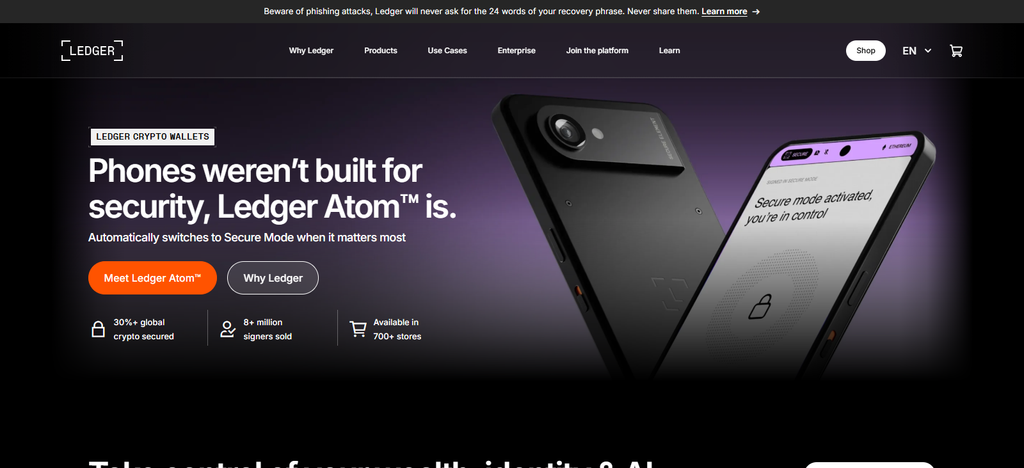
Depending on the device and the Ledger Wallet software, Ledger supports Bitcoin, Ethereum, Solana, XRP and thousands of other coins and tokens.
Backup and recovery rely on a 24-word Secret Recovery Phrase that users must keep safe offline. You need to buy the Ledger hardware the first time round, and then there are blockchain network fees and optional fees for buying, selling or swapping services.
How does Ledger work (how does Ledger work)
- Private Key Storage: The wallet generates and holds private keys within its Secure Element chip, isolating sensitive credentials from connected devices.
- Device Setup: Users connect their Ledger hardware wallet to a computer or smartphone and configure the device, setting up a secure PIN.
- Crypto Management: Users can check balances, manage supported cryptocurrencies and send and receive digital currencies using Ledger Wallet.
- Transaction Approval: The application creates transactions and validates them on the hardware device itself for users to approve.
- Backup and Recovery: Ledger generates a 24-word Secret Recovery Phrase to protect and use to recover your wallet
Ledger – Pros & Cons
| Pros | Cons |
|---|---|
| Secure Element chip provides additional hardware-level protection. | Hardware devices require an upfront purchase. |
| Private keys remain protected offline. | Beginners may need time to understand hardware operations. |
| Supports numerous cryptocurrencies and blockchain networks. | Some advanced features require additional applications. |
| Provides PIN protection and recovery phrase backup. | Losing recovery information can permanently restrict access. |
| Supports integration with selected third-party wallets. | Buying, swapping, and staking services may involve additional fees. |
2. Trezor (Established in 2013)
Founded in 2013, Trezor released one of the first hardware wallets for cryptocurrency. The security design is based on offline private key storage, PIN protection on the device, firmware verification and full transparency of the open-source software.
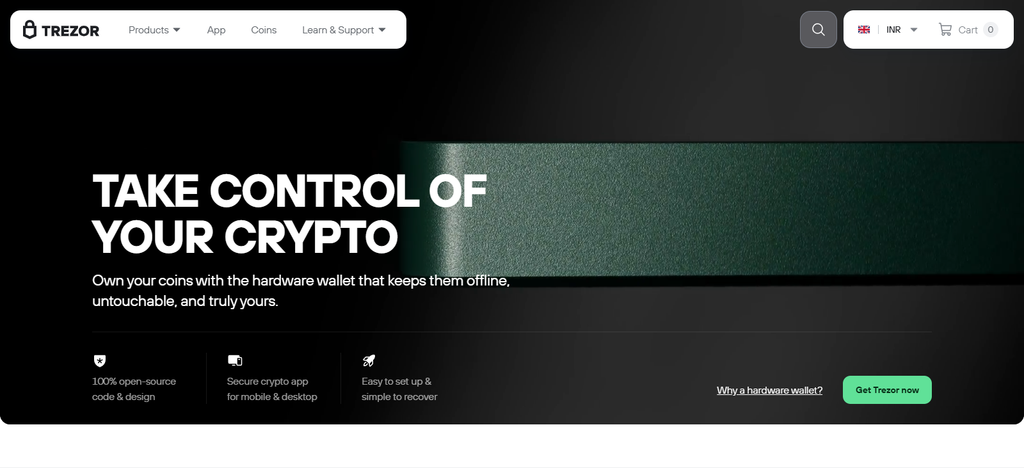
Secure Element protection is also included on selected newer models. Trezor supports Bitcoin, Ethereum, Solana, Litecoin and thousands of other cryptocurrencies and tokens, depending on the model.
Standard recovery seed phrases and Shamir Backup on compatible devices are the backup options. Wallet software is free but hardware devices need to be purchased . Fees from the blockchain network and optional fees from third parties may apply .
How does Trezor work ?
- Wallet initialization: The user plugs in their Trezor hardware wallet, follows the setup instructions, and configures a PIN and recovery backup.
- Private Key Generation: Private keys are generated directly on the Trezor device, enabling users to control their cryptocurrencies without ever exposing the signing keys to their computers.
- Asset Management: Trezor Suite allows users to view balances, receive cryptocurrencies, send transactions, and manage supported digital currencies.
- Transaction Verification: Users check transaction information on the hardware wallet screen and physically confirm transactions before signing.
- Recovery process: Trezor can recover lost or replaced devices by using recovery seed phrases or supported Shamir Backup methods.
Trezor – Pros & Cons
| Pros | Cons |
|---|---|
| Open-source software supports greater transparency. | Hardware devices require an initial investment. |
| Keeps private keys offline during normal operation. | Some models offer fewer features than competing devices. |
| Supports PIN protection and recovery backups. | Initial setup may be difficult for beginners. |
| Compatible with multiple cryptocurrencies and tokens. | Certain assets require third-party wallet integrations. |
| Offers Shamir Backup on compatible devices. | Some advanced recovery features require additional knowledge. |
3. Trust Wallet (Founded in 2017)
Trust Wallet is a non-custodial cryptocurrency wallet, founded in 2017, which provides mobile and browser-based asset management. Security architecture includes local control of private keys, encrypted wallet information, biometric or password protection, security monitoring and transaction risk warnings.
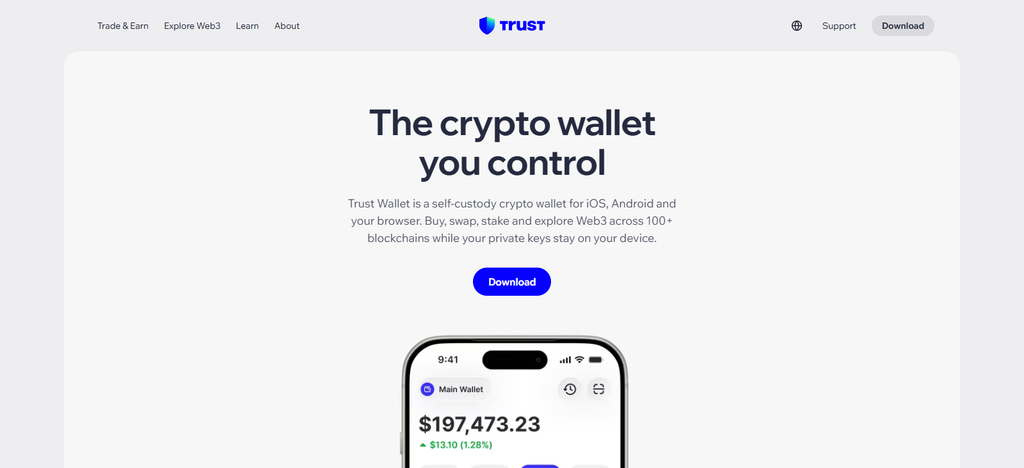
It supports Bitcoin, Ethereum, Solana, BNB Chain and many other blockchain networks and tokens. Backup and recovery typically relies on a 12-word Secret Recovery Phrase that users need to keep safe themselves. The wallet is free to install and use for storage but there may be fees for blockchain network fees, in-app swap charges, and third-party purchasing fees.
How Does Trust Wallet Function?
- Creating a wallet: Users download Trust Wallet, create a new wallet, and save the Secret Recovery Phrase given.
- Private Key Management: The app stores private keys locally, giving the user control of their cryptocurrency rather than relying on a custodial exchange.
- Crypto Storage: Users are able to receive, send and manage supported cryptocurrencies and tokens across multiple blockchain networks.
- DApp Connections: Access to decentralized applications is included with Trust Wallet, permitting users to connect with supported Web3 platforms and blockchain services.
- Transaction execution: Users simply choose an asset, input recipient details, review network fees and approve transactions all through the wallet interface.
Trust Wallet – Pros & Cons
| Pros | Cons |
|---|---|
| Free mobile and browser-based wallet access. | Hot-wallet architecture carries online security risks. |
| Supports numerous cryptocurrencies and blockchain networks. | Recovery phrase security depends heavily on users. |
| Provides built-in decentralized application access. | Customer support options may be limited. |
| Allows users to control their private keys. | Network and swap fees can increase transaction costs. |
| Offers convenient token management and portfolio viewing. | Some advanced features may confuse beginners. |
4. MetaMask (Founded in 2016)
MetaMask was developed in 2016 by Consensys to assist people in managing Ethereum-based cryptocurrency and decentralized apps. Its security architecture includes self-custody private key management, encrypted local storage, password protection and transaction security alerts.

It supports Ethereum, ERC-20 tokens and many EVM compatible networks, plus Bitcoin and Solana features. Users can recover their traditional wallet using their Secret Recovery Phrase, and compatible hardware wallets provide additional key protection.
MetaMask is free to download, but transaction costs may increase due to Ethereum gas fees, network transaction costs, and applicable in-app swap or bridge service charges.In their opinion, the latter is not a necessary condition for the former.
How MetaMask Works
- Wallet Installation: The user installs MetaMask (browser extension or mobile app) and creates a new wallet with password and recovery phrase.
- Account Management: MetaMask generates wallet accounts and holds private keys locally to enable users to control supported blockchain assets.
- Network Connectivity: Users connect with Ethereum and other compatible blockchain networks for token access, decentralized applications and smart contract services.
- Transaction Signing: Users review transaction details and confirm requests to transfer tokens or interact with decentralized apps using MetaMask.
- Backup & Recovery: Users secure their Secret Recovery Phrase and use it to restore wallet accounts when changing devices or reinstalling the application.
MetaMask – Pros & Cons
| Pros | Cons |
|---|---|
| Strong integration with Ethereum-based applications. | Beginners may find network configuration complicated. |
| Supports multiple EVM-compatible blockchain networks. | Users must carefully verify transaction approvals. |
| Provides browser extension and mobile applications. | Phishing and malicious smart contract risks remain. |
| Allows users to manage tokens and DeFi interactions. | Network gas fees can become expensive. |
| Supports hardware wallet connections. | Some non-EVM assets require separate wallet solutions. |
5. Coinbase Wallet (Founded in 2017)
In 2017, Coinbase Wallet was released as a self-custody wallet, allowing users to hold digital currencies without having to trust a centralized exchange account. Private keys are managed locally, security features include encrypted storage, password or biometric authentication and optional hardware-wallet connectivity.
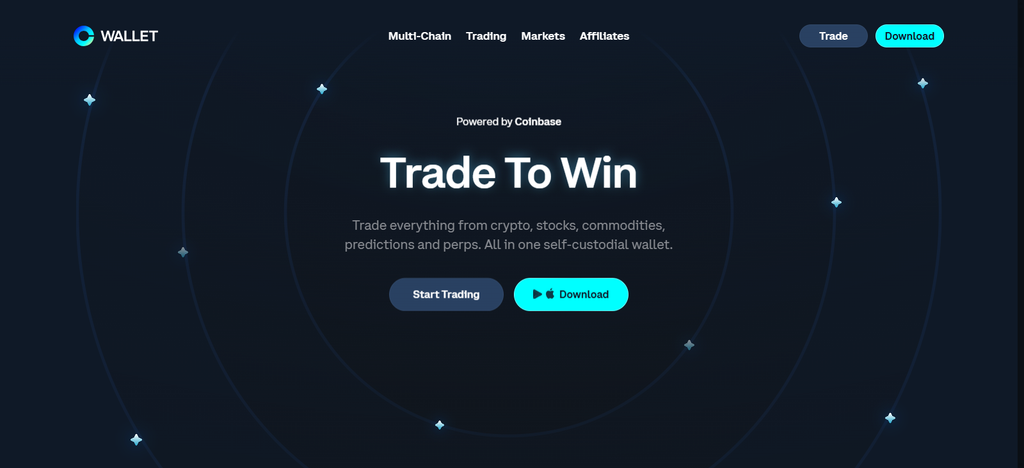
It supports Bitcoin, Ethereum, Solana and a bunch of other EVM-compatible networks but availability changes based on wallet type and supported network changes.
Backup and recovery options include traditional recovery phrase and newer passkey based smart wallet options. The wallet is free to download, but you may incur network gas fees, charges for purchasing cryptocurrency, and swap-related costs.
How Does Coinbase Wallet Operate?
- Wallet Creation: Users create a self-custody wallet using the Coinbase Wallet application or supported wallet experience and configure available security options.
- Private Key Protection: Thanks to the wallet’s self-custody architecture, users can have control over their own private keys and digital possessions.
- Asset Management: Users can receive, send, store and manage supported cryptocurrencies and tokens on compatible blockchain networks.
- Web3 Connectivity : Coinbase Wallet allows users to connect with supported decentralized applications, NFT platforms and blockchain-based services.
- Transaction Approval: Users can view recipient addresses, transaction details and any network fees that apply before approving transfers or smart contract interactions.
Coinbase Wallet – Pros & Cons
| Pros | Cons |
|---|---|
| Provides self-custody and independent private key control. | Beginners may confuse it with the Coinbase exchange account. |
| Supports multiple cryptocurrencies and blockchain networks. | Some advanced features depend on network compatibility. |
| Offers access to decentralized applications and NFTs. | Network transaction fees still apply. |
| Provides mobile and browser-based wallet experiences. | Certain buying and swapping services involve additional charges. |
| Supports convenient wallet recovery options in compatible configurations. | Users remain responsible for protecting their recovery credentials. |
6. Phantom (Established 2021)
Phantom was founded in 2021 and was originally built as a Solana-centric crypto wallet before expanding to multichain capabilities. Its security framework features self-custody private key management, encrypted local storage, biometric authentication, transaction simulation, and scam detection.
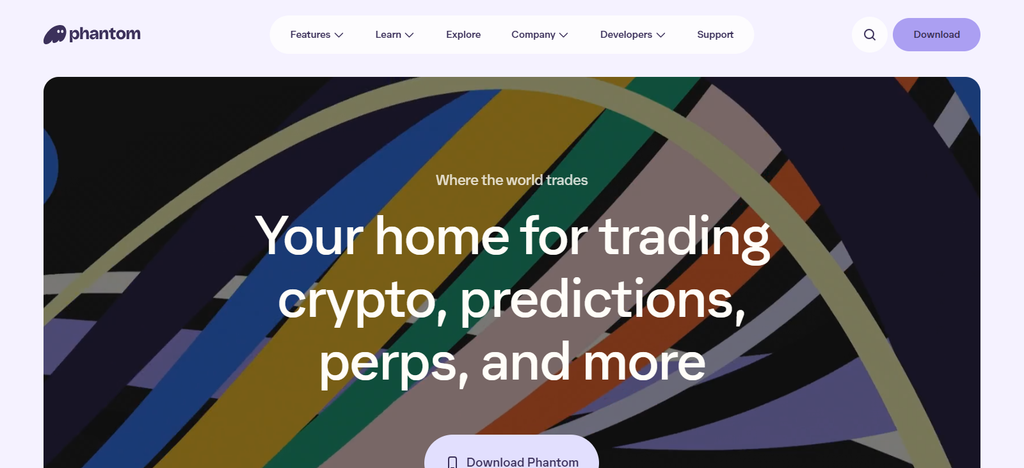
It supports Solana, Ethereum, Bitcoin, Polygon and other selected blockchain networks. You’ll normally back up and recover using a Secret Recovery Phrase, with supported account configurations that may enable additional recovery options.
Phantom is free to download and install, but users will be charged any applicable blockchain network fees and transaction-related service fees, including fees related to certain in-wallet swaps and cross-chain activity.
How Phantom Works?
- Wallet Setup: Users install Phantom on a supported device, create a wallet and save their recovery info securely.
- Self-Custody of Private Keys: Phantom follows a self-custody model. The user holds the private keys locally instead of storing them in a central exchange.
- Multichain Management: Users manage assets for supported blockchains like Solana, Ethereum, Bitcoin and other compatible blockchains in a single wallet interface.
- Transaction Simulation: Phantom gives users transaction previews and security warnings to help them spot malicious activities before approving transactions.
- Send and receive: Users choose the cryptocurrencies, enter the wallet addresses, check transaction details and network fees, and confirm the transfers.
Phantom – Pros & Cons
| Pros | Cons |
|---|---|
| User-friendly interface for managing digital assets. | Some features remain dependent on supported networks. |
| Strong integration with the Solana ecosystem. | Hot-wallet security risks cannot be completely eliminated. |
| Supports selected multichain assets and applications. | Recovery information must be stored securely by users. |
| Provides transaction previews and scam detection features. | Some swaps and cross-chain transactions involve additional costs. |
| Offers NFT and decentralized application management. | Advanced users may require additional wallet integrations. |
7. Rabby Wallet (Launched in 2021)
The DeBank team launched Rabby Wallet in 2021, aimed at Ethereum and decentralized finance users. Its security architecture includes locally stored encrypted private keys, transaction simulation, suspicious contract detection, risk warnings and token approval management.
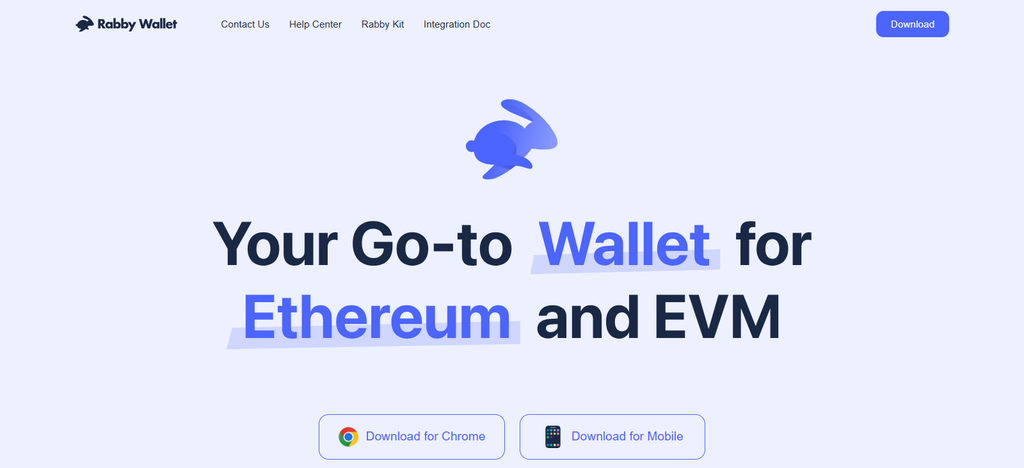
It supports over 100 EVM-compatible blockchain networks such as Ethereum, Arbitrum, Optimism, Base, Polygon and BNB Chain. Backup and recovery works with a recovery phrase. Compatible Ledger, Trezor and other hardware wallets add extra security. Rabby is free to use, except for blockchain gas fees and applicable in-wallet swap fees.
How Does Rabby Wallet Function?
- Wallet Installation: Users install Rabby as a browser extension and create a wallet or import an existing account with compatible recovery credentials.
- Private Key Security: Rabby encrypts and stores wallet information locally, giving users control of their own private keys.
- Network detection: when users interact with decentralized applications, the wallet will automatically detect supported EVM-compatible networks.
- Transaction Simulation: Rabby shows previews of transaction outcomes and flags potential risks, token changes and suspicious contract interactions.
- Transaction Confirmation: Users can see transaction details, network fees, and approval requests before signing and broadcasting the transaction.
Rabby Wallet – Pros & Cons
| Pros | Cons |
|---|---|
| Automatically detects supported EVM networks. | Primarily focused on EVM-compatible ecosystems. |
| Provides transaction simulation before signing. | Beginners may find DeFi features complicated. |
| Offers suspicious transaction and approval warnings. | Browser-based access introduces online security risks. |
| Supports hardware wallet integrations. | Some blockchain networks may require manual configuration. |
| Provides token approval management features. | Users must still review transaction details carefully. |
8. Exodus (Established in 2015)
JP Richardson and Daniel Castagnoli created Exodus in 2015 as a cryptocurrency wallet that puts an emphasis on accessibility and portfolio management. Its security architecture is built on non-custodial private key management, encrypted local wallet information, password protection and optional hardware wallet integration.
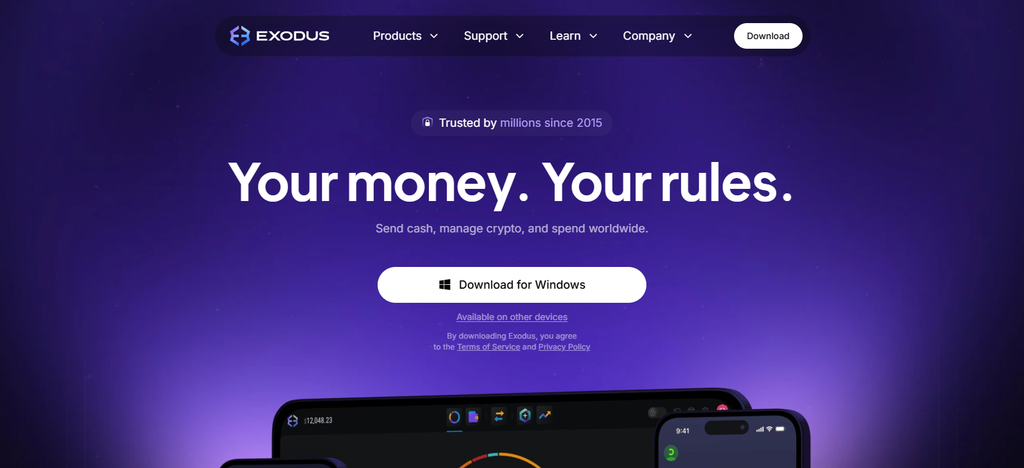
It supports Bitcoin, Ethereum, Solana and hundreds more cryptocurrencies and tokens on supported networks. Backup and recovery are based on a wallet recovery phrase, which enables the user to recover access on compatible devices.
Exodus can be downloaded for free, but users should consider network transaction fees, in-app exchange spreads and third-party purchasing charges when calculating the overall costs of transactions.
How Exodus Works
- Wallet Setup: Users download Exodus on a compatible desktop or mobile device and create a new wallet.
- Wallet Security: Exodus creates private keys and stores them on your device, giving you full control of your crypto.
- Portfolio Management: An application central dashboard shows cryptocurrency balances, portfolio values and information on supported assets.
- Crypto Transactions: Users choose supported cryptos, input recipient addresses, verify transaction fees, and confirm transfers.
- Backup and Recovery: Users safeguard their recovery phrase and employ compatible recovery procedures to regain access to their wallet on another device.
Exodus – Pros & Cons
| Pros | Cons |
|---|---|
| Simple interface suitable for cryptocurrency beginners. | Does not provide the same offline protection as dedicated hardware wallets. |
| Supports desktop and mobile wallet management. | Some advanced security features require hardware integrations. |
| Offers portfolio tracking and asset management. | In-app exchange services may include additional costs. |
| Supports multiple cryptocurrencies and blockchain networks. | Some supported assets have limited functionality. |
| Provides hardware wallet integration with compatible devices. | Recovery phrase protection remains the user’s responsibility. |
9. Guarda Wallet (2017)
Guarda Wallet was founded in 2017 and started with Ethereum wallet services, and later became a multichain cryptocurrency management platform. The security architecture is based on the non-custodial model, meaning that the user holds the private keys and the backup information, and they are not stored on the company servers.

It supports Bitcoin, Ethereum, Litecoin, XRP and many other blockchains and tokens. You can back up and recover your wallet using wallet encrypted backups, recovery phrases and individual private keys.
Guarda is accessible across desktop, mobile, and web platforms. Wallet storage is generally free, but may incur network transaction fees, in-app exchange fees and third-party payment processing fees.
How Guarda Wallet Works
- Account Setup: Users download Guarda’s desktop, mobile or web application and create or import a cryptocurrency wallet.
- Private Key Control: Guarda uses a non-custodial model, giving users control over their private keys and digital possessions.
- Multi-chain access: Users can manage supported cryptocurrencies and tokens across different blockchain networks in a single wallet interface.
- Integrated Services: The platform offers supported cryptocurrency exchange, purchase, staking and other digital asset management services.
- Backup and Recovery: Users can backup their wallet information securely with available recovery phrases, private keys or encrypted backup options.
Guarda Wallet – Pros & Cons
| Pros | Cons |
|---|---|
| Supports desktop, mobile, and web wallet access. | Web-based access requires additional security awareness. |
| Provides non-custodial private key management. | Some services may involve higher transaction costs. |
| Supports numerous cryptocurrencies and blockchain networks. | Interface complexity can challenge first-time users. |
| Includes exchange and staking capabilities for supported assets. | Availability of services varies by cryptocurrency and region. |
| Provides multiple wallet backup and recovery options. | Users must securely protect their backup information. |
10. Keystone (Established in 2018)
Founded in 2018, Keystone focuses on air-gapped hardware wallets for offline cryptocurrency security. Its security architecture includes Secure Element chip, open-source firmware, QR-code transaction communication, PIN protection and physical security features.
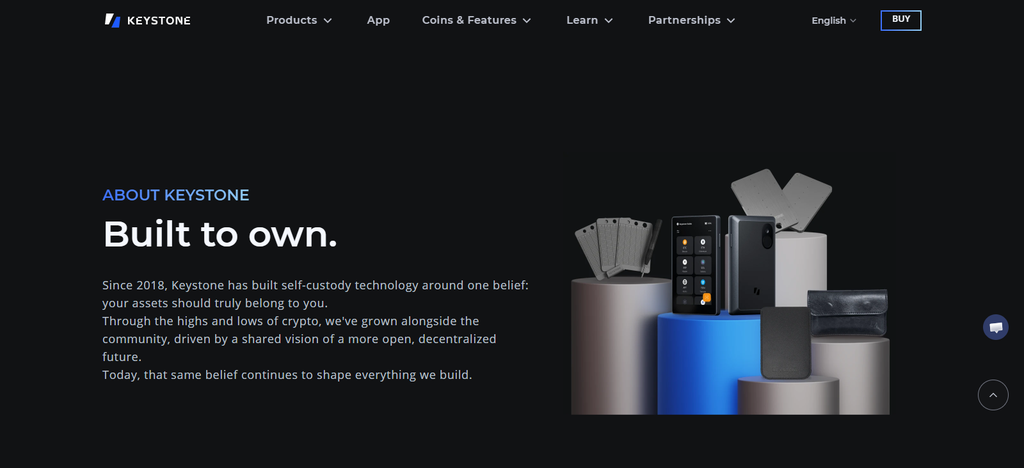
Depending on the wallet’s compatibility, it supports Bitcoin, Ethereum, XRP, Litecoin, Tron, Polkadot, and over 1,000 other cryptocurrencies and tokens.
Backup and recovery via BIP39-compatible recovery phrases (optional passphrase protection) Keystone requires an initial hardware purchase and blockchain network fees and any third-party exchange or service charges apply when buying, selling or transferring cryptocurrencies.
How Does Keystone Work?
- Hardware Wallet Setup: Users set up their Keystone hardware device, set a PIN and generate a wallet recovery phrase.
- Offline Key Protection: Keystone keeps private keys isolated inside the hardware device, limiting exposure to internet-connected computers and smartphones.
- QR-Code Communication: Users generate transactions using a compatible wallet app and transmit transaction details to Keystone via QR codes.
- Offline Transaction Signing: Keystone signs approved transactions and confirms transaction details offline, without connecting the device to the internet.
- Backup & Recovery: Users securely store their recovery phrase and use compatible wallet software or hardware to regain access when needed.
Keystone – Pros & Cons
| Pros | Cons |
|---|---|
| Air-gapped design reduces direct internet exposure. | Requires additional steps for transaction signing. |
| Secure Element technology provides hardware-level protection. | Hardware purchase increases initial costs. |
| QR-code communication supports offline transaction signing. | QR-based workflows may feel complicated for beginners. |
| Supports recovery phrases and compatible wallet integrations. | Some features depend on third-party wallet compatibility. |
| Suitable for long-term cryptocurrency storage. | Less convenient than mobile wallets for frequent transactions. |
Conclusion
The best crypto wallet for you will depend on your security needs, investing goals and experience with digital currencies. If you want to keep your private keys offline, you’ll want to look at Ledger, Trezor, and Keystone.
If you want easy access to your cryptocurrencies and decentralized applications, check out Trust Wallet, MetaMask, Phantom, and Rabby. Coinbase Wallet, Exodus, and Guarda also provide more options for managing multiple digital currencies across different devices.
Before you decide, you should compare the wallet’s security architecture, supported networks, backup and recovery methods, transaction costs and ease of use. At the end of the day, the right wallet should balance asset protection, accessibility, and long-term usability.
FAQ
Which crypto wallet is best for security?
Ledger, Trezor, and Keystone are popular hardware wallet options for users prioritizing offline private key storage. Their security features help reduce exposure to online threats, although safe recovery phrase storage remains essential.
Are hardware wallets safer than software wallets?
Hardware wallets generally provide stronger protection against online attacks because private keys remain isolated from internet-connected devices. Software wallets offer greater convenience but may face additional phishing and malware risks.
Which crypto wallet is best for beginners?
Trust Wallet, Exodus, and Coinbase Wallet offer user-friendly interfaces and straightforward cryptocurrency management features. Beginners should compare setup requirements, supported assets, transaction costs, and recovery options before choosing.
Can I store Bitcoin and Ethereum in one crypto wallet?
Yes. Wallets such as Ledger, Trezor, Trust Wallet, Exodus, and Guarda support both Bitcoin and Ethereum. However, supported networks and token compatibility vary by wallet and device.