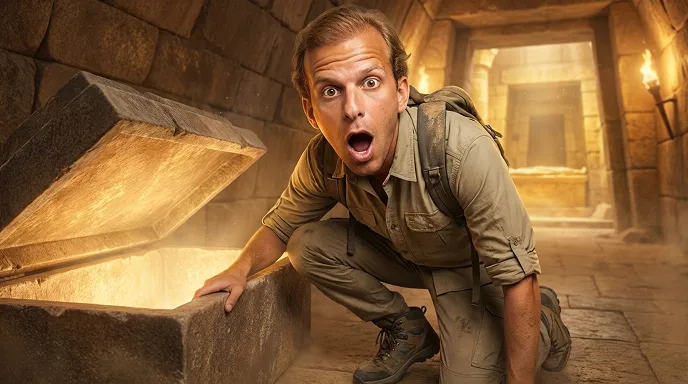

This is why in this article I will present to you the Best AI Thumbnail & Title Tools For Gaming Creators that help YouTubers create hot thumbnails and catchy titles quickly.
- What is Thumbnail AI Tools?
- Why Best AI Thumbnail & Title Tools for Gaming Creators
- Save Time in Content Creation
- Increase Click-Through Rate (CTR)
- Beginner-Friendly Design Process
- SEO-Optimized Video Titles
- Consistent Channel Branding
- Faster Video Publishing Workflow
- Data-Driven Performance Improvement
- Creative Ideas & Trend Suggestions
- Key Point & Best AI Thumbnail & Title Tools for Gaming Creators
- 1. Canva AI
- Canva AI — Details
- Canva AI — Pros & Cons
- 2. Fotor AI
- Fotor AI — Details
- Fotor AI — Pros & Cons
- 3. Snappa AI
- Snappa AI — Details
- Snappa AI — Pros & Cons
- 4. Adobe Express AI
- Adobe Express AI — Details
- Adobe Express AI — Pros & Cons
- 5. Crello AI (VistaCreate)
- Crello AI (VistaCreate) — Details
- Crello AI (VistaCreate) — Pros & Cons
- 6. Kapwing AI Studio
- Kapwing AI Studio — Details
- Kapwing AI Studio — Pros & Cons
- 7. TubeBuddy AI
- TubeBuddy AI — Details
- TubeBuddy AI — Pros & Cons
- 8. Designify AI
- Designify AI — Details
- Designify AI — Pros & Cons
- 9. Hotpot AI
- Hotpot AI — Details
- Hotpot AI — Pros & Cons
- 10. Simplified AI
- Simple AI — Details
- Simplified AI — Pros & Cons
- Conclusion
- FAQ
AI tools speed up content creation, enhance the visibility of your video and help you connect to larger audiences. These tools to grow a twitch channel will help every gamer, whether you are an amateur or a pro.
What is Thumbnail AI Tools?
Thumbnail AI tools are simple software, often powered by artificial intelligence (AI), enabling creators to automatically create stunning video thumbnails without extensive graphic design skills. These tools examine colors, layout/design elements such as facial expressions and text positioning to produce attractive thumbnails that maximize clickthrough rates.
Well-known platforms like Canva, Adobe Express and Fotor rely heavily on a variety of AI functionality including background removal for images, smart image enhancement features that make it easy to remove unwanted elements from photos as well as various layouts or templates used by gaming coach creators & YouTubers who want professional thumbnails in less time with improved video performance.
Why Best AI Thumbnail & Title Tools for Gaming Creators
Save Time in Content Creation
These AI tools automatically create thumbnails and titles, often within minutes instead of the click-bait generalization by hand saving gaming creators a ton of time focusing on gameplay recording while paying more attention to cutting their footage than uploading.
Increase Click-Through Rate (CTR)
You instantly call for them with the headings and scratch cards that ascends to potential buyers like thumbs. It uses AI to analyze trending styles, colors and keywords that could potentially lead to more clicks (as well as general video success).
Beginner-Friendly Design Process
Thanks to drag-and-drop templates, automatic layouts and smart AI suggestions even creators with no graphic design experience can create professional thumbnails.
SEO-Optimized Video Titles
AI title generators offer keyword-rich headlines that will help your gaming videos rank higher in YouTube searches and recommendations.
Consistent Channel Branding
AI tools also help ensure that the fonts, colors and design style remain constant across all thumbnails from one gamer channel so a gaming channel does not look very different than another giving it an amateurish undefined touch; instead making it appear professional without losing brand identity!
Faster Video Publishing Workflow
Less time spent editing means that gaming creators can upload videos regularly — and this is one of the biggest indicators for a growing channel.
Data-Driven Performance Improvement
Almost all the AI tools will offer you analytics, A/B tests and performance insights to find out which thumbnail or title gets more viewers.
Creative Ideas & Trend Suggestions
AI suggests top trending design styles, types of games and formats for title used in videos to help creators compete successfully with existing content on YouTube within the gaming niche.
Key Point & Best AI Thumbnail & Title Tools for Gaming Creators
| AI Tool | Key Points |
|---|---|
| Canva AI | Easy drag-and-drop editor, AI thumbnail generator, gaming templates, background remover, text-to-image support. |
| Fotor AI | AI photo enhancement, one-click thumbnail design, gaming effects, AI background remover, fast image editing tools. |
| Snappa AI | Beginner-friendly interface, pre-sized YouTube thumbnails, stock images library, quick text customization options. |
| Adobe Express AI | Professional AI design tools, auto resize feature, premium fonts, advanced image editing, brand kit integration. |
| Crello AI (VistaCreate) | Animated thumbnails, gaming design templates, drag-and-drop editing, motion graphics support, social media presets. |
| Kapwing AI Studio | AI title generator, thumbnail editor, video-to-thumbnail capture, collaborative editing, cloud-based workflow. |
| TubeBuddy AI | AI title suggestions, SEO optimization tools, keyword research, click-through rate improvement, YouTube integration. |
| Designify AI | Automatic background removal, AI image enhancement, product-style thumbnails, lighting correction, smart edits. |
| Hotpot AI | AI art generator, thumbnail maker, text-to-image designs, gaming artwork creation, simple customization tools. |
| Simplified AI | AI design + copywriting combo, thumbnail creation, title generator, brand management, social media automation. |
1. Canva AI
Canva AI is among the most favorite design apps for gaming creators looking to provide professional thumbnails without previous editing experience. The platform provides AI-based design recommendations, background removal at the click of a button Magic Design templates and gaming fonts to allow creators fast creation of stunning visual content. It includes text-to-image generation and smart resizing for different platforms.
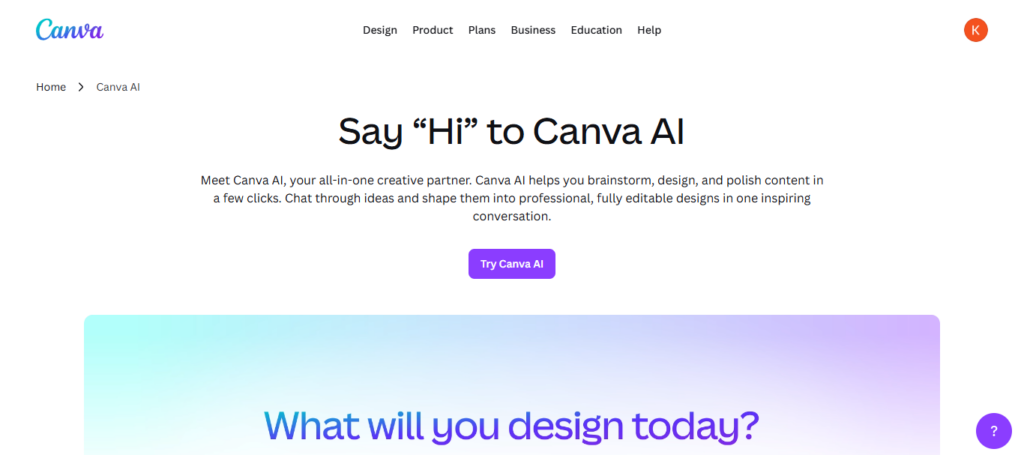
Canva AI is a game changer along your journey in the middle of using Best AI Thumbnail & Title Tools for Gaming Creators because it allows both novices and experts to create viral quality YouTube thumbnails, titles templates that align with branding search query consistency while drastically enhancing click-through rates.
Canva AI — Details
- AI Magic Design generates game thumbnails from text prompts automatically.
- A novice-friendly Drag-and-drop easy editor and pro-creator for gaming
- AI Background Remover for character or gameplay cutouts in no time.
- ∗Wide collection of gaming fonts, effects, stickers and templates.
- Magic Write AI will help you to creating compelling titles and captions for YouTube
Canva AI — Pros & Cons
| Pros | Cons |
|---|---|
| Easy drag-and-drop interface for beginners | Advanced features require Pro plan |
| Magic Design creates thumbnails instantly | AI output sometimes looks generic |
| Huge template & font library | Limited deep photo editing |
| Background remover & image enhancer | Internet connection required |
| Team collaboration features | Export quality limits in free version |
2. Fotor AI
Fotor AI Fotor AIFotor gives an instant boost to thumbnails of gaming You Tube channels with its strong powered AI image editing features. A one-click photo enhancer, AI background remover (for post-production celebrity-like glamour), HDR effects and its gaming-centric filters allow creators to elevate screenshots into professional thumbnails. One aspect of the film that it contains is AI text effects for ensuring title visibility and engagement.
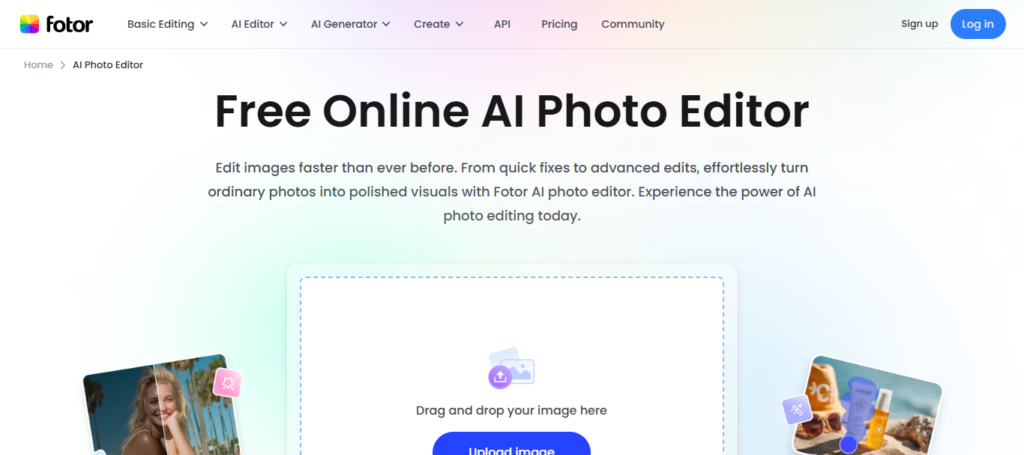
This is where Fotor AI comes in when navigating the Best AI Thumbnail & Title Tools for Gaming Creators as it provides a balance of simple user interface and advanced tools. As a result, even creators with zero graphic design experience are now able to create sharp and colorful thumbnails that entice viewers to click through and also improve video performance on more competitive gaming platforms.
Fotor AI — Details
- Social media an gaming channel AI thumbnail maker
- Crisp gameplay visuals Click one-click AI photo enhancement
- AI Background Remover and portrait retouch tools
- ✔ Fully designed YouTube thumbnail templates to quick-edit.
- AI text generator is used to write titles, headlines and descriptions.
Fotor AI — Pros & Cons
| Pros | Cons |
|---|---|
| Strong AI photo enhancement tools | Free version includes watermark |
| AI background remover works fast | Limited video editing support |
| One-click thumbnail improvement | Templates fewer than Canva |
| AI portrait & gaming effects | Premium assets locked |
| Beginner-friendly interface | Slow processing on large files |
3. Snappa AI
Best For Gaming Creators Need Fast Thumbnails Snappa AI is made for speed and simplicity. Comes with resizable Youtube Thumbnail pre-made templates, drag and drop editor to insert stock imagery or text quickly.
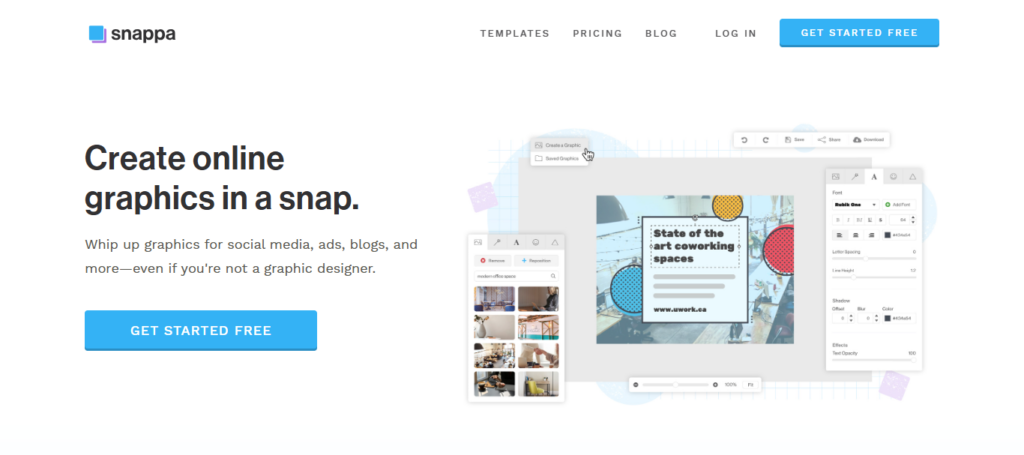
With a clean interface, Creators can design professional graphics without any technical complexity. Snappa AI saves hours of manual resizing, no more complex editing & best suitable for Gamers as it is in our list of Best Gaming Creators Ai Thumbnail make and Title Generator tools.
Gaming YouTubers are able to create enticing titles & thumbnails, keep branding consistent across their channels and upload faster while spending more time on gameplay/content creation.
Snappa AI — Details
- Evanto * An easy way for designers to create thumbnails within minutes
- Blank YouTube gaming thumbnail templates with the set size
- Stock photos and gaming graphic elements built-in
- Fast, fast text editing using fonts from modern games.
- Save in the cloud for easy access from any device
Snappa AI — Pros & Cons
| Pros | Cons |
|---|---|
| Very simple thumbnail creator | Limited AI automation features |
| Built for social media graphics | Small template collection |
| Fast workflow for YouTubers | Not ideal for advanced designers |
| Easy text & overlay tools | Few advanced animations |
| Cloud-based access anywhere | Free version export limits |
4. Adobe Express AI
Adobe Express AI offers professional-grade design abilities using Adobe’s creative technology. It covers: AI image generation, auto-resizing feature, premium fonts option to pick from as many options including the brand kit and photo editing features are perfect for gaming thumbnail. Ensuring so the creators are able to have a consistent branding across videos and socials.
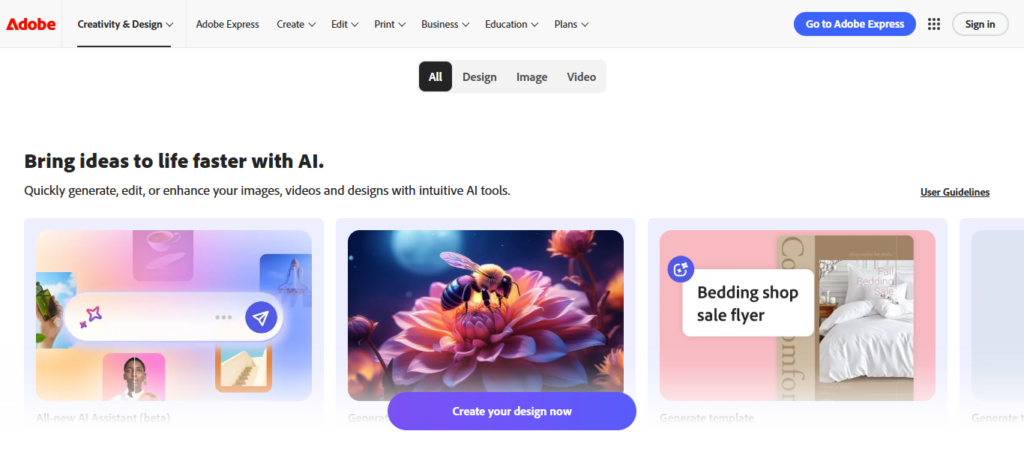
So as a leader in the round up on Best AI Thumbnail & Title Tools for Gaming Creators, Adobe Express AI brings professional performance to those who want it simple. Gaming creators can create cinematic thumbnails, headlines that pop and sleek designs all in the same suite that power YouTube’s top channels — backed by Adobe’s trusted ecosystem.
Adobe Express AI — Details
- A professional image generator powered by Adobe Firefly AI
- AI Generative Fill for altering or extending thumbnail designs
- Resize for YouTube, Shorts & social platforms in just one click.
- Elite fonts and cinematic design tools.
- Brand kit feature relies on gaming channel branding.
Adobe Express AI — Pros & Cons
| Pros | Cons |
|---|---|
| Professional design quality | Learning curve for beginners |
| AI text effects & image generation | Some tools locked behind subscription |
| Adobe ecosystem integration | Heavy browser usage |
| Brand kit & font automation | Slower on low-end PCs |
| High-resolution exports | Limited free credits |
5. Crello AI (VistaCreate)
Crello AI now VistaCreate These are mainly meant for animated and more visually vibrant designs, which work great with gaming content. It comes with thousands of templates, motion graphics, stickers and animated text effects to make eye-catching thumbnails.
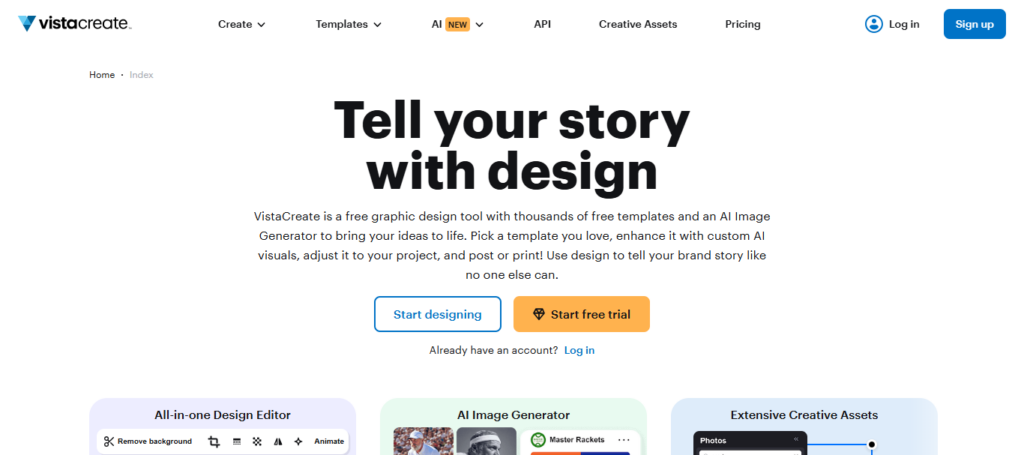
While a drag-and-drop editor is nice and all to make things stupid simple — I do like some creative flexibility. Category : Best AI Thumbnail & Title Tools For Gaming Creators VistaCreate gives you a way to creator amazing and engaging graphics by adding movement (and energy) into them. Gaming YouTubers can make colorful thumbnails and matching titles which grab at people as of nowakasand drive them to click the video quickly.
Crello AI (VistaCreate) — Details
- Animated Thumbnail Templates For Eye-Catching Gaming Content!
- AI-driven design tips and best practices by content type
- Huge Collection of Motion Graphic and Gaming Assets.
- Background remover and one-click editing tools
- Publish directly for social media and YouTube promotion.
Crello AI (VistaCreate) — Pros & Cons
| Pros | Cons |
|---|---|
| Animated thumbnail support | Smaller community vs Canva |
| Ready-made gaming templates | AI tools less advanced |
| Easy social media resizing | Limited integrations |
| Background remover included | Premium animations paid |
| Beginner friendly interface | Less AI automation overall |
6. Kapwing AI Studio
Kapwing AI Studio is an online creative platform that combines video editing, thumbnail creation and AI title generation in one place. This feature recognizes when creators are in their gameplay video, capture a selection of frames from that footage, edit them into thumbnails then generate catchy titles with AI suggestions.
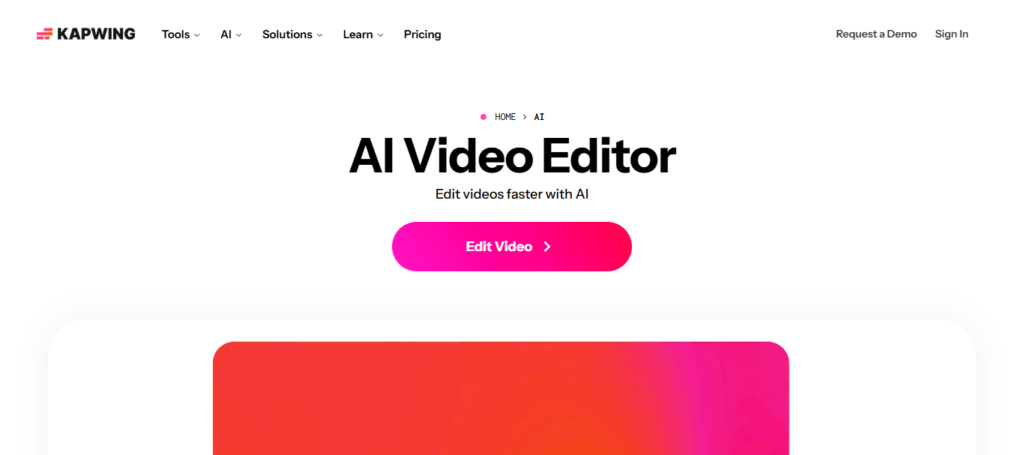
It is a collaborative cloud system making it easier for gaming channels or editors to work together. Kapwing AI Studio is one of the Best AI Thumbnail & Title Tools for Gaming Creators because it integrates video editing with thumbnail making. This single workflow ensures creators can use consistent visuals, edit with less time and optimize content quicker for channel growth on YouTube.
Kapwing AI Studio — Details
- AI subtitle and caption generator for games videos
- Smart video cut and highlight detection
- Imperative for co-editing on cloud teams / Creator workspace
- Tools for generating AI memes and thumbnails
- Automatic support for several content platforms.
Kapwing AI Studio — Pros & Cons
| Pros | Cons |
|---|---|
| AI video + thumbnail editing combined | Free plan watermark |
| Auto captions & subtitle generator | Rendering sometimes slow |
| Online collaborative editing | Requires strong internet |
| Meme & gaming content friendly | Limited offline support |
| AI resizing for platforms | Premium export required |
7. TubeBuddy AI
While TubeBuddy AI is mainly a YouTube growth and optimization tool, thumbnail & title performance plays an essential role. Key features: AI title suggestions, keyword research, SEO analysis, A/B testing and CTR tracking.
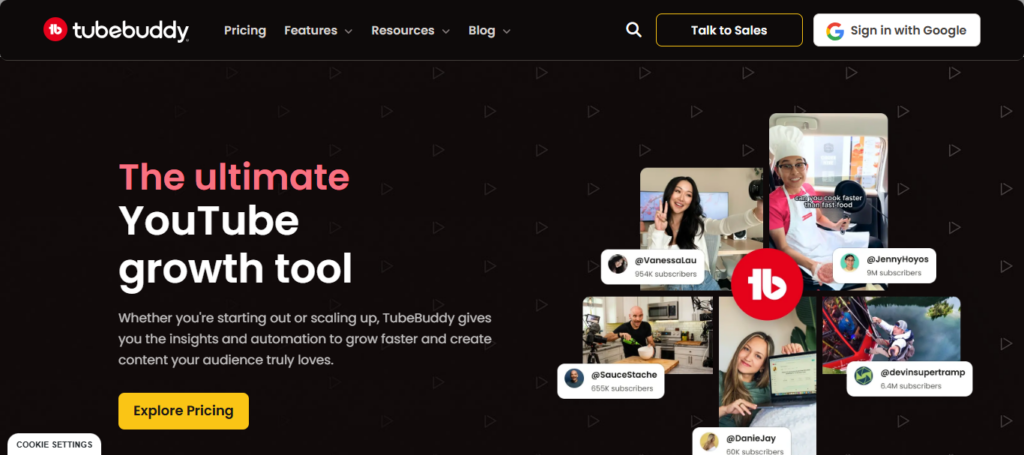
For example, gaming creators can trial different titles and thumbnails to see which performs well. When talking about Best AI Thumbnail & Title tools for Gaming Creators, TubeBuddy AI has to exist considering it’s the one tool that leverages data over guesswork. Based on viewing and search activity, creators can create the optimal title and thumbnail to earn more clicks (and thus better video rankings).
TubeBuddy AI — Details
- YouTube SEO rankings AI Title generator
- Keyword research tools to find gaming niches.
- A/B Testing Thumbnails to Optimize for Click Through Rate
- When someone uploads a new content, the AI engine can suggest description and tags.
- Analytics that computes data over real-time to get a clear update on how your video is performing.
TubeBuddy AI — Pros & Cons
| Pros | Cons |
|---|---|
| AI title & SEO suggestion tool | Not a design editor |
| Keyword research for YouTube | Requires YouTube connection |
| Thumbnail A/B testing | Limited free analytics |
| Boosts video discoverability | Subscription needed for full features |
| Competitor analysis tools | Works mainly inside YouTube |
8. Designify AI
Whether it is an automatic enhancement of the images or background optimization, Designify AI does all the work for you and suits best to create gaming thumbnails which are captured through screen shots. Instantly remove backgrounds, adjust light and color, add professional design adjustments in seconds.
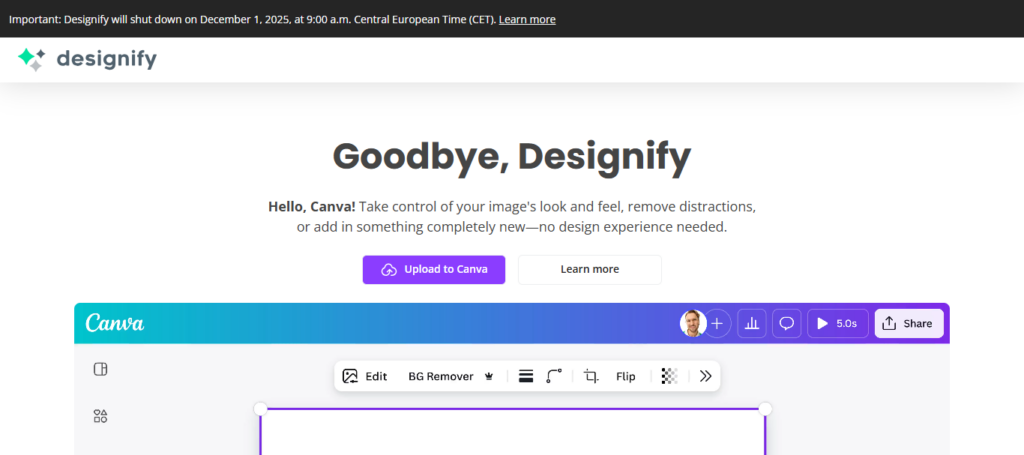
This removes hours of manual editing work for creators. Under Best AI Thumbnail & Title Tools for Gaming Creators, Designify AI is applied here my dear friend, because it immediately converts mediocre gameplay photos into studio-high quality images. Gaming YouTubers have the ability to use clean high-contrast thumbnails, bringing up characters and action shots or reactions at the forefront so that videos are an easy click in a crowded feed.
Designify AI — Details
- Background Erase for gaming type characters.
- AI Thumbnail Color Correction for Professionals
- Professional-looking effects in seconds.
- Automatic shadow and lighting to enhance the realism of images.
- Creator time saving with batch image editing
Designify AI — Pros & Cons
| Pros | Cons |
|---|---|
| Automatic background removal | Limited manual editing |
| Product & gaming image enhancement | Few templates available |
| Fast AI image cleanup | Not full graphic design tool |
| Batch image processing | Customization limited |
| Good for quick thumbnails | Needs additional editor sometimes |
9. Hotpot AI
Hotpot AI — Creativity and Art Hotspot Digs the density of gaming creators generating custom thumbnail artwork in addition to personalized visuals for promotional art. This includes AI image generators, background tools, text-to-image designs and art style effects for a gaming theme.
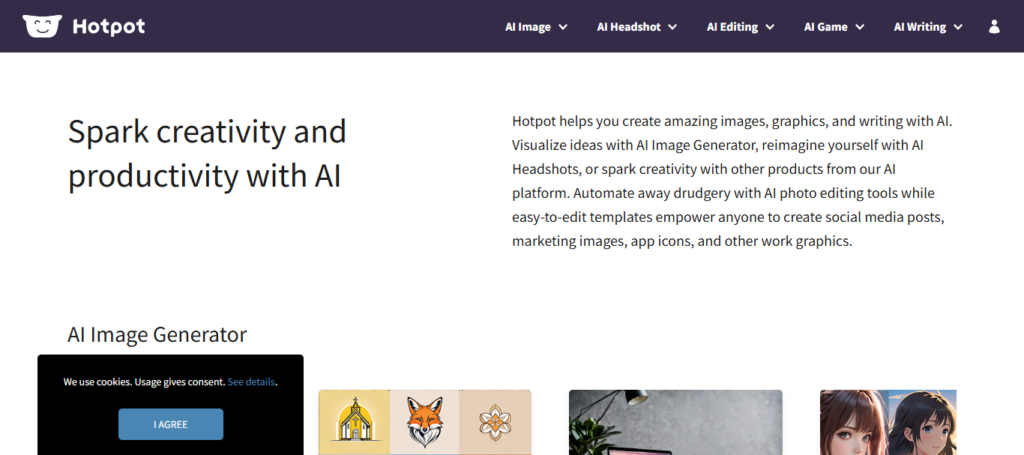
Fantasy or action or esports content design oriented Hotpot AI ai icon As one of the Best AI Thumbnail & Title Tools for Gaming Creators, Hotpot helps creators formulate unique branding rather than just templates. Gaming YouTubers can create unique thumbnails that stand out, by generating custom backgrounds, characters and effects to build their channel identity.
Hotpot AI — Details
- Enhance your gaming thumbnail art with AI image generator.
- Text-to-graphic design creation tools.
- Gaming brand AI art styles
- Image restoration and upscaling functionalities.
- Media-ready social media graphic templates.
Hotpot AI — Pros & Cons
| Pros | Cons |
|---|---|
| AI art & thumbnail generator | Results vary in quality |
| Text-to-image creation | Credit-based pricing |
| Image upscaler improves quality | Limited templates |
| Simple UI for beginners | Slower generation time |
| Good for creative gaming visuals | Editing controls basic |
10. Simplified AI
Simplified AI is an all-in-one platform that brings graphic design, copywriting & marketing tools. With AI help, gaming creators can create thumbnails, write catchy titles and promotional content. It comes with brand management tools, templates and team collaboration features for a smooth content workflow. All-in-one dashboard for Design and Copywriting:

The best AI Thumbnail & Title tool Winning with Simplified A new kind of Experience This enables creators to build visuals at the same time as optimizing titles, facilitating quicker content production while preserving professional branding and enhancing audience engagement across a variety of platforms.
Simple AI — Details
- Instantly generate a thumbnail designed by an AI graphic designer
- Viral gaming titles & captions generated by AI copywriter
- — Video editing and social publishing tools built in.
- Workspace for collaboration among creators.
- Content Calendar for Consistent Uploading of Games
Simplified AI — Pros & Cons
| Pros | Cons |
|---|---|
| All-in-one AI design + writing tool | Can feel overwhelming |
| AI title & description generator | Free plan limited |
| Social media scheduling included | Rendering delays sometimes |
| Team collaboration tools | Learning multiple features takes time |
| Supports video, graphics & captions | Premium subscription required |
Conclusion
With the growing gaming content of today, thumbnails and titles have become crucial because they help attract people to your video by increasing clicks.
Best AI Thumbnail & Title Tools for Gaming Creators: Simplifying Design, Enhancing Creativity And Boosting Your SEO Performance Without Professional Editing Skills Tools like Canva AI, Adobe Express AI, TubeBuddy AI and Kapwing AI Studio will let creatives create beautiful images with appealing titles in no time.
Gaming YouTubers can now take advantage of these AI tools to save time on copy/paste jobs, keep branding consistent across the channel, increase their click through rate and grow more rapidly while focusing most of your attention on gameplay (or content quality).
FAQ
What are AI thumbnail and title tools for gaming creators?
AI thumbnail and title tools are smart design platforms that automatically create eye-catching gaming thumbnails and SEO-optimized video titles. These tools analyze trends, colors, emotions, and keywords to improve click-through rate (CTR). Gaming creators use AI to save editing time while producing professional visuals that attract viewers on platforms like YouTube, Twitch, and social media.
Why are AI tools important for gaming YouTubers?
AI tools help gaming creators work faster and smarter. Instead of spending hours designing thumbnails or brainstorming titles, AI generates optimized suggestions instantly. These tools improve branding consistency, enhance visibility in YouTube search results, and increase audience engagement. For gaming channels uploading frequently, AI automation becomes essential for maintaining quality and consistency.
Which AI tools are best for gaming thumbnails?
Some of the most popular AI thumbnail tools include Canva AI, Fotor AI, Snappa AI, Adobe Express AI, VistaCreate (Crello), Kapwing AI Studio, Designify AI, Hotpot AI, and Simplified AI. Each platform offers templates, background removal, text effects, gaming overlays, and automatic design suggestions suitable for gaming content creators.
Which AI tools help generate gaming video titles?
Tools like TubeBuddy AI, Simplified AI, Kapwing AI Studio, and Canva AI provide AI-powered title generators. These platforms analyze trending keywords, search performance, and audience behavior to suggest clickable gaming titles that improve discoverability and ranking on YouTube.
Can beginners use AI thumbnail tools easily?
Yes. Most AI design tools are beginner-friendly and require no graphic design experience. They provide drag-and-drop editors, ready-made gaming templates, and automatic design adjustments. Beginners can create professional thumbnails within minutes without learning complex software like traditional editing programs.