
What is Cryptomator Tool ?
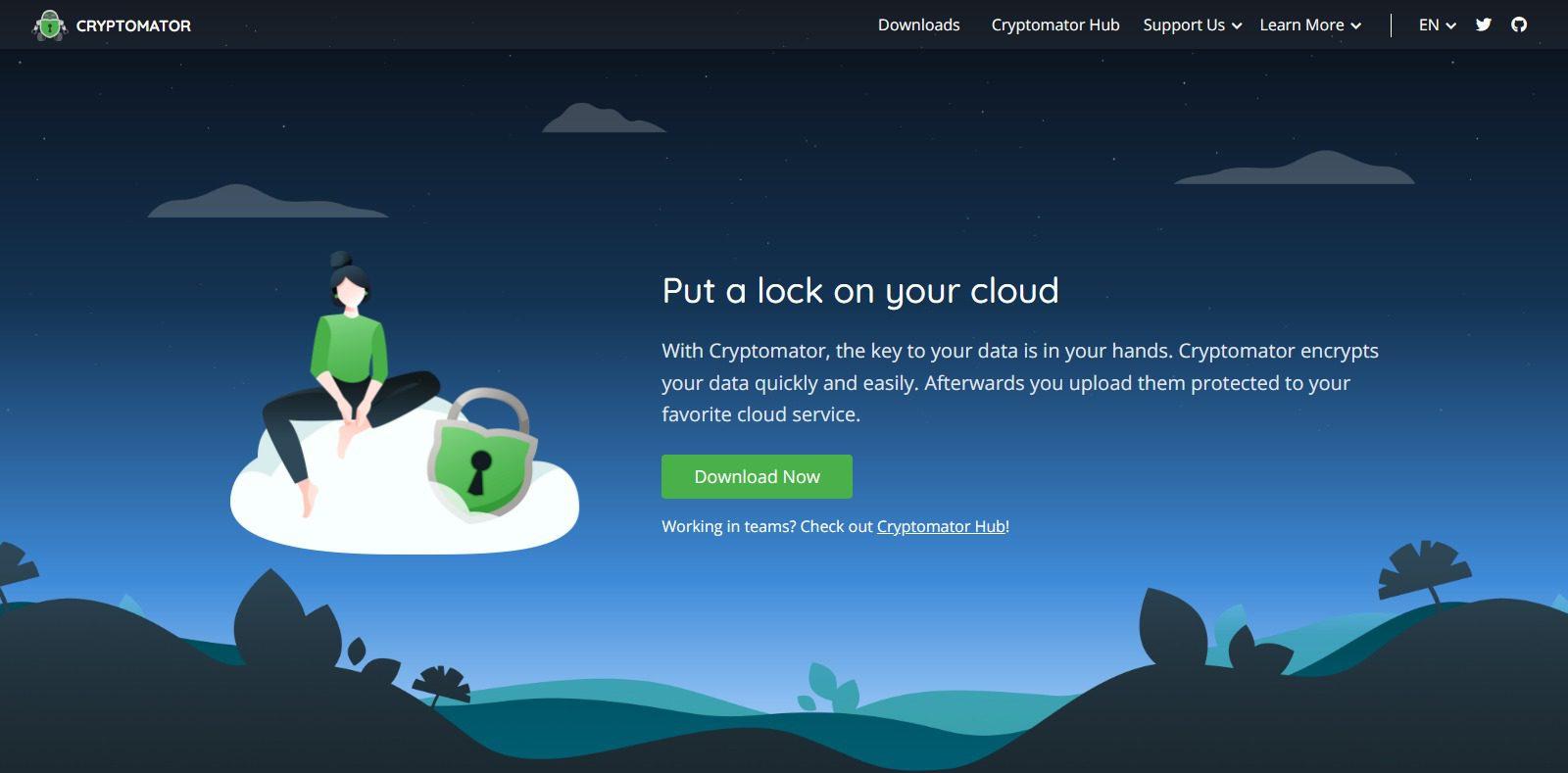
Cryptomator Tool is an open-source encryption tool that allows users to securely store and protect their files and data in the cloud. It is specifically designed to work with cloud storage providers like Dropbox, Google Drive, and OneDrive, but can also be used to encrypt local files and folders.
Cryptomator uses client-side encryption, which means that the encryption and decryption process happens on the user’s device, rather than on the cloud storage provider’s servers. This provides an additional layer of security and ensures that the user’s data remains private even if the cloud storage provider is hacked or compromised.
Cryptomator Crypto Tool creates a virtual encrypted drive that can be accessed from the user’s computer or mobile device, and files stored in this drive are automatically encrypted and decrypted as they are uploaded or downloaded. The user sets a password for the drive, which is used to generate a key for the encryption process.
Some Important Points Of Cryptomator
| Important | Points |
|---|---|
| Tools Name | Cryptomator |
| Price | Custom |
| Free Version | Available |
| Device Supported | Android , Web , IOS |
| Notifications and Alerts | Yes |
| Customer Support | Live Chat: 24/7 , Email Support , Ticket System |
| Official Website | Click Here To Visit |
How To Use Cryptomator Tools?
Here are the basic steps for using Cryptomator:
- Download and install Cryptomator on your device: Cryptomator is available for Windows, macOS, Linux, iOS, and Android.
- Create a vault: A vault is a virtual encrypted drive where you can store your files. To create a vault, open Cryptomator and click on “New Vault.” Choose a name and location for the vault, and set a password. The password is used to generate the key for the encryption process, so make sure to choose a strong password and keep it secure.
- Unlock the vault: Once the vault is created, you need to unlock it to access your files. Open Cryptomator and select the vault you want to access. Enter the password you set when creating the vault, and click “Unlock.” The vault will appear as a virtual drive on your device.
- Add files to the vault: To add files to the vault, simply drag and drop them into the virtual drive. The files will be automatically encrypted and stored securely in the cloud storage provider you choose.
- Access files in the vault: To access files in the vault, open Cryptomator and select the vault you want to access. Enter the password to unlock the vault and access the files. The files will be decrypted and appear as normal files on your device.
- Close the vault: When you’re finished working with the files in the vault, make sure to close the vault by clicking on “Lock” in Cryptomator. This will encrypt the files and make them secure again.
Overall, Cryptomator is a user-friendly tool for encrypting and securing your files in the cloud. With its easy-to-use interface and strong encryption capabilities, it’s a popular choice for users who value privacy and security.
How Does Cryptomator Work?
Cryptomator works by creating a virtual encrypted drive where you can store your files. When you add files to the virtual drive, they are automatically encrypted using client-side encryption, which means that the encryption and decryption process happens on your device, rather than on the cloud storage provider’s servers.
Here’s a more detailed explanation of how Cryptomator works:
- Create a vault: A vault is a virtual encrypted drive where you can store your files. To create a vault, you need to choose a name and location for the vault, and set a password. The password is used to generate the key for the encryption process, so make sure to choose a strong password and keep it secure.
- Unlock the vault: To access the files in the vault, you need to unlock it by entering the password you set when creating the vault. The vault will appear as a virtual drive on your device.
- Add files to the vault: To add files to the vault, simply drag and drop them into the virtual drive. The files will be automatically encrypted and stored securely in the cloud storage provider you choose.
- Access files in the vault: To access files in the vault, you need to unlock the vault by entering the password. The files will be decrypted and appear as normal files on your device.
- Close the vault: When you’re finished working with the files in the vault, make sure to close the vault by clicking on “Lock” in Cryptomator. This will encrypt the files and make them secure again.
Cryptomator uses a combination of symmetric and asymmetric encryption to ensure that your files are secure. The password you set is used to generate a key for the symmetric encryption process, which is used to encrypt and decrypt the files. The asymmetric encryption process is used to encrypt and decrypt the symmetric key, which provides an additional layer of security.
Overall, Cryptomator is a powerful encryption tool that provides strong security for your files in the cloud. Its client-side encryption ensures that your files remain private and secure, even if the cloud storage provider is hacked or compromised.
Is Cryptomator Safe?
Yes, TradingView is a safe platform for trading and investing. It is a reputable and trusted platform, with strong security measures in place to protect users’ data and accounts. The platform is registered with the FINRA and is compliant with the SEC and FINRA regulations. Additionally, TradingView offers two-factor authentication and encrypted data storage to keep user accounts secure.
Cryptomator Features
Client-side encryption:
Cryptomator uses client-side encryption to ensure that your files remain private and secure, even if the cloud storage provider is hacked or compromised. The encryption and decryption process happens on your device, rather than on the cloud storage provider’s servers.
Strong encryption
Cryptomator uses a combination of symmetric and asymmetric encryption to ensure that your files are secure. The symmetric encryption process uses a strong encryption algorithm (AES) with a 256-bit key, which is considered unbreakable with current technology. The asymmetric encryption process uses public-key cryptography (RSA) to encrypt and decrypt the symmetric key, providing an additional layer of security.
Compatibility
Cryptomator is compatible with a wide range of cloud storage providers, including Dropbox, Google Drive, OneDrive, and more. It’s also available for Windows, macOS, Linux, iOS, and Android, making it accessible for users on a variety of devices.
User-friendly interface
Cryptomator has a user-friendly interface that makes it easy to create and manage encrypted vaults, add files to the vaults, and access files securely. The virtual drive that’s created is easy to use, and the encryption process is transparent to the user.
Open-source
Cryptomator is open-source software, which means that the source code is freely available and can be audited by anyone. This makes it more trustworthy and secure, as vulnerabilities and issues can be identified and fixed quickly by the community.
Cryptomator Pros & Cons
| PRO | CONS |
|---|---|
| Provides high-level security for cloud-stored files. | Slower performance due to the encryption process. |
| User-friendly interface. | Certain areas of the website poorly organized |
| Cross-platform support. | |
| Open-source software. | |
| Free to use. |
TradingView Conclusion
Overall, TradingView is a great platform for traders of all levels to gain access to the markets and to research and analyze market data.
Cryptomator Tool FAQ
What is Cryptomator?
Cryptomator is a free and open-source encryption tool that allows you to store your files securely in the cloud. It uses client-side encryption to ensure that your files remain private and secure, even if the cloud storage provider is hacked or compromised.
How does Cryptomator work?
Cryptomator works by creating a virtual encrypted drive where you can store your files. When you add files to the virtual drive, they are automatically encrypted using client-side encryption, which means that the encryption and decryption process happens on your device, rather than on the cloud storage provider’s servers.
Is Cryptomator secure?
Yes, Cryptomator is secure. It uses strong encryption algorithms (AES-256 and RSA) to ensure that your files are encrypted and protected. Additionally, Cryptomator is open-source software, which means that the source code is freely available and can be audited by anyone, making it more trustworthy and secure.
What cloud storage providers are compatible with Cryptomator?
Cryptomator is compatible with a wide range of cloud storage providers, including Dropbox, Google Drive, OneDrive, and more.
Is Cryptomator easy to use?
Yes, Cryptomator has a user-friendly interface that makes it easy to create and manage encrypted vaults, add files to the vaults, and access files securely. The virtual drive that’s created is easy to use, and the encryption process is transparent to the user.