
This article is going to focus on the Best Payment Processing Software for Businesses, specifically covering Stripe, Square, and PayPal.
- Key Point & Best Payment Processing Software for Businesses
- 1. Stripe Payments
- Stripe Payments Features, Pros & Cons
- Features
- Pros
- Cons
- 2. Square Payments
- Square Payments Features, Pros & Cons
- Features
- Pros
- 3. PayPal Braintree
- PayPal Braintree Features, Pros & Cons
- Features
- Pros
- Cons
- 4. Adyen
- Adyen Features, Pros & Cons
- Features
- Pros
- Cons
- 5. Helcim
- Helcim Features, Pros & Cons
- Features
- Pros
- Cons
- 6. Stax Pay
- Stax Pay Features, Pros & Cons
- Features
- Pros
- Cons
- 7. Worldpay (FIS)
- Worldpay (FIS) Features, Pros & Cons
- Features
- Pros
- Cons
- 8. Clover Payments
- Clover Payments Features, Pros & Cons
- Features
- Pros
- Cons
- 9. Shopify Payments
- Shopify Payments Features, Pros & Cons
- Features
- Pros
- Cons
- 10. Payoneer
- Payoneer Features, Pros & Cons
- Features
- Pros
- Cons
- Conclusion
- FAQ
You will learn about important aspects such as features, pricing, security and which solutions work best for small businesses, eCommerce businesses, and global businesses when it comes to seamless, secure, and scalable payment processing.
Key Point & Best Payment Processing Software for Businesses
| Platform | Key Points |
|---|---|
| Stripe Payments | Developer-friendly API, global payments support, advanced customization, strong subscription billing tools, ideal for SaaS and online businesses. |
| Square Payments | Best for small businesses and retail, easy POS integration, simple setup, transparent pricing, strong in-person payment solutions. |
| PayPal Braintree | Supports PayPal, Venmo, cards, and wallets, global reach, advanced fraud protection, ideal for mobile apps and marketplaces. |
| Adyen | Enterprise-grade platform, unified commerce (online + offline), supports global currencies, powerful analytics, used by large businesses. |
| Helcim | Transparent interchange-plus pricing, no monthly fees, built-in tools (CRM, invoicing), great for growing small businesses. |
| Stax Pay | Subscription-based pricing model, no markup on interchange, best for high-volume businesses, includes analytics and integrations. |
| Worldpay (FIS) | Global payment processing, supports multiple currencies, strong enterprise solutions, robust fraud and risk management tools. |
| Clover Payments | All-in-one POS and payments solution, hardware + software ecosystem, ideal for restaurants and retail businesses. |
| Shopify Payments | Seamless integration with Shopify stores, no extra transaction fees, supports multiple payment methods, easy setup for eCommerce. |
| Payoneer | Best for international freelancers and businesses, cross-border payments, multi-currency accounts, strong global payout network. |
1. Stripe Payments
Stripe Payments is one of the most powerful payment processors designed for online businesses, SaaS, and worldwide companies. Stripe is flexible when it comes to payment methods and allows for international expansion with its ability to process and support payments in 135+ currencies and 100+ payments methods.
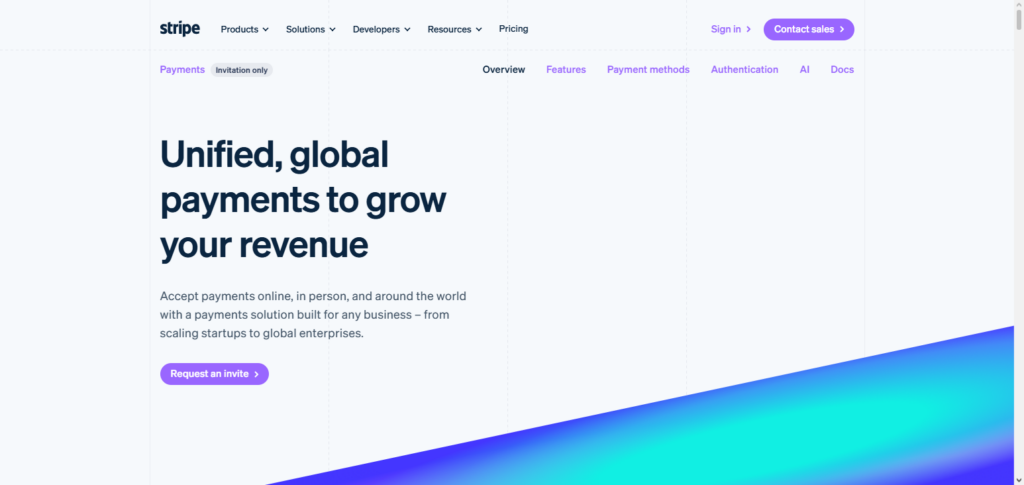
Fraud detection, subscription billing, invoicing, and APIs are additional services offered by stripe for further checkout customization. Stripe is ideal for tech focused businesses as it is easily integrated into mobile and web applications. Over the many Payment Processing Software for Businesses, Stripe is leading for flexibility and being developer oriented.
Stripe Payments Features, Pros & Cons
Features
- Global payments and current support for 135+ currencies
- Custom integrations easily done through powerful APIs
- Tools for billing and invoicing subscriptions
- Fraud detection via Stripe Radar
- Multiple payment method and wallet support
Pros
- Fully customizable checkout
- Startups through to enterprise scale
- No monthly or setup fees
- Developer community is strong
- Global reach is outstanding
Cons
- Technical knowledge is needed
- Complicated pricing as scale
- Limited features for offline
- Add-ons may incur charges
- Stability of accounts may fluctuate
2. Square Payments
Square Payments is intuitive to use and has strong capabilities for in-person payment processing, which is why it is ideal for small businesses, shops, and cafes. Square offers an entire ecosystem that includes invoicing and mobile payment options, and POS hardware and software. Square has a transparent flat-rate pricing system. Businesses like Square because they are able to process payments in-person, online, and anywhere else.
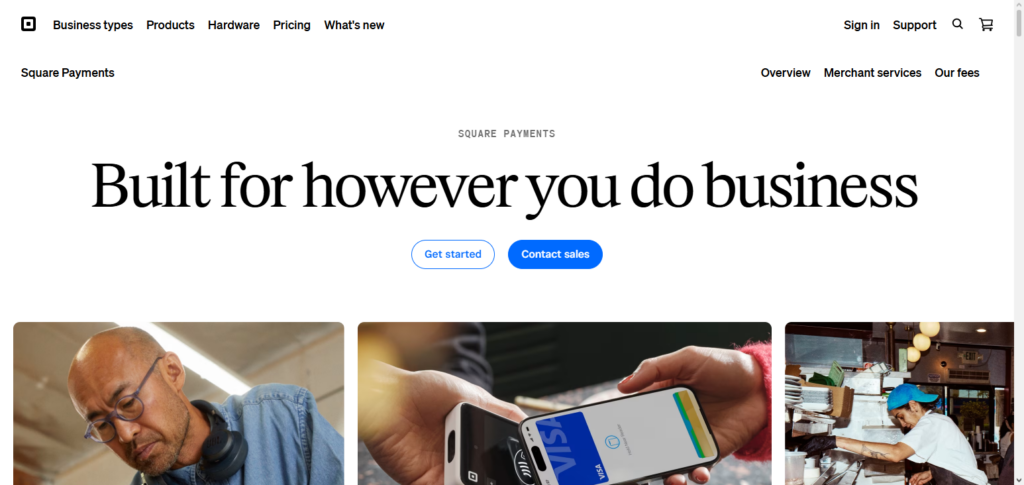
Square’s position among Best Payment Processing Software for Businesses showcases strong for businesses that require easy setup and easy management that doesn’t require technical know-how. Built-in analytics and inventory management as well as customer engagement features, give square a robust solution for growing businesses.
Square Payments Features, Pros & Cons
Features
- Complete POS system (hardware + software)d c
- Free mobile card reader and invoicing
- Payments via mobile, in-store or online (
- Analytics and reporting built in
- Tools for specific industries (
Pros
- Setup is easy and friendly for beginners
- Simple flat-rate pricing
- No monthly fees for basic plan
- POS tools free and included
- Positive Feedback & Complaints on Competitors with Similar Services
Cons
- High-risk business owners will not be able to use the service
- Compared to Stripe there is a lack of flexibility and customization
- The extent and type of customer service provided is lacking
- The volume of transactions will likely incur a large amount of penalty fees
- As a user of this service you will not have a lot of freedom in deciding where you can operate in the world
3. PayPal Braintree
PayPal Braintree is a powerful payment gateway that is designed for mobile applications, eCommerce sites and online marketplaces. The service offers a multitude of payment options, including PayPal, Venmo, credit cards, and digital wallets, while providing seamless transactions for users from all countries.
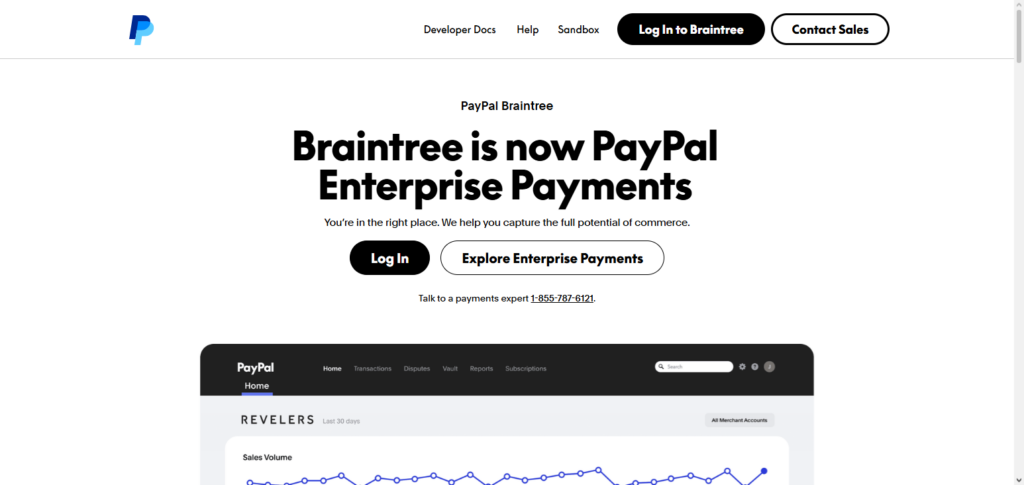
Braintree’s Continuous billing, fraud prevention, and customized checkout options makes it easy for businesses pursuing a payment solution to fit any requirements. Along with strong security features and simple integration, PayPal Braintree stands in Mid of Best Payment Processing Software for Businesses as a payment gateway for developers and businesses with mobile focused users.
PayPal Braintree Features, Pros & Cons
Features
- PayPal, Venmo, cards, wallets
- Recurring billing and subscriptions
- Fraud/billing protection
- Payments support worldwide for most countries
- Integrates with other tools and apps
Pros
- Brand trust (because of PayPal)
- No setup costs or monthly costs
- Very good for mobile and apps
- Very good with multiple payment options
- Very good with low-cost transactions
Cons
- Approval process is complicated
- Less customization than Stripe
- Additional fees if payments are made internationally
- Stuck with PayPal
- Risk of money being frozen in account
4. Adyen
Domestic and international transactions with advanced risk evaluation analytics are also supported by Adyen. Numerous well-known companies, including Uber and Spotify, are customers of Adyen because of its robust scalability and exceptional performance.
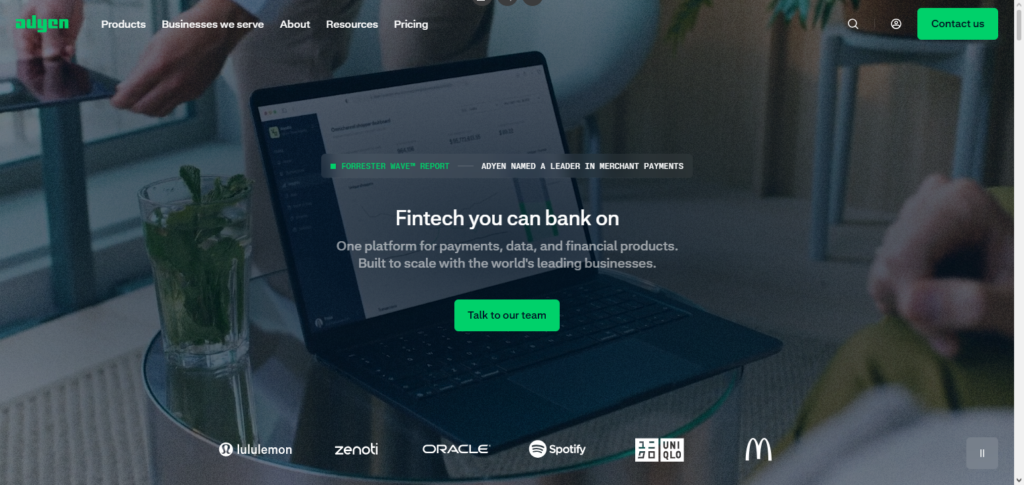
Adyen is the best in the middle of Best Payment Processing Software for Businesses. Adyen is best for large enterprises with high-volume needs and global processing. Adyen provides a customizable infrastructure and data-driven insights which help optimize payment and enhance customer experience across all channels.
Adyen Features, Pros & Cons
Features
- All commerce tools (digital, in-person, and mobile commerce)
- Works in 49 countries and all currencies
- Fraud detection (
- Analytics and reporting in real time
- For large enterprises (the best) technology
Pros
- The best for large businesses
- No countries with good flexibility
- Very good payment success rates
- Best in strong data insights
- The best reliability
Cons
- Complicated
- Small businesses may find this too pricey
- Complicated installation
- More technical investments may be needed
- Worst Pricing Disclosure
5. Helcim
Helcim is a payment processor with transparent and low cost interchangfe plus pricing, which means you have no monthly fee to use the service. They help merchants with online, in-person and recurring payments, plus some additional tools with invoicing, CRM and customer portals.
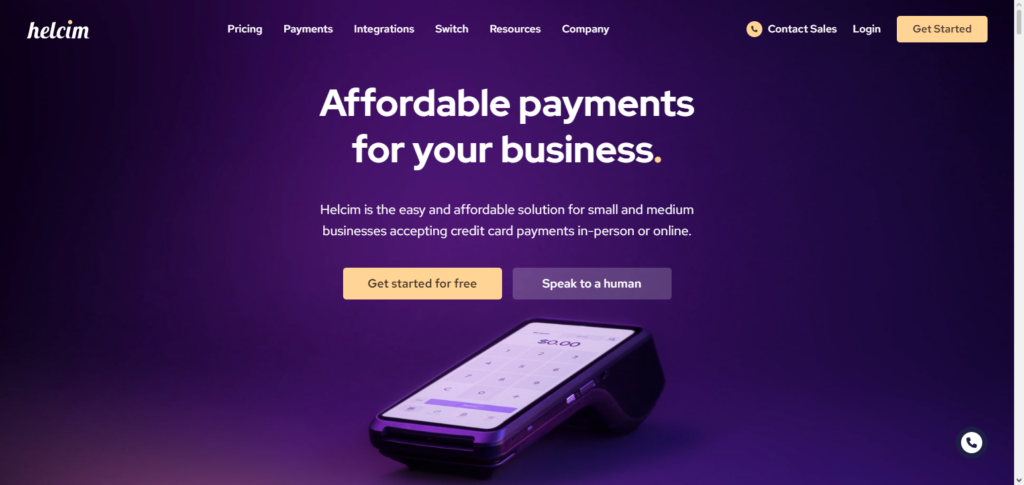
Helcim also provides volume discounts, plus recurring billing, which helps large businesses save the most. In the middle of Best Payment Processing Software for Businesses, Helcim is best for small and medium-sized businesses to have more flexible opportunited and cost savings. Helcim has a good value for strong customer support which helps businesses to grow and scale.
Helcim Features, Pros & Cons
Features
- Interchange-plus
- No monthly fees
- Invoicing + CRM
- Customer portal + recurring billing
- Discounts based on sales
Pros
- Pricing disclosure
- Lower processing fees for growing businesses
- No long-term contracts
- System is easy to use
- Excellent support
Cons
- Global availability is limited
- Approvals are more complicated
- Fewer integrations than Stripe
- Bad for low volume, new start-ups
- Limited ecosystem
6. Stax Pay
Pay Stax is designed to only have a subscription for high transaction processor and not a standard per touch. What this means is you only pay a flat monthly fee with direct interchanges which helps to lower the cost. Stax Pay supports online, mobile and in-person payments, plus online invoicing and reporting.
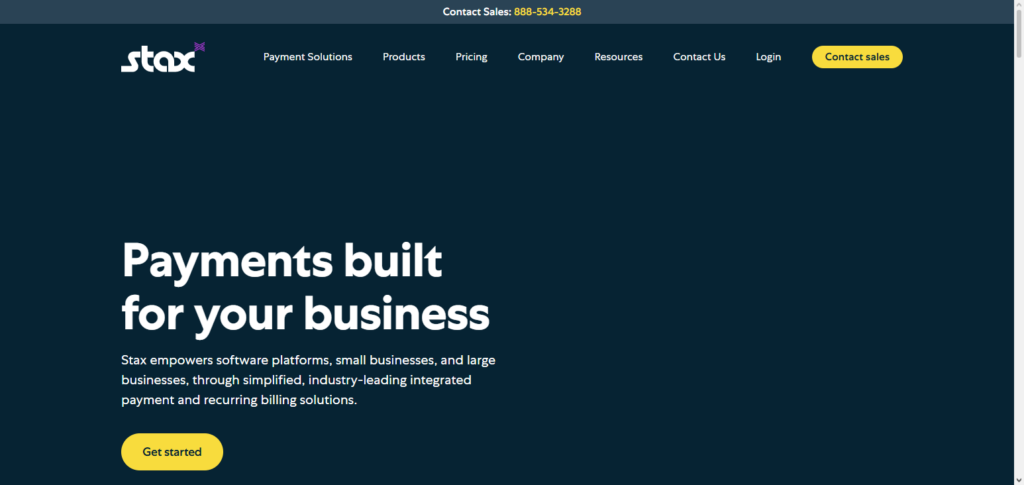
Stax stands out in the mid category of Best Payment Processing Software for Businesses as the most suitable option for large, established businesses, providing predictable pricing and scalability. Advanced analytics, along with other integrations, helps businesses streamline operations and improve financial insights.
Stax Pay Features, Pros & Cons
Features
- Pricing model is Subscription Based
- 0% markup on interchange
- Online, mobile, and POS payment support
- Reporting is advanced
- Invoicing and billing
Pros
- Monthly pricing is predicted easily
- High volume businesses will find this cost effective
- No long-term contracts
- Strong analytics
- Good scalability
Cons
- Monthly fees are likely high
- Small businesses will find this unideal
- Less support for high-risk merchants
- Justifies cost only at a specific volume
- Beginners may have a learning curve to alleviate this
7. Worldpay (FIS)
With operations in over 125 countries, Worldpay (FIS) offers payment processing for large businesses of all sizes as a global payment partner with enterprise-level solutions. Worldpay supports both online and offline payment processing with advanced fraud detection and risk management.
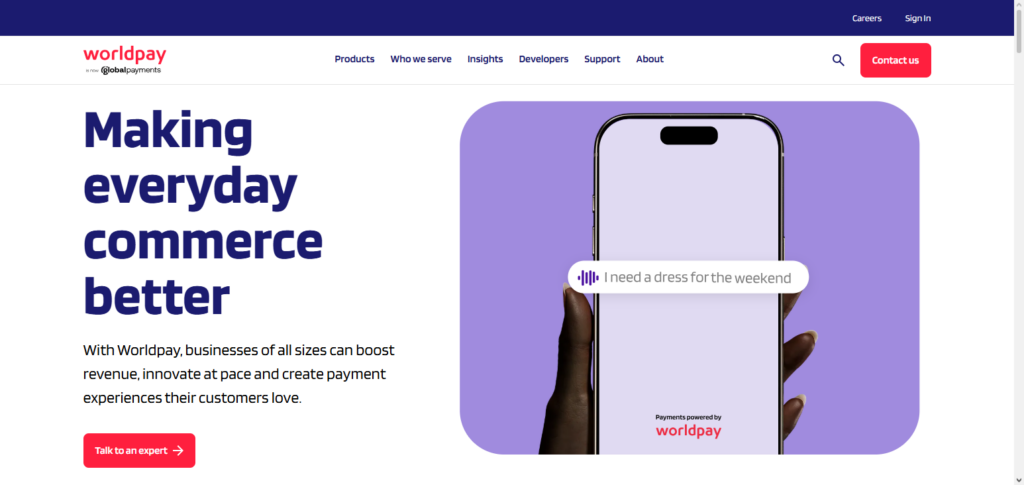
For sophisticated businesses, Worldpay offers a variety of integrations with other POS systems and accounting software. Worldpay shines as the best option for large global payment processing systems, ideal for multinational companies that need payment systems that are secure, scalable, and compliant.
Worldpay (FIS) Features, Pros & Cons
Features
- Supports 120+ currencies across the world
- Omnichannel payment solutions
- Fraud and risk advanced tools
- High risk merchants support
- Enterprise analytics and reporting
Pros
- Good presence globally
- High-risk industry handling
- Enterprise-level reliability
- High payment method range
- Flexible scalable structures
Cons
- World cover is too expensive for small businesses
- Complicated Setup
- Long-term contracts are required
- Support is not responding consistently
- Outdated APIs when compared to Stripe
8. Clover Payments
Clover Payments offers an all-in-one payment and POS solution for retail, restaurant, and service-based businesses. It enables online and in-person payment with flexible customization, and offers inventory, employee management, and reporting software along with card reader and terminal hardware.
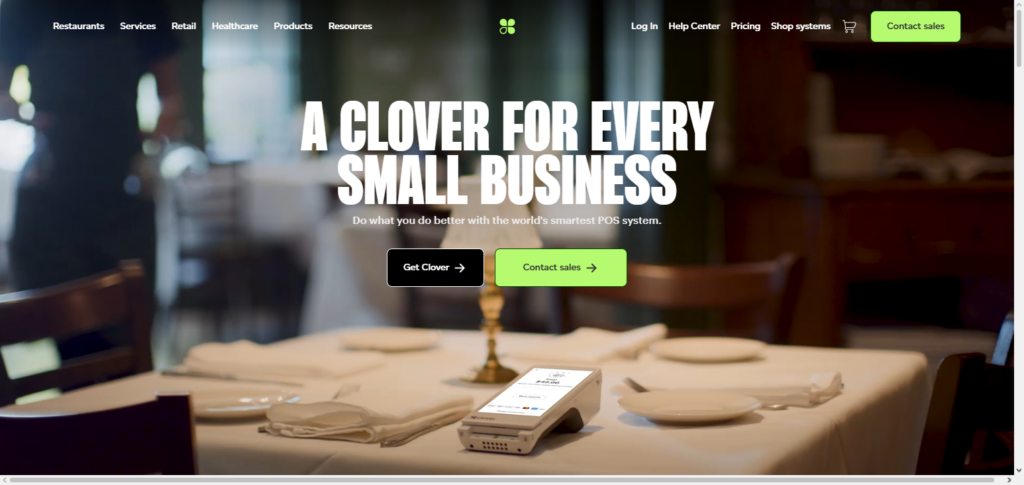
Clover comes out on top for Best Payment Processing Software for Businesses. Clover stands out for offering a complete POS special system and a user-friendly interface. Its ecosystem enables you to customize your payments system to your specific operational requirements.
Clover Payments Features, Pros & Cons
Features
- POS hardware and software ecosystem
- Inventory and employee management
- CRM, analytics solutions
- Customization app marketplace
- Payment support in-store and online
Pros
- POS solution in one
- Useful for the retail and restaurant
- Strong analytics
- Customizable solutions
- High reliability of hardware
Cons
- Hardware has high cost
- Monthly software payment
- Limited flexibility outside ecosystem
- Set Up Expense High
- Not a good fit for online-only businesses
9. Shopify Payments
Shopify Payments easily integrates with any Shopify store owner, thus merchant must not worry about third-party gateway receipt. The merchant pays no additional transaction fees within the Shopify ecosystem While the merchant accepts payments via credit cards and digital wallets.
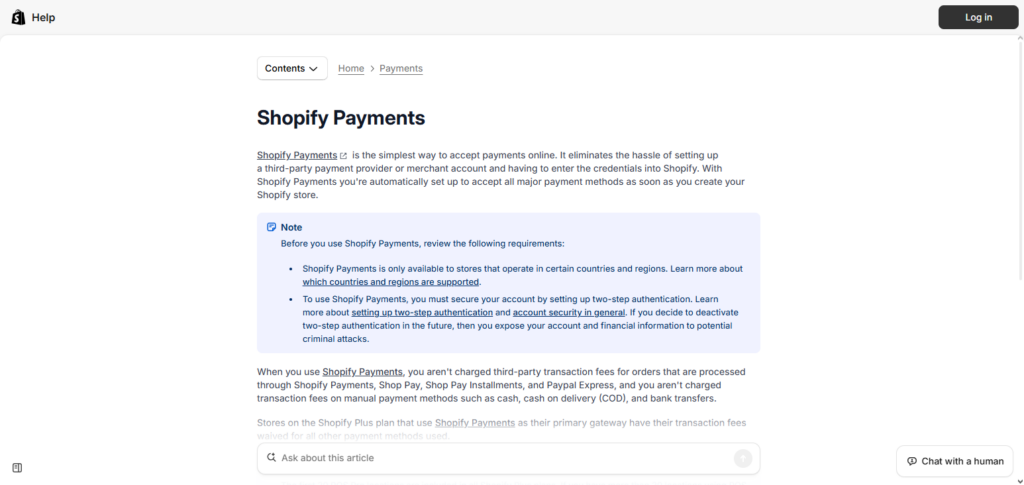
The merchant receives no additional fees for accepting digital wallets. The system simplifies and secures checkout. For simplicity, speed, and effortless integration, Shop Payments is highly recommended for eCommerce businesses using Shopify.
Shopify Payments Features, Pros & Cons
Features
- Integrated right into the Shopify platform
- Accepts various kinds of payments
- Analyze fraud detection
- Instant checkout integration
- No gateway from third parties required
Pros
- Integrates with Shopify easily
- No additional transaction costs
- Setup is simple
- eCommerce is improved
- Pay outs are rapidly completed
Cons
- Works with Shopify only
- The ability to personalize is restricted
- Some countries have no availability
- Integrates with Shopify only
- There could be restrictions to your account
10. Payoneer
Payoneer supports border payments and currencies which is a favorable feature for freelancers, eCommerce, and internationally. Payoneer allows businesses to receive payments globally and withdraw the funds locally.
Among the Best Payment Processing Software for Businesses, Payoneer stands out for its usefulness to businesses with international clientele and remote employees. It is highly preferred for borderless payment services due to its global network, compliance, and user-friendliness.
Payoneer Features, Pros & Cons
Features
- Accounts for multiple currencies
- Receiving payments from across the globe
- Transfers across borders
- Integrations with marketplaces
- Withdrawals from local banks
Pros
- Great international payments
- Global transfers at low cost
- For freelancers and businesses
- Global coverage is wide
- Easy payouts
Cons
- Does not have a full POS/payment gateway
- Less local retail payments
- Currency conversion has a cost
- Time delays for transfers in some areas
- Features that are advanced are restricted
Conclusion
The Best Payment Processing Software for Businesses should fit your company’s size, transaction volume, and operational needs, so Stripe and PayPal Braintree are good for large, tech-oriented, and international companies.
In contrast, Square and Clover Payments are more suited for retail and sales performed face-to-face. Large companies would find Adyen and Worldpay (FIS) good for scalable and global processing. In contrast, Helcim and Stax Pay are more suitable for lower pricing. For easy eCommerce, Shopify Payments is good and for easy cross border payments, Payoneer is the best.
Ultimately, you should choose based on your company’s goals – the company’s model should come into play. A good processor is one that meets your requirements, and with the features you aimed for, it handles the transactions easily and can grow with you.
FAQ
What is payment processing software?
Payment processing software is a system that enables businesses to accept, manage, and process customer payments securely. It connects customers, banks, and merchants to authorize transactions and transfer funds. These platforms handle everything from payment authorization to settlement while ensuring encryption and compliance with security standards like PCI DSS.
Why do businesses need payment processing software?
Businesses need payment processing software to accept multiple payment methods such as credit cards, UPI, digital wallets, and bank transfers. It improves customer experience, increases sales conversions, and enables global transactions. Additionally, it automates financial operations, reduces manual errors, and enhances cash flow management.
Which is the best payment processor for small businesses?
The best payment processor for small businesses depends on ease of use and affordability. Platforms like Square Payments and Helcim are popular due to simple setup, transparent pricing, and built-in tools like invoicing and POS systems, making them ideal for startups and retail businesses.