The Top Neobanks in Europe for SMEs and Freelancers will be covered in this post. For small enterprises and independent professionals, these digital-first banks provide flexible business accounts, cheap fees, support for multiple currencies, and sophisticated financial tools.
- Key Features to Look for in Neobanks for Freelancers & SMEs
- Quick Onboarding
- Transparency and Low-Cost Payments
- Global Payments and Multiple Currency Accounts
- Invoicing and Bill Payment Integration
- Management and Reporting of Expenses
- Accounting Software Integrations
- Benefits of Using Neobanks for Freelancers & SMEs
- Lesser Fees and Cost Madatory
- Easy to Access and Quick Opening of Bank Account
- Transactions and Foreign Currency in Bank
- Sophisticated Tools for Financial Management
- Connections to Accounting Apps and Software
- Platforms that are Mobile First and User Friendly
- Transparent and Safe Banking
- Key Point & Best Neobanks in Europe for Freelancers & SMEs List
- 1. Revolut Business
- Revolut Business Features
- Revolut Business Pros & Cons
- 2. N26 Business
- N26 Business Features
- N26 Business Pros & Cons
- 3. Bunq Business
- Bunq Business Features
- Bunq Business Pros & Cons
- 4. Qonto
- Qonto Features
- Qonto Pros & Cons
- 5. Holvi
- Holvi Features
- Holvi Pros & Cons
- 6. Monzo Business
- Monzo Business Features
- Monzo Business Pros & Cons
- 7. Starling Bank Business
- Starling Bank Business Features
- Starling Bank Business Pros & Cons
- 8. Sogexia
- Sogexia Features
- Sogexia Pros & Cons
- 9. Wallester Business
- Wallester Business Features
- Wallester Business Pros & Cons
- 10. DKB (Deutsche Kreditbank)
- DKB (Deutsche Kreditbank) Business Features
- DKB / Deutsche Kreditbank Pros & Cons
- How to Choose the Right Neobank
- Establish the Requirements of Your Business
- Analyze Costs and Fees in Pricing Models
- Analyze the Range of Features
- Evaluate Currency and International Support
- Security, Regulation and Protection.
- Mobile App Quality and Usability.
- Customer Support and Accessibility.
- Risks and Limitations
- Almost Non-Existent Physical Presence
- Customer Support Issues
- Difference in Regulation or No Protection for Some Deposits
- Lack of Differentiated Offerings
- Over Dependence on Technology
- Restrictions on Basic or No-Cost Plans
- Limitations of Integrations
- Usability of Internet Access
- Conclusion
- FAQ
We’ll look at solutions that make banking easier and assist independent contractors and SMEs in effectively managing their finances, such as Revolut Business, N26, Bunq, Qonto, and more.
Key Features to Look for in Neobanks for Freelancers & SMEs
Quick Onboarding
Seek neobanks with business account openings that can be done in a few minutes and done entirely online without unnecessary lengthy documentations. Quick and easy sign-up procedures are a boon to be able to start spending and managing money right away.
Transparency and Low-Cost Payments
Seek neobanks that offer simple and easy to understand pricing with a good value proposition with little to no monthly fees, inexpensive payments and no hidden fees. This is extremely important with freelancers and SMEs given how lean budgets are.
Global Payments and Multiple Currency Accounts
If your business services clients or suppliers internationally, that is, banks that offer multiple currencies, real time foreign exchange, and low cost international payments.
Invoicing and Bill Payment Integration
Invoicing made simple with real time closing, tracking and getting paid. This in-creases reliance control consolidation of third party financial work software products.
Management and Reporting of Expenses
These features with financial monitoring dashboards that help keep track of outgoings and good accountancy practices with cash flow tracking functionality.—
Accounting Software Integrations
Neobanks that link to platforms like QuickBooks, Xero, or Zoho Books save time on bookkeeping and are less prone to errors in financial documents.
Benefits of Using Neobanks for Freelancers & SMEs
Lesser Fees and Cost Madatory
While Traditional Banks tend to charge clients with higher fees for services like account maintenance, transfer fees, and card fees, neobanks implement lower fees. This can save freelancers and SMEs money during given professional banking services.
Easy to Access and Quick Opening of Bank Account
Neobanks allow the account opening process to be done rapidly within a few minutes and electronically. Freelancers and businesses can benefit in situations where rapid access to banking services are needed while avoiding time wasting in branch physical visit.
Transactions and Foreign Currency in Bank
Neobanks like Revolut Business and N26 Business allow users to have currency exchange and the capacity to hold multiple currencies. This helps simplify processes like global payments, invoicing and payroll for freelancers with cross border clients.
Sophisticated Tools for Financial Management
Neobanks offer integrated services like expense tracking and reporting, invoicing, and budgeting. Tools like expense categorization, sub-accounts, and cash flow notifications are a great help for SMEs and freelancers to maintain organisation.
Connections to Accounting Apps and Software
Neobanks have also been able to connect easily to accounting tools such as Xero, Quick Books and Zoho Books. Doing so not only saves small businesses manual tasks, but also ensures that accurate bookkeeping is done so that tax prep is less of a hassle.
Platforms that are Mobile First and User Friendly
Mobility is a core focus for neobanks, offering simple to use apps that allow finance management on the go. This will allow freelancers and small to medimum enterprises to easily monitor payment receipts, transfer funds, and track their finances at any time.
Transparent and Safe Banking
Freelancers and small businesses will have a sense of security knowing that neobanks operate under strict guidelines (such as PSD2 in Europe), have two-step verification, real-time notifications, and customizable spending limits. This allows for safe and transparent banking.
Key Point & Best Neobanks in Europe for Freelancers & SMEs List
| Bank / Service | Key Features |
|---|---|
| Revolut Business | Multi-currency accounts, instant payments, corporate cards, expense management, API integration. |
| N26 Business | Fee-free basic account, cashback on card spending, mobile banking, integration with accounting software. |
| Bunq Business | Flexible sub-accounts, multi-currency support, instant payments, eco-friendly initiatives, joint accounts. |
| Qonto | Dedicated business accounts, multi-user access, card management, expense tracking, accounting integrations. |
| Holvi | Online invoicing, expense management, card payments, financial reporting, automatic bookkeeping. |
| Monzo Business | Mobile-first account, instant notifications, integrated accounting, payment scheduling, multiple cards. |
| Starling Bank Business | Real-time notifications, multiple accounts, mobile banking, integrated invoicing, low fees for payments. |
| Sogexia | Multi-currency accounts, corporate cards, international payments, mobile banking, tailored business solutions. |
| Wallester Business | Virtual and physical cards, expense management, instant payments, multi-user access, financial analytics. |
| DKB (Deutsche Kreditbank) | Traditional bank features, business accounts with online banking, payment services, multi-user access, reliable security. |
1. Revolut Business
Revolut Business earned the title of Europe’s most popular digital banking services for freelancers and SMEs. It offers multi-currency accounts with local IBANs, corporate cards, international money transfers, expense management, and accounting software integrations.
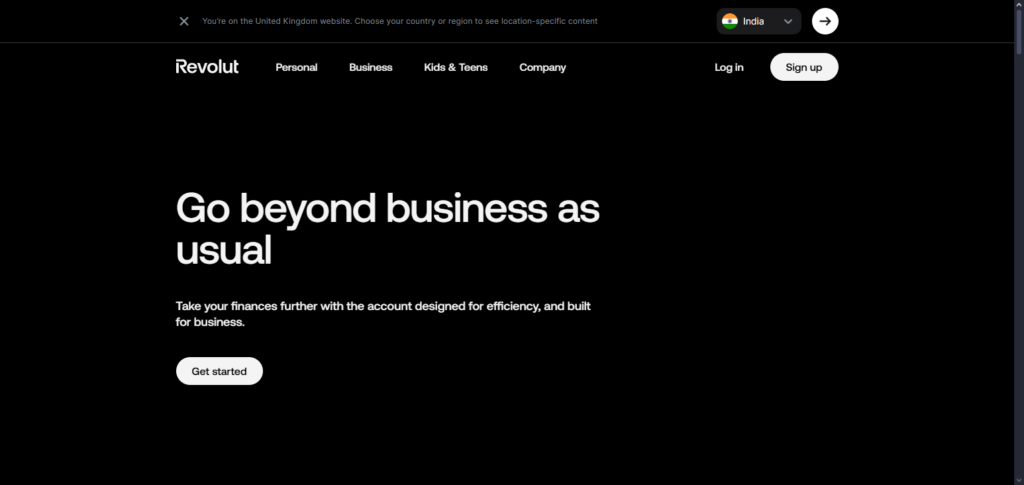
Everything can be managed via Revolut’s user-friendly mobile and web apps. For international or remote teams, the platform’s ability to hold and exchange 25-30 currencies is highly advantageous.
Revolut Business includes additional features like batch payments, team management, and financial analytics. Premium plans, however, include monthly fees and limited support based on the level of service ($4.99 for the main services to $249 for Business Concierge).
Revolut Business Features
| Feature | Description |
|---|---|
| Multi-Currency Accounts | Hold, exchange, and transfer money in 30+ currencies with competitive rates, ideal for international freelancers and SMEs. |
| Corporate Cards | Issue physical and virtual cards for employees, with real-time spending notifications and expense controls. |
| Payments & Transfers | Fast domestic and international payments with batch payment support for easier payroll and vendor management. |
| Financial Analytics | Built-in dashboards to track expenses, monitor cash flow, and generate financial reports. |
| Integrations | Connects with accounting software like Xero, QuickBooks, and FreeAgent for seamless bookkeeping. |
Revolut Business Pros & Cons
Pros
- Multi-currency support: Global freelancers and SMEs would benefit for $30.00 in currency holding and exchange.
- Strong Business Tool: Business tools include expense management and analytics along with Xero/QuickBook integration.
- Fast payments and cards: Notifications for payments made; cards can be virtual or physical.
Cons
- Fees on higher tiers: Most small businesses operate with limited expense budgets and may avoid paid tier plans for functionality they may never use.
- Premium tier support. **No support may be offered on unpaid plans, and support may be limited on tier plans.
- Exchange limits: Once a certain exchange rate liquidity is reached the rate will no longer be available.
2. N26 Business
N26 Business is aimed straight at self-employed European freelancers. It offers a hassle-free mobile-only banking experience with features such as expense categorization, automated money management, and real-time transaction notifications.
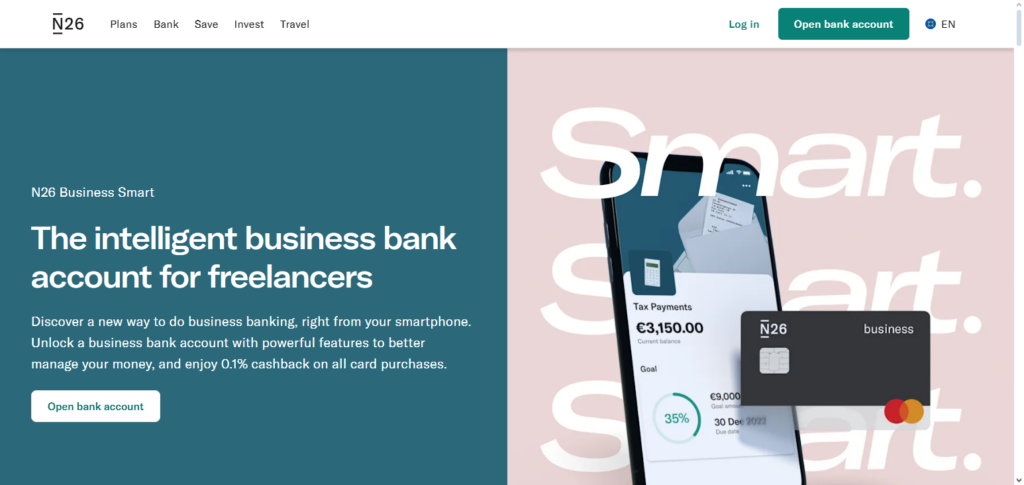
In most of the supported European countries, N26 Business accounts include free SEPA transfers, and there’s a premium plan with higher withdrawal limits and additional travel insurance.
The N26 Business account is appealing to individual business owners because of its few features, low price and ability to separate private and business finances and includes sub-accounts (“spaces”) for budgeting and cashback on card purchases.
N26 Business Features
| Feature | Description |
|---|---|
| Free Account | No monthly fee for basic business accounts, ideal for freelancers starting out. |
| Mobile Banking | Manage accounts entirely via a user-friendly app with real-time notifications and easy transfers. |
| Spaces | Create sub-accounts for budgeting or separating projects, helping freelancers track client funds. |
| Cashback & Rewards | Earn cashback on business card purchases for added value. |
| International Payments | Low-cost SEPA transfers and optional premium plans for multi-currency management. |
N26 Business Pros & Cons
Pros
- No monthly fee: Freelancers not required to subscribe for a monthly fee plan can simply do their banking with a no-cost plan which may appeal to those just starting out.
- User-Friendly App: Banking can be accessed from the mobile app, which may be a no-cost option for use with a no-cost plan.
- Real-time notifications: Transactions for better tracking.
Cons
- Limited functionality: Less robust than other business invoicing and tools.
- No Currency: Currency is not available in multi-retained plans or with lower tier plans.
- Limited Availability: The business account is not available in all countries in the EU.
3. Bunq Business
EU freelancers and SMEs appreciate Bunq Business for its flexible, customizable features and ability to open multiple IBAN accounts, modify cards, and use an open API.
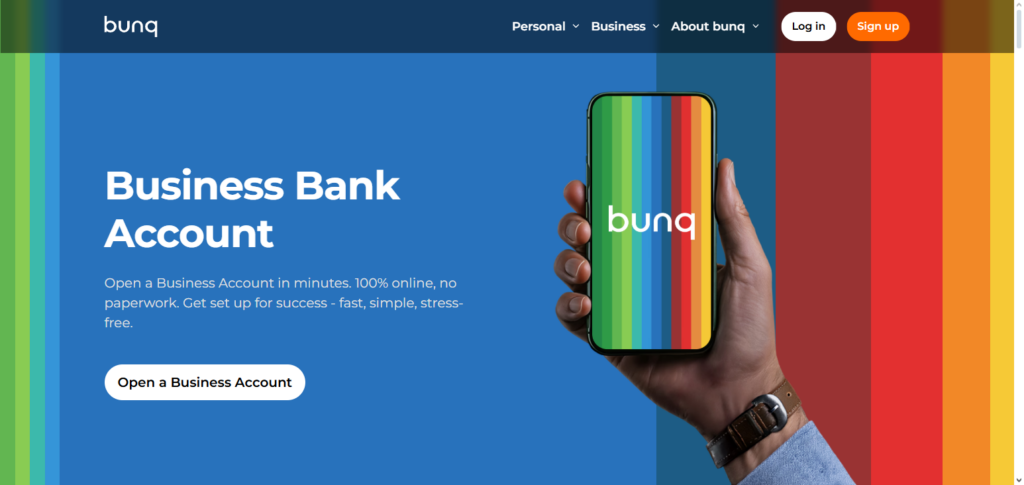
As a neobank based in Amsterdam, they make it easier to complete purchases through instant payments, engaging real-time notifications, and promote eco-initiatives (e.g., trees planted for specific transactions).
Though higher than some competitors, their focus on privacy and customizable features to easily control funds between multiple accounts make it a great option for organizations needing to separate finances for different projects or clients.
Bunq Business Features
| Feature | Description |
|---|---|
| Multi-IBAN Accounts | Open multiple IBANs for different clients or projects to simplify accounting. |
| Customizable Cards | Physical and virtual cards with personalized spending limits and notifications. |
| API & Automation | Connect Bunq to business tools via API for automating payments and financial workflows. |
| Eco-Friendly Banking | Certain transactions contribute to sustainability projects like tree planting. |
| Expense Management | Real-time expense tracking, instant notifications, and categorization for better financial control. |
Bunq Business Pros & Cons
Pros
- Multiple IBANs: Divide customers or projects and assign each their own undisputed IBAN for excellent financial organization.
- API & automation: Excellent partnerships for automation of workflow.
- Custom cards: Personalized cards with adjustable limits and immediate control.
Cons
- Higher cost: The cost of doing business with Bunq is decidedly above industrial averages.
- Over‑features for small users: Not all of the business users’ tools may be useful for novice freelancers.
- No physical branches: No face-to-face meetings are available.
4. Qonto
Qonto is a financial technology company based in France that has an exclusive focus on freelancers and SMEs. They issue digital payment cards and provide business accounts that allow multiple users.

Qonto also has streamlined financial features that help organizations save time on budgeting, financial organization, and bookkeeping through integration with various accounting software.
The Company offers multiple levels for its platform in multiple European countries, with the intention of expanding to more. It also tailors its platform to the specific European country to help comply with regulations, and it adjusts its platform to the usage and fee requirements of each country.
Qonto Features
| Feature | Description |
|---|---|
| Multi-User Access | Allow team members to access accounts with customized permissions and roles. |
| Payment Cards | Issue physical and virtual cards with spending limits for employees. |
| Accounting Integration | Works seamlessly with QuickBooks, Xero, and other accounting platforms. |
| Invoicing & Billing | Generate invoices and manage client payments directly in the app. |
| Expense Tracking | Automatic categorization and reporting to simplify bookkeeping and tax filing. |
Qonto Pros & Cons
Pros
- Team access & roles: Excellent for small-to-medium companies business with custom user roles and access.
- Integrated accounting: Works with many other popular accounting and bookkeeping tools.
- Professional invoicing: Qonto in app invoicing with payments also included.
Cons
- Subscription costs: The subscription pricing system can be expensive for micros business.
- Limited currencies: Banking is mostly Euro focused.
- Customer support queues: Limited resources can result in long wait periods for customer service.
5. Holvi
Holvi Business has its origins in Finland, and it is a neobank designed for freelancers and the self-employed. It includes features like a business account, invoicing, receipt scanning, expenge capturing, expenge management, and bookkeeping preparation.
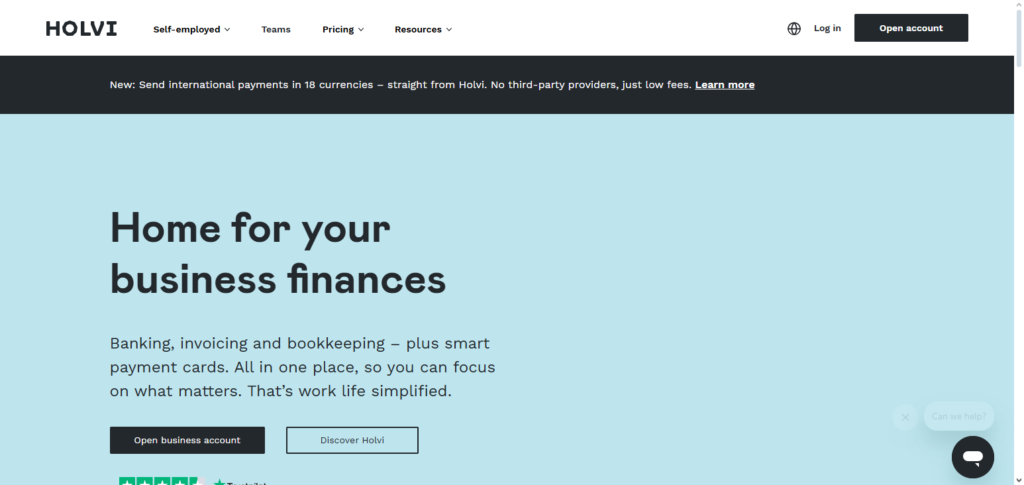
These features are all available and accessible through its app. It has a real-time transaction functionality and allows its users to create and send invoices, and the platform also allows users to manage and report VAT.
Holvi offers its services through multiple account models, from no-cost entry level to more costly models. Of note, Holvi is very popular with people working as solo entrepreneurs, as it provides the multiple components of a financial suite for users, with neobanking just one of the features Holvi offers.
Holvi Features
| Feature | Description |
|---|---|
| Business Account & Cards | Physical and virtual debit cards for business spending with real-time notifications. |
| Integrated Invoicing | Create and send invoices directly from the platform, with automated reminders. |
| Expense Management | Capture receipts and categorize expenses for simplified accounting. |
| VAT Management | Track and calculate VAT to simplify tax reporting. |
| Subscription Plans | Offers free and premium plans depending on business needs and transaction volume. |
Holvi Pros & Cons
Pros
- Built‑in invoicing: Qonto has in app invoicing with integrated payments.
- Receipt capture: The app allows management and storage of receipts.
- VAT tracking: Assists freelancers with compliance.
Cons
- Limited advanced tools: Not enough for larger small to medium enterprises to be a good fit.
- Coverage restrictions: Only available in a few of the larger European markets.
- No Credit Products: Does not offer loans or lines of credit.
6. Monzo Business
This is another neobank and business account service, similar to Holvi except it is based out of the United Kingdom and designed for startups and small businesses.
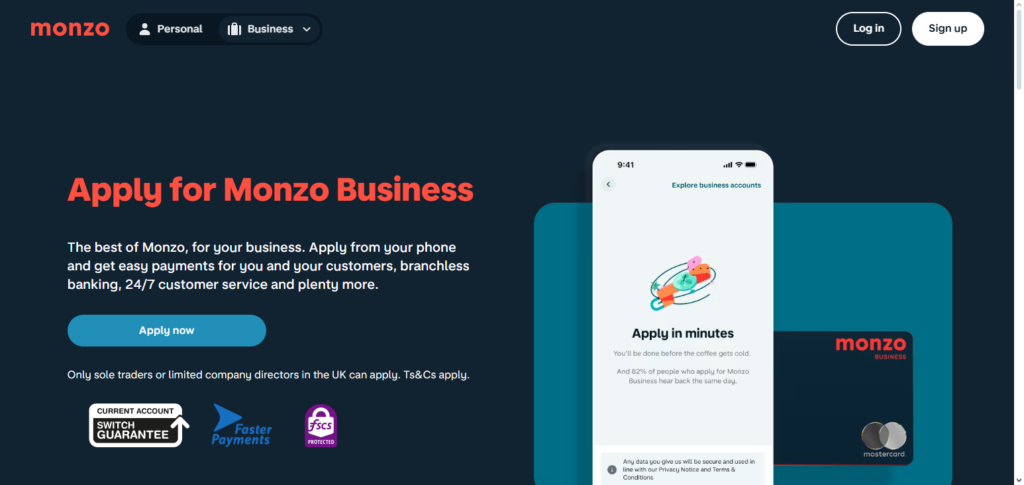
It includes features to help manage team expenses, and it integrates features to assist with bookkeeping for business banking. It is also simply to use in terms of costs, offering a simple fee structure and for its real-time notifications. Monzo easily connects with other business platforms like Quick Books and Xero to assist in bookkeeping.
Even though Monzo has a free version of its app, it does have a Pro version that allows features like tax pots, transaction insights, and automatic transaction category assignment. Because of Monzo’s usability and mobile design, it is a good choice for freelancers and small businesses in the UK.
Monzo Business Features
| Feature | Description |
|---|---|
| Business Account | Free or paid plans with essential banking tools for small businesses and freelancers. |
| Team Spending | Issue cards to team members with limits and real-time spending updates. |
| Accounting Integration | Connects with Xero and QuickBooks for automated bookkeeping. |
| Cash Flow Insights | Track income, expenses, and create simple financial reports via the app. |
| Mobile-First Experience | Intuitive app for managing payments, invoices, and transactions on-the-go. |
Monzo Business Pros & Cons
Pros
- Mobile First Experience: Offers one of the best designed apps for banking on the go.
- Team Cards: Add employee cards with their own customizable limits.
- Cash Flow Insights: The app has basic reporting tools.
Cons
- UK Centric: Offers the best features for UK businesses.
- Paid Tiers for Extras: Advanced reporting tools are behind a paywall.
- Limited Multi-Currency: Will not serve businesses with a strong global presence.
7. Starling Bank Business
Starling Bank Business is one of the most popular Digital Banks in the UK. Starling Bank also allows free business accounts with no monthly fees and is equipped with a plethora of features designed for small businesses and freelancers like themselves, expense management, and invoicing.
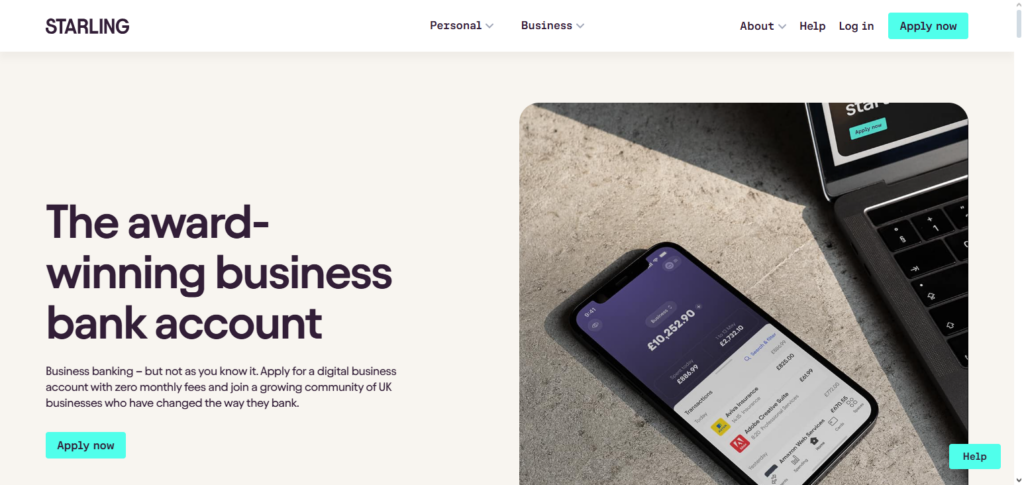
Starling allows accounts in GBP and EUR, and USD for easier expense and invoicing in multiple currencies. Starling is a cost-effective banking option with no fees on domestic payments, and has the Financial Services Compensation Scheme (FSCS) protection up to 85k. Starling’s Business Toolkit has garnered positive reviews, allowing people to easily manage business banking with its simple invoicing, tax, and cash flow management.
Starling Bank Business Features
| Feature | Description |
|---|---|
| Free Business Account | No monthly fees with robust UK banking features for SMEs. |
| Multi-Currency Accounts | Manage GBP, EUR, and USD accounts with low-cost international transfers. |
| Business Toolkit | Tools for invoicing, expense tracking, and tax management integrated in-app. |
| Payment Cards | Physical and virtual cards with real-time controls and spending notifications. |
| Accounting Integration | Connects with Xero, QuickBooks, and FreeAgent for seamless bookkeeping. |
Starling Bank Business Pros & Cons
Pros
- Free Business Account: Enjoy a well-rounded feature set with no monthly fees.
- Multi-Currency Options: Offers accounts in GBP, EUR, & USD.
- Integrated Toolkit: The app provides invoicing & expense management.
Cons
- UK Focused: Most ideal for businesses based in or interacting with the UK.
- Feature Gaps: Lacks some of the advanced automation tools.
- Support Response: Response times for support may decrease during peak hours.
8. Sogexia
Sogexia Business is a digital bank based out of Luxembourg. It provides fast openings of online business accounts, and is geared towards freelancers and small businesses who want straightforward banking solutions and fast account openings.
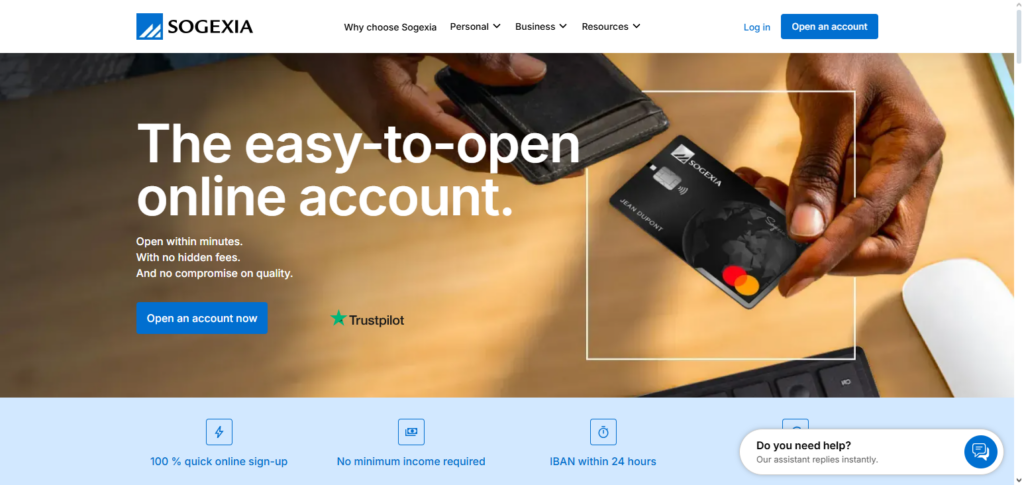
This company offers business Mastercards, online payments, dual IBANs, and simplified payment management from their website or app with clear pricing and helpful support. It’s digital-first business model fits companies needing quick, unencumbered banking with basic features.
Sogexia Features
| Feature | Description |
|---|---|
| Online Business Account | Fast account opening with French or Luxembourg IBANs. |
| Mastercard Cards | Issue physical and virtual cards for business spending. |
| Multi-IBAN Support | Separate accounts for different projects or clients. |
| Online Payments | Manage transfers and payments efficiently through web and mobile platforms. |
| Transparent Fees | Clear pricing with no hidden costs for freelancers and SMEs. |
Sogexia Pros & Cons
Pros
- Fast Account Opening: Offers swift digital onboarding with French or Luxembourg IBANs.
- Clear Pricing: Offers simple pricing with no hidden fees.
- Business Cards: Offers a virtual & physical Mastercard.
Cons
- Basic Toolset: Lacks advanced features compared to larger neobanks.
- Limited Integrations: Does not integrate with a number of popular tools.
- Smaller Ecosystem: Does not have a number of features compared to other major players.
9. Wallester Business
Wallester Business specializes in expense management and virtual and physical business payment card issuance for freelancers and small-medium enterprises. Although traditional banking isn’t in their scope, Wallester partners with banks for card issuance and spending control and offers business finance management custom APIs.
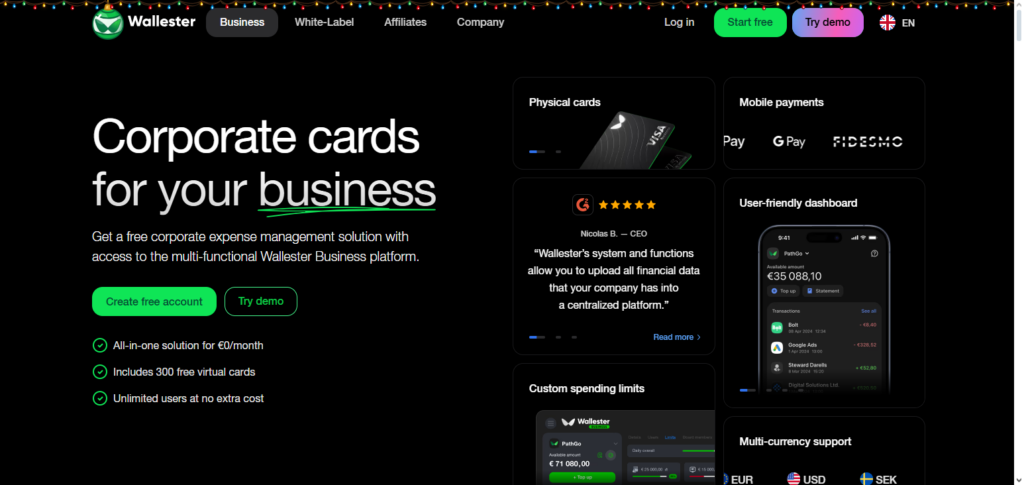
Prioritization of international payment capabilities and seamless automated reconciliation for flexible spending make it suitable for cross-team expense management. Wallester’s business card services integrate well with neobank accounts for additional banking services.
Wallester Business Features
| Feature | Description |
|---|---|
| Corporate Cards | Virtual and physical cards with customizable limits for team spending. |
| Expense Management | Track and control expenses across departments or projects. |
| API Integration | Connect to accounting or ERP systems for automated workflows. |
| International Use | Cards support multi-currency transactions and global payments. |
| Flexible Issuance | Issue cards instantly and manage them remotely from the platform. |
Wallester Business Pros & Cons
Pros:
- Corporate Card Focus: Very good for controlling spending on your team.
- API support: Helps with connecting to your financial workflows.
- International Use: Cards are usable worldwide and have flexible currencies.
Cons:
- Not a Full Bank: They are only a card issuer and need to be paired with business accounts.
- Fewer Banking Tools: No built-in invoicing and reporting.
- Dependent on Partners: They need a bank to partner with for core account functionality.
10. DKB (Deutsche Kreditbank)
Deutsche Kreditbank (DKB) is a German direct bank that services both retail and corporate clients with internet business accounts, and loans and missing services.
While not fully a neobank such as Revolut or N26, DKB’s digital business banking services integrate the stability of a traditional bank and the flexibility of online banking. They offer customized banking services, financial solutions, and the supplementary protection of German deposit insurance.
For European small and medium-sized businesses, and self-employed, DKB can offer a highly dependable hybrid option that balances digital and traditional banking with the services of a more seasoned banking partner with branch access along with a wider range of corporate services.
DKB (Deutsche Kreditbank) Business Features
| Feature | Description |
|---|---|
| Online Business Account | Digital banking for SMEs with a traditional banking safety net. |
| Secure Transactions | FSCS-style deposit protection under German law ensures fund security. |
| Payment & Transfer Services | Domestic and SEPA payments with integrated online banking features. |
| Financial Products | Access to loans, credit lines, and other business financial solutions. |
| Mobile & Web Banking | Manage accounts, monitor transactions, and generate statements through online platforms. |
DKB / Deutsche Kreditbank Pros & Cons
Pros:
- Traditional Banking Strength: It is a regulated bank with good deposit protection.
- Full Banking Suite: They provide loans, credit lines, and other business services.
- Online Convenience: They have a good and reliable online banking system.
Cons:
- Less Modern UX: The online portal is not as intuitive as other neobanks.
- Fees Possible: They provide traditional banking services, which are usually more expensive.
- Slower Onboarding: It might take longer to open an account when compared to fully digital banks.
How to Choose the Right Neobank
Establish the Requirements of Your Business
Begin with a checklist of the most essential. Examples include invoicing, multi-currency, expense tracking, cards for teams, or payments in other countries. Having a clear idea of your priorities will help narrow your options significantly. As an instance, if your work is global, you will likely need multiple currency accounts, while low-fee international transfers will be more advantageous than basic attributes.
Analyze Costs and Fees in Pricing Models
Consider if there will be a monthly charge, and if there are fees on transactions, ATMs, and currency interchange. If you make payments often or handle a significant volume of transactions, SME and freelancer neobanks like Revolut Business and N26 Business are more advantageous.
Analyze the Range of Features
Consider the more important basic features like invoicing, integrations for accounting, business intelligence, and expense control. If you want more financial control, Qonto and Holvi Business significantly reduce manual bookkeeping by providing good management tools.
Evaluate Currency and International Support
Choose a neobank with multi-currency accounts, favorable foreign exchange, and international payments if you have foreign customers or suppliers. Revolut Business and Starling Bank have good international features.
Security, Regulation and Protection.
Confirm the neobank is licensed and has safety features like deposit insurance and two‑factor authentication. A European example is DKB (Deutsche Kreditbank), which has the insurance of traditional banking without leaves.
Mobile App Quality and Usability.
Everyday banking requires a good mobile app. Assured mobile usability is key for quick balance checks, payment approvals, and expense management. Highly rated apps are a must for busy freelancers and SME owners.
Customer Support and Accessibility.
Reliable support is a good time saver. When looking for neobanks, check for those who seem to have faster and/or more responsive customer service. On some platforms, you might find a specialized, tiered customer support dedicated to business.
Risks and Limitations
Almost Non-Existent Physical Presence
Since the majority of neobanks have no physical presence and act entirely online, it may be inconvenient for individuals who wish to have face-to-face interactions, who need to make cash deposits often, or who need certain banking services that require physical documentation or verification.
Customer Support Issues
If it is the case that neobanks do not have phone support and only use email or support chat systems, then response time lapses may be an issue. Traditional banking services may be able to provide quicker resolution to complicated banking problems, disputes, or other urgent concerns.
Difference in Regulation or No Protection for Some Deposits
Neobanks may not provide the same or comparable deposit protections to, unfortunately, expose freelancers and SMEs to more risk in isolated situations.
Lack of Differentiated Offerings
Businesses that require a more complex suite of financial services may find the offerings of neobanks more limiting, as fully integrated banking services (such as credit, loans, and investment) may be absent or scarce.
Over Dependence on Technology
Having a fully online banking service may see payments or other financial management tasks being significantly delayed if there is a technical difficulty, system outage, or bugs in the mobile application that prevent a user from accessing their account.
Restrictions on Basic or No-Cost Plans
Free plans are appealing and cost-effective; however, they, unfortunately, come with restrictions such as no access to premium support, no access to multi users, no currency accounts, and there are lower transfer allowances. These are features that other, more expensive, plans bother to incorporate. These are features growing SMEs become accustomed to and unfortunately find the need to upgrade.
Limitations of Integrations
For some neobanks, the integration with certain accounts and invoicing software is, at best, sub-optimal. This could mean that manual reconciliations are necessary or they may need to purchase integration from other third party intermediaries.
Usability of Internet Access
Being solely digital, neobanks are reliant on the performance of the internet. Freelancers and SMEs located in areas with poor connectivity may find challenges in internet banking once they are able to access internet.
Conclusion
Finally, we can say neobanks have transformed the banking ecosystem for freelancers and SMEs across Europe. Thanks to low and flexible financing solutions, neobanks have drastically changed the way freelancers and SMEs access financing.
The services of neobanks, such as, multi-currency accounts, invoicing, expense management, and accounting services make banking easy.
Though there are some drawbacks; such as, neobanks are very dependant on digital access, and have limited physical access, the efficiency of neobanks make them a great alternative to traditional banks.
Your specific business, patterns of transactions and future vision, should guide you to the ideal neobank. All in all, the digital banks give financially the freedom to work and make money in the new world.
FAQ
What Is a Neobank?
A neobank is a digital‑only bank that operates entirely online through apps and web platforms without physical branches. They offer core banking services like business accounts, payments, cards, and financial tools tailored for freelancers and SMEs, often with lower fees and modern features compared to traditional banks.
Why Should Freelancers & SMEs Use Neobanks?
Neobanks provide cost‑efficient banking, fast account setup, intuitive apps, multi‑currency support, and built‑in tools for invoicing, expense tracking, and accounting. These features help small businesses manage finances more efficiently without the bureaucracy of traditional banks.
Which Neobanks Are Best for Freelancers & SMEs in Europe?
Some of the best neobanks include Revolut Business, N26 Business, Bunq Business, Qonto, Holvi Business, Monzo Business, Starling Bank Business, Sogexia, Wallester Business, and DKB (Deutsche Kreditbank) — each offering unique benefits for digital banking and business finance management.
How Do I Choose the Right Neobank for My Business?
Consider your business needs: transaction volume, international payments, invoicing, accounting integrations, currency support, fees, and customer service. Compare features and pricing plans, and choose a platform that aligns with your workflow and growth plans.
Are Neobanks Safe for My Business Money?
Yes—most European neobanks are regulated under EU or local banking laws and implement security measures like two‑factor authentication. Some hold banking licenses with deposit protection. Always check the specific neobank’s regulatory status and protection schemes before signing up.