

This article identifies the Best Bill Payment Automation Software available to businesses that allow automation of invoice processing, payments to vendors, approval workflows, and other financial operations.
- What is Bill Payment Automation Software?
- How To Select Bill Payment Automation Software
- Key Point & Best Bill Payment Automation Software
- 10 Best Bill Payment Automation Software in 2026
- 1. Oracle NetSuite Bill Pay
- Oracle NetSuite Bill Pay Features, Pros & Cons
- Features
- Pros
- Cons
- 2. Microsoft Dynamics 365 Finance
- Microsoft Dynamics 365 Finance Features, Pros & Cons
- Features
- Pros
- Cons
- 3. QuickBooks Online Bill Pay
- QuickBooks Online Bill Pay Features, Pros & Cons
- Features:
- Pros:
- Cons:
- 4. Xero Bill Payments
- Xero Bill Payments Features, Pros & Cons
- Features:
- Pros:
- Cons:
- 5. Tipalti
- Tipalti Features, Pros & Cons
- Features:
- Pros:
- Cons:
- 6. Airbase
- Airbase Features, Pros & Cons
- Features:
- Pros
- Cons
- 7. Ramp Bill Pay
- Ramp Bill Pay Features, Pros & Cons
- Features
- Pros
- Cons
- 8. Brex Bill Pay
- Brex Bill Pay Features, Pros & Cons
- Features
- Pros
- Cons
- 9. Zoho Books Bill Pay
- Zoho Books Bill Pay Features, Pros & Cons
- Features:
- Pros:
- Cons:
- 10. Coupa Pay
- Coupa Pay Features, Pros & Cons
- Features:
- Pros:
- Cons:
- Conclusion
- FAQ
These software systems cut down manual work, increase payment accuracy and cash flow visibility, and simplify accounts payable operations. We will go over the features, advantages, and business needs that the top systems cater to.
What is Bill Payment Automation Software?
Bill Payment Automation Software is an automated accounts payable solution that modernizes the process that companies use to manage, approve, and pay bills. The software is designed to make accounts payable processes easier and consists of tools that capture invoices, automate vendor payment schedules, payment approvals, and vendor payment disbursements.
Bill Payment Automation Software decreases the volume of manual data entry, accuracy issues with payments, and late payments. It also enhances the visibility of your organization’s finances.
Companies are also given the opportunity to manage their payment processes through the automation of invoice capture and payment, control their costs, and save time by linking their accounts to automation and live updates with workflow automation and invoice management.
This software is used to ease financial management and enhance control of an organization’s cash flow.
How To Select Bill Payment Automation Software
Understand the Business Needs: Analyze how bill payment automation will impact payment volumes, vendor management, bill approvals, and accounting and finance functions.
Look For Automation: Find software with automated invoice capture, payment and invoice scheduling, approval workflows, automatic reconciliation, and reporting to cut down manual tasks.
Think About Accounting Connectivity: Consider software that easily integrates with accounting platforms or ERPs like QuickBooks, Xero, NetSuite, and Microsoft Dynamics.
Think About Security and Compliance: Consider software that has a secure platform with strong encryption, user permissions, and fraud prevention with compliance to safeguard finances.
Look For Payment Flexibility: Consider software that can fulfill your business’s payment needs from a variety of payment methods, multiple and foreign currencies, or payments that are international.
Look For Usability: Software with a user-friendly, easy to navigate interface will be adopted quickly by your finance team because it requires little to no training.
Look For Value: Analyze the cost of the software in relation to subscription costs, payment transaction costs and fees, and the cost of implementation relative to the features of the software.
Look For Software That Grows With You: Consider payment software that allows you to automate a growing number of invoices with a growing number of vendors and payment transactions for a growing number of users.
Look For Advanced Analytics and Reporting: Consider payment software that has advanced analytics and reporting to evaluate payments, control expenses, and make financial decisions.
Look For a Software Vendor That Values Customers: Consider a software vendor that has a good reputation with customer service, has a good support model with trained and knowledgeable staff, and who keeps the software current and relevant.
Key Point & Best Bill Payment Automation Software
Oracle NetSuite Bill Pay
- Automated vendor bill processing and payment scheduling
- Integrated ERP-based accounts payable management
- Supports approval workflows and payment controls
Microsoft Dynamics 365 Finance
- Advanced accounts payable automation features
- Real-time financial tracking and reporting
- Supports global payments and compliance management
QuickBooks Online Bill Pay
- Simple online bill payment automation for small businesses
- Tracks invoices, vendors, and payment statuses
- Integrates with QuickBooks accounting workflows
Xero Bill Payments
- Easy invoice management and automated payments
- Bank reconciliation and cash flow tracking
- Suitable for small and growing businesses
Tipalti
- Global supplier payment automation platform
- Supports multi-currency payments and tax compliance
- Reduces manual accounts payable processes
Airbase
- Automated bill approval and payment workflows
- Combines spend management and accounts payable
- Provides real-time visibility into company spending
Ramp Bill Pay
- Automates invoice capture and vendor payments
- Offers approval controls and payment scheduling
- Integrates with accounting systems for better tracking
Brex Bill Pay
- Streamlines business bill payments and approvals
- Provides corporate spending visibility
- Supports automated invoice processing
Zoho Books Bill Pay
- Simplifies vendor bill management and payments
- Offers automated reminders and reconciliation
- Designed for small and medium businesses
Coupa Pay
- Enterprise payment automation and supplier management
- Improves payment security and compliance
- Provides centralized spend and invoice control
10 Best Bill Payment Automation Software in 2026
1. Oracle NetSuite Bill Pay
Best Bill Payment Automation Software – Oracle NetSuite Bill Pay offers a unified ERP solution to help businesses automate their accounts payable processes to manage vendor bills, approvals, and payments.
With a capture and pay servicing model, companies can maintain their financial records up to date without having to perform the tasks manually. The solution provides automated design, workflow, and pay integrations, which makes the product fit for mid and large sized companies.
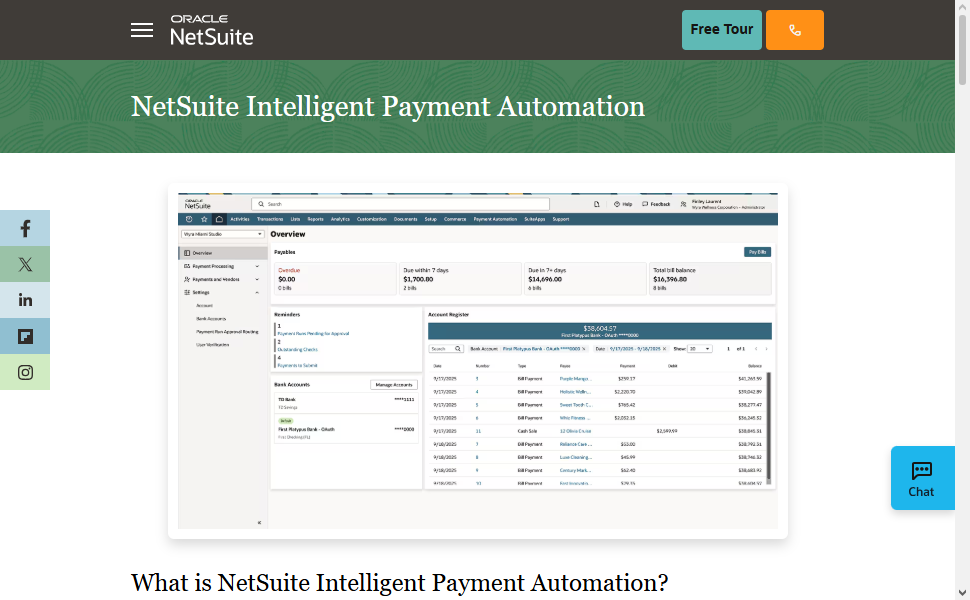
Bill Pay provides visibility to cash position, eliminates payment errors, and promotes a central financial control with regards to payments, thus enhancing payment compliance.
The advanced reporting functionality empowers finance teams to effectively manage their financial obligations to vendors, and payment performance.
Oracle NetSuite Bill Pay Features, Pros & Cons
Features
- Automated processing and payment workflows for vendor bills
- Accounts payables and ERP integration
- Multi-currency payment and global transactional support
- Payments and financials available in real-time
- Approval and compliance control features
Pros
- Complete ERP integration for large-scale businesses
- Good automation and workflow design
- Cash flow control and visibility improved
- Good financial analytics and reporting
- Solution scales well
Cons
- More expensive than basic options
- New users require training
- May be too complicated for small businesses
- Advanced features require further setup
- Take some time to implement
2. Microsoft Dynamics 365 Finance
Best Bill Payment Automation Software – Microsoft Dynamics 365 Finance is ideal for companies that need a more scalable financial automation system. The solution simplifies the indirect processes to payables by automating the steps to approve payments and manage vendors.
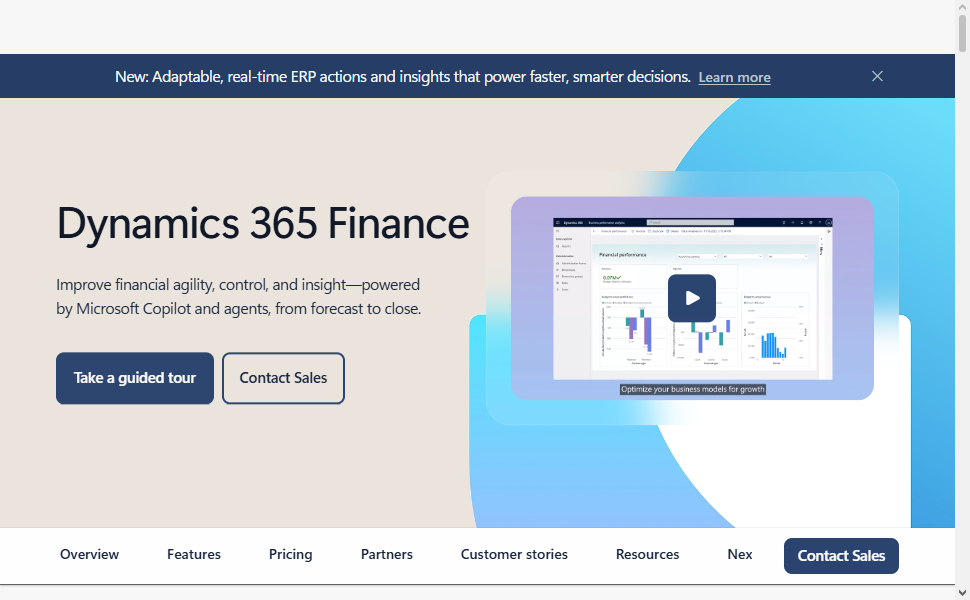
The framework also facilitates global processes by maintaining compliance to the various regulatory frameworks as well as transactional flexibility to currency exchange. Through the centralized framework, organizations can increase payment precision, reduce administrative burdens, and better manage their financial processes.
Microsoft Dynamics 365 Finance Features, Pros & Cons
Features
- Automated accounts payables and invoice processing
- Real-time financials and reporting
- Global payments and compliance support
- Integration with Microsoft business apps
- AI-enabled financial forecasting
Pros
- Enterprise financial management solution
- Financials customizable and scalable
- Microsoft integration is excellent
- Supports many currencies and regions
- Security and compliance are advanced
Cons
- Cost prohibitive for small businesses
- Complicated to set up and implement
- Requires technical experts
- Steep learning curve for users
- May require other solutions for complete use
3. QuickBooks Online Bill Pay
Best Bill Payment Automation Software – QuickBooks Online Bill Pay offers a simple interface to help small and medium-sized businesses automate and simplify their bill management.
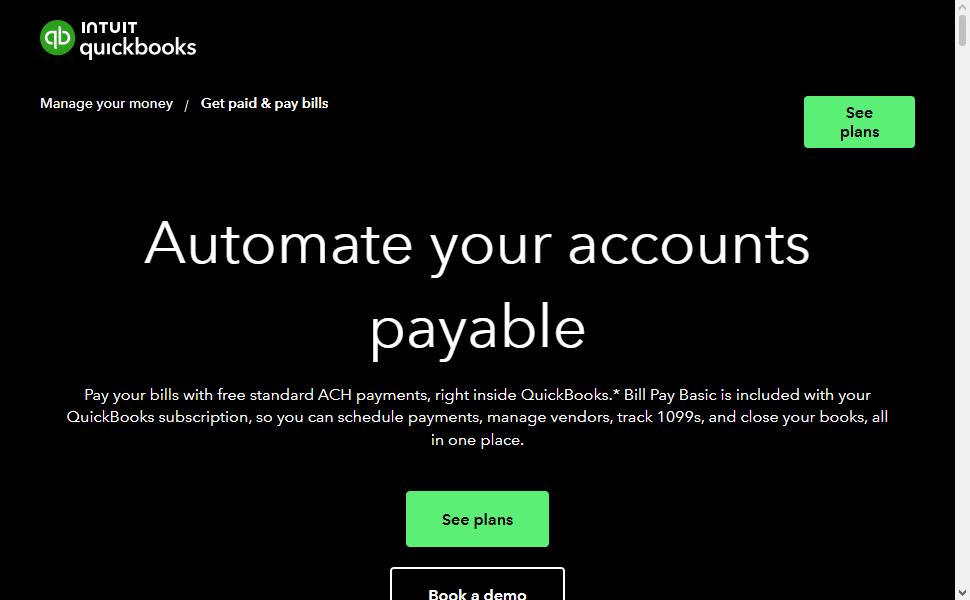
Users are able to create, manage, and pay their vendor bills directly in their accounting system. QuickBooks Online Bill Pay schedules payments, sorts invoices, and logs transactions to ease the burden of manual bookkeeping.
The software also integrates with financial reporting, enabling businesses to manage their cash flow. It balances user interface and cost with accounting automation, making QuickBooks Bill Pay the go to option for businesses wanting to avoid complexity in their financial management.
QuickBooks Online Bill Pay Features, Pros & Cons
Features:
- Online bill payment and invoice tracking
- Automated payment scheduling
- Integration with QuickBooks accounting tools
- Vendor management and payment history tracking
- Simple financial reporting dashboards
Pros:
- Easy-to-use interface for small businesses
- Affordable pricing options
- Quick setup and implementation
- Strong accounting integration
- Suitable for startups and SMEs
Cons:
- Limited advanced automation features
- Not ideal for large enterprises
- Fewer customization options
- Limited global payment capabilities
- Reporting features are basic compared to enterprise tools
4. Xero Bill Payments
Best Bill Payment Automation Software Xero Bill Payments automates invoices and payments to facilitate better management of accounts payable. Users are able to create bills, schedule payments, and reconcile transactions with bank accounts via the payment platform.
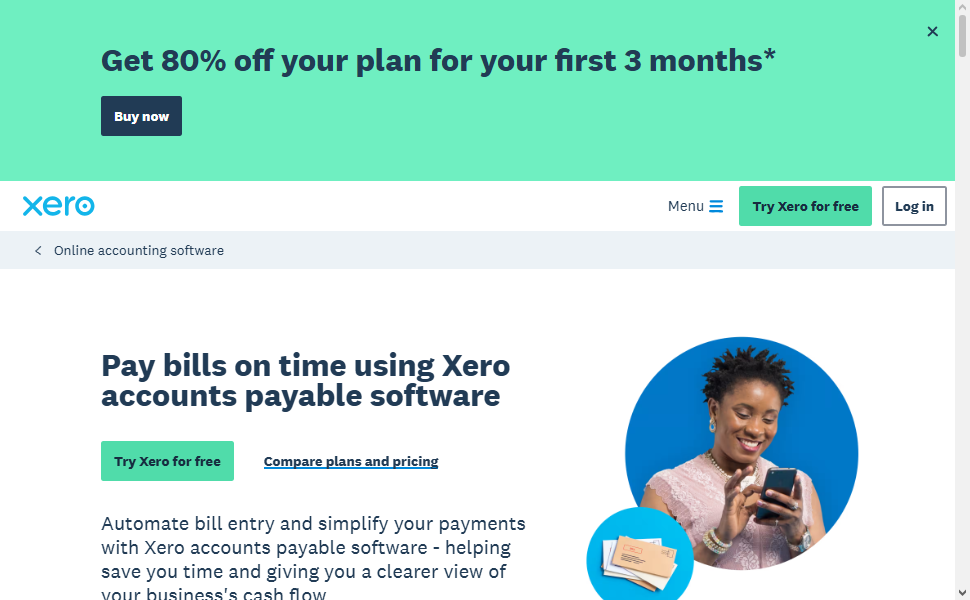
Xero increases the accuracy of financial reporting by capturing payments as they happen and eliminating the need for manual data logs.
Since Xero is a cloud platform, it allows business owners, accountants, and finance team members to collaborate and access the same information. It also has extensive reporting and a user-friendly interface that fosters the needs of small and growing companies to automate and optimize payment operations.
Xero Bill Payments Features, Pros & Cons
Features:
- Bill recording and payment tracking automation
- Cloud accounting integration
- Bank reconciliation automation
- Invoice management
- Financial reports generate in real time
Pros:
- Simple cloud accounting
- Cost effective
- Collaboration with accountants is easy
- Good bank integration
- Supports other business apps
Cons:
- Limited features for large businesses
- Advanced automation may need integrations
- Not good for complex businesses
- Limited reporting customization
- Some features are added with other apps
5. Tipalti
Tipalti is a global payment automation program. Tipalti is designed for complex accounts payable and automated supplier onboarding, invoice processing, payments approvable internationally, and offers a variety of payment methods. Tipalti helps with manual finance by intelligent payment processing and automated workflows. Tipalti is great for global businesses.
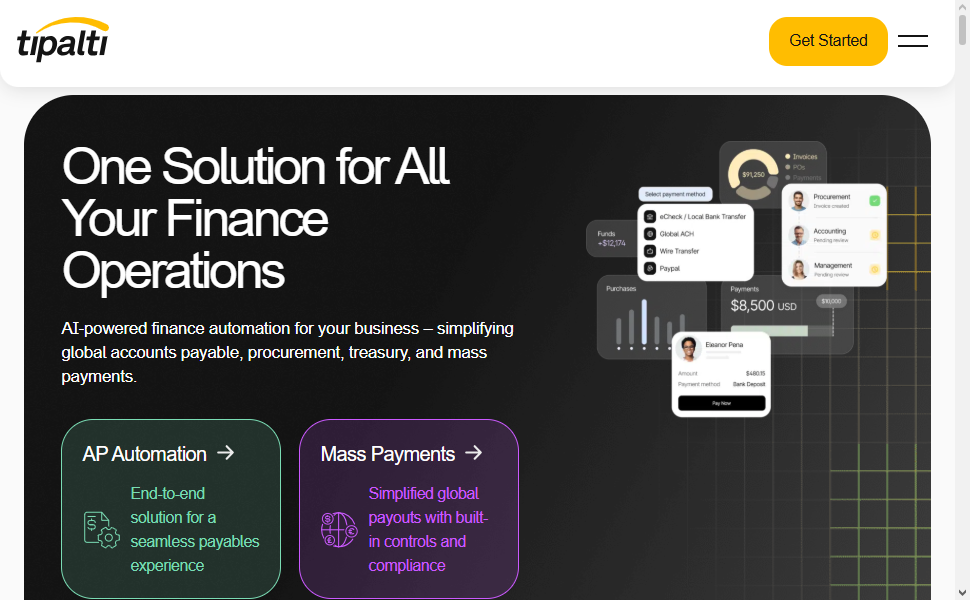
Tipalti helps businesses sustain better control of finance and improve supplier relationships and the payment process accuracy. Tipalti is great for businesses dealing with high volume payments because of the reporting and compliance features.
Tipalti Features, Pros & Cons
Features:
- Global supplier payment automation
- Automated invoice processing and approvals
- Multi-currency payments
- Tax compliance for suppliers and onboarding
- Payment controls and fraud mitigation
Pros:
- Fantastic for payments going abroad
- Less manual work for accounts payable
- Good for compliance
- High payment volume is not a problem
- Good for supplier payments
Cons:
- More expensive than basic tools
- Can be complicated to set up
- Designed for larger companies
- Needs time to setup
- May be more than a small company needs
6. Airbase
Airbase is a combination of spend management and bill payment automation; it allows businesses to have better control of expenses. Airbase allows automation of invoice approvals, payment to vendors, and the tracking of expenses all through the same program.
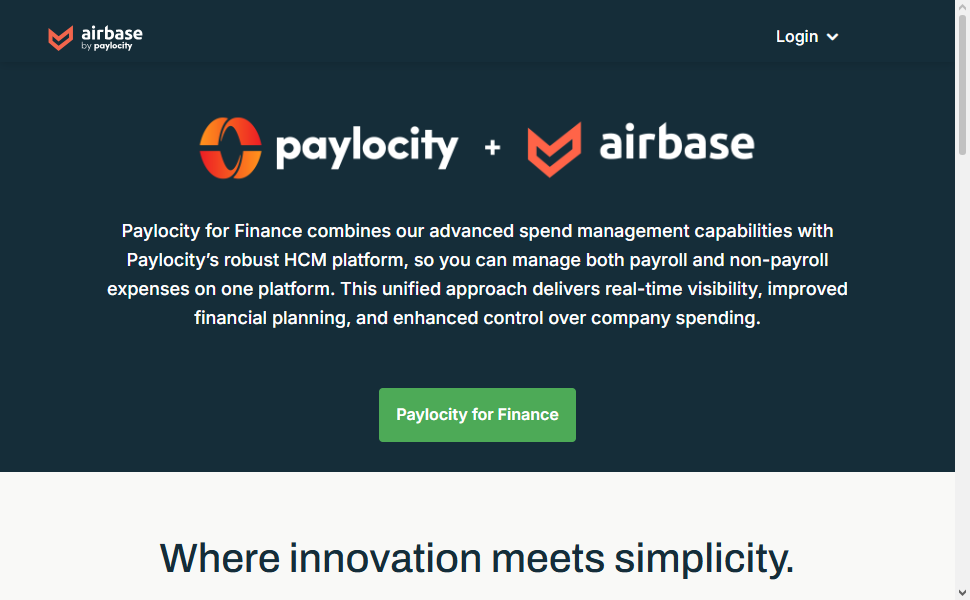
Airbase is a finance centric program because of its customizable workflows, real time spending visibility, and accounting friendly integrations designed to facilitate financial operations.
Airbase is designed to help finance teams prevent wasteful spending and help control the budget by reducing manual processes. Airbase offers automation of bill capture, payment in the future, and a variety of reporting; Airbase is modernized software to assist in managing payment and spending of the business.
Airbase Features, Pros & Cons
Features:
- Automated approval workflows for bills
- Integrated Spend Management
- Accounting System Integration
- Instant Expense Access
Pros
- Integrated Spend Management and Bill Pay
- Improved Control over Corporate Finance
- Seamless Automation of Approval
- Good Insight Reporting
- Less Finances Related Manual Work
Cons
- Price Point May Be Too High for Smaller Groups
- Limited Global Payment Capabilities
- User Training Required
- Some Features Are Configurable and Not Out of the Box
- May Not Meet Very Basic Accounting Requirements
7. Ramp Bill Pay
Ramp Bill Pay has been awarded the category winner for the Best Bill Payment Automation Software. Ramp Bill Pay automates vendor payments and invoice approvals for finance departments.
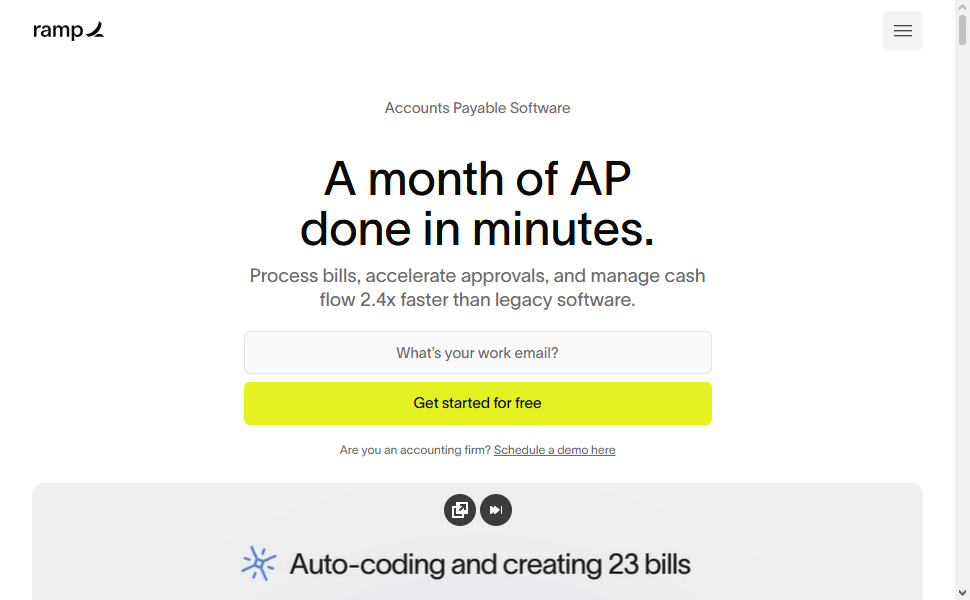
Finance departments have visibility on company spending and control on payment scheduling with Ramp Bill Pay’s expense capture and payment request features.
Ramp retrofits to an organization’s preferred accounting software and facilitates an easier reconciliation process. Payment and control automation mitigate delays and repeated actions. Ramp Bill Pay is ideal for growing businesses to manage accounts payable.
Ramp Bill Pay Features, Pros & Cons
Features
- Automatic Invoice Processing
- Payment Scheduling
- Approval Workflows
- Accounting Software Connections
- Instant View into Spending
Pros
- Clean Modern UI
- Control over Payments
- Fast Payment Processing
- Better Visibility over Spending
- A Good Fit for Growing Firms
Cons
- Limited Global Reach
- Advanced Features May Require Custom Work
- Complex Enterprise Needs Not Really Supported
- Payment Integration Required
- Not for Traditional Accounting
8. Brex Bill Pay
Brex Bill Pay has also been awarded the Best Bill Payment Automation Software. Brex Bill Pay automates supplier payments and invoice approvals and integrates seamlessly with finance departments’ enterprise resource planning (ERP) software. Visibility on company spending is facilitated by Brex Bill Pay’s payment automation features.
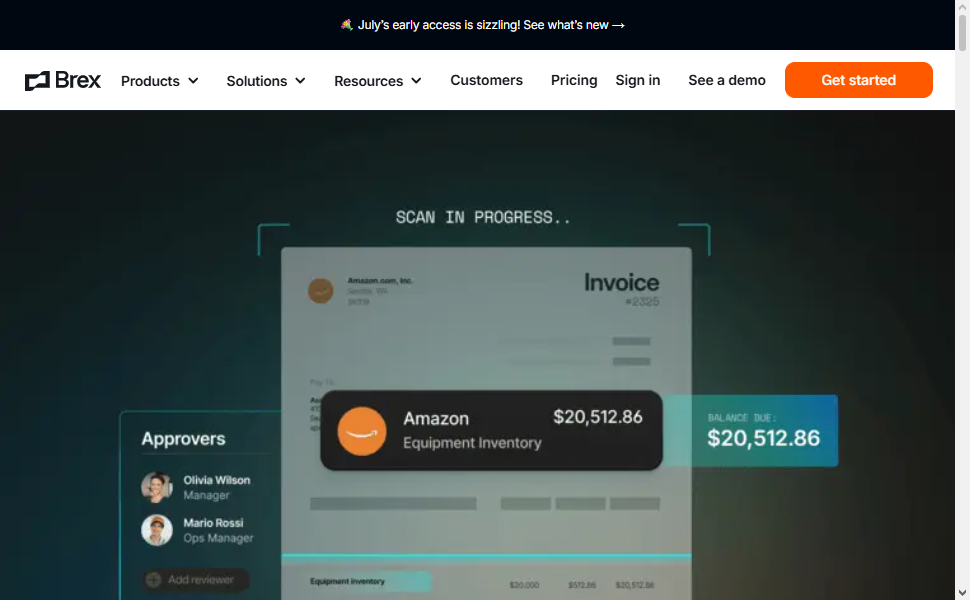
Brex Bill Pay augments payment security by incorporating approval controls and spending policies. Brex Bill Pay combines payment automation and corporate card management, making it best suited for businesses that require control and efficient management of their financial transactions.
Brex Bill Pay Features, Pros & Cons
Features
- Automated Vendor Payments
- Invoice Approval Workflows
- Spend Management
- Accounting Software Integration
- Payment Security
Pros
- Corporate Finance and Payments Integration
- Good Spend Tracking
- Easier Payment Approvals
- Good Spend Visibility
- User Based Design
Cons
- Price Point Higher than Basic Options
- Good Fit for Technology Based Firms
- Limited Options for Small Firms
- Some features require Brex ecosystem usage
- Less flexible for complex accounting needs
9. Zoho Books Bill Pay
Best Bill Payment Automation Software: Managing vendor bills is incredibly time-consuming for small and medium businesses. Zoho Books Bill Pay removes the manual labor associated with bill payments and vendor management.
User can create and send invoices, manage outstanding bills and schedule payments, and manage their vendors all from one dashboard. Manual accounting is essentially eliminated with the reminder, reconciliation and reporting automations.
Zoho Books seamlessly integrates with the other application in the Zoho ecosystem and multiple banking interfaces bringing the entire finances of a business into one application.
Adding the affordability of the platform, the ease of use and the built in accounting, Zoho Books Bill Pay is the best bill payment solution to help businesses get their payments right every time.
Zoho Books Bill Pay Features, Pros & Cons
Features:
- Automated vendor bill management
- Payment reminders and scheduling
- Accounting and banking integrations
- Expense tracking and reconciliation
- Financial reporting tools
Pros:
- Affordable solution for SMEs
- Easy-to-use accounting platform
- Good automation for small businesses
- Strong Zoho ecosystem integration
- Simple setup process
Cons:
- Limited enterprise capabilities
- Fewer advanced payment controls
- Reporting is less powerful than premium tools
- Not ideal for global enterprises
- Advanced features may require upgrades
10. Coupa Pay
Best Bill Payment Automation Software Coupa Pay is an automation payment solution of the highest grade designed to improve the procurement, accounts payable, and payments to suppliers.
Coupa Pay is a fully automated solution to invoice approval, payments and supplier management with the controls of a payment solution. Coupa Pay improves compliance, and cuts the payment risk with a centralized workflow.
Coupa Pay is automation for large enterprise payment solutions. Coupa Pay is designed to improve the procurement and payment process for large enterprises while enhancing the supplier relationship. Coupa Pay is the best payment automation solution for large enterprises.
Coupa Pay Features, Pros & Cons
Features:
- Enterprise payment automation
- Supplier payment management
- Automated invoice approvals
- Spend analytics and reporting
- Global payment support and compliance
Pros:
- Strong enterprise spend management
- Improves supplier payment efficiency
- Advanced security and compliance features
- Excellent procurement integration
- Provides detailed spending insights
Cons:
- Higher implementation costs
- Complex for smaller organizations
- Requires user training
- Long deployment process
- May need technical support for customization
Conclusion
The Top Bill Payment Automation Software allows businesses to streamline processes related to accounts payable, minimize manual labor, optimize payment precision, and gain greater oversight of cash flow.
Options like Oracle NetSuite Bill Pay, Microsoft Dynamics 365 Finance, Tipalti, Airbase, Ramp Bill Pay, and Coupa Pay provide high-end automation, various approval workflows, and visibility across finance tailored to different businesses.
Selecting software is contingent on organizational size, payment volume, integration, and compliance concerns. The appropriate bill payment automation software can enhance operational productivity, lower error rates, and improve the overall payment management system faster and with greater security.
FAQ
What is Bill Payment Automation Software?
Bill Payment Automation Software is a financial management solution that automates invoice processing, approval workflows, payment scheduling, and vendor payments. It helps businesses reduce manual tasks, improve accuracy, and manage accounts payable efficiently.
Why should businesses use Bill Payment Automation Software?
Businesses use bill payment automation software to save time, reduce payment errors, improve cash flow visibility, prevent late payments, and streamline accounts payable operations through automated workflows.
What are the key features of Bill Payment Automation Software?
Key features include automated invoice capture, approval workflows, payment scheduling, vendor management, accounting integrations, reporting tools, fraud prevention, and multi-currency payment support.
Which is the Best Bill Payment Automation Software for large enterprises?
Large enterprises often prefer solutions like Oracle NetSuite Bill Pay, Microsoft Dynamics 365 Finance, and Coupa Pay because they offer advanced financial controls, scalability, compliance support, and enterprise-level integrations.