I’ll go over the top accounting automation platforms in this post, which assist companies in streamlining financial operations, cutting down on human error, and obtaining real-time visibility into cash flow, compliance, and performance.
- What Are Accounting Automation Platforms?
- Key Features to Look for in the Best Accounting Automation Platforms
- Key Point & Best Accounting Automation Platforms List
- 1. QuickBooks Online
- QuickBooks Online – Key Features
- QuickBooks Online – Advantages & Disadvantages
- 2. Xero
- Xero – Key Features
- Xero – Advantages & Disadvantages
- 3. Zoho Books
- Zoho Books – Key Features
- Zoho Books – Advantages & Disadvantages
- 4. FreshBooks
- FreshBooks – Key Features
- FreshBooks – Advantages & Disadvantages
- 5. Sage Intacct
- Sage Intacct – Key Features
- Sage Intacct – Advantages & Disadvantages
- 6. Wave Accounting
- Wave Accounting – Key Features
- Wave Accounting – Advantages & Disadvantages
- 7. Kashoo
- Kashoo – Key Features
- Kashoo – Advantages & Disadvantages
- 8. Tipalti
- Tipalti – Key Features
- Tipalti – Advantages & Disadvantages
- 9. BlackLine
- BlackLine – Key Features
- BlackLine – Advantages & Disadvantages
- 10. FloQast
- FloQast – Key Features
- FloQast – Advantages & Disadvantages
- Benefits of Using Accounting Automation Platforms
- Conclusion
- FAQ
These technologies automate invoicing, reporting, and reconciliation for small startups and expanding businesses, facilitating more intelligent decision-making and effective financial administration in contemporary cloud-based company contexts.
What Are Accounting Automation Platforms?
By automatically managing procedures including bank reconciliation, invoicing, cost monitoring, payroll processing, tax computations, and financial reporting, accounting automation platforms are software programs created to simplify and digitize financial processes.
These solutions connect directly to bank accounts, payment systems, and business applications to record and classify transactions in real time, eliminating the need for spreadsheets and human data entry.
Businesses may monitor cash flow, assure compliance, and make well-informed decisions thanks to this automation’s increased accuracy, decreased human error, and provision of current financial data.
Accounting automation technologies facilitate improved cooperation, scalability, and control throughout the entire finance operation by centralizing financial data in a secure cloud-based system.
Key Features to Look for in the Best Accounting Automation Platforms
Bank Transactions Automation: Automation of the import and classification of transactions from bank accounts, credit cards, and other payment systems. This would save time on manual data input and keep the financial records updated.
Automation of Invoicing and Payments: Creation of professional invoices, scheduling of recurring billing, and sending payment reminders, are features that can speed up cash flow on overdue payments. Manual follow up is not needed.
Automation of Tax Compliance: Features that are in built tracking of taxes like GST, VAT, sales taxes and others will help an organization stay compliant. Automation of tax calculations and filing also adds to compliance from a legal standpoint.
Dashboards and Reports: Real time visibility of the financial position of a company is possible through automated reporting of profit and loss accounts, balance sheets, and cash flow. Such features enhance reporting for informed decision making.
Other Integrations: Integration of other systems like CRM, ERP, payroll giving other data apps in use a seamless flow of data and eliminating duplication of work.
Global Support and Multiple Currency Use: Managing multiple accounts in different currencies is a requirement of international commerce and adds to the overall value of the service.
Approval Workflows & User Permissions: Automated approval workflows with role-based access control can help ensure compliance with organizational regulations, safeguard critical files, and restrict access to edit or view sensitive financial information.
Cloud Accessibility & Collaboration Tools: With cloud-based solutions, users can work remotely, and teams can commingle across locations. The platform supports real-time collaboration on financial information with increased visibility.
Security & Data Protection: Data and financial information are protected with encryption, advanced authentication, and compliance with security regulations, such as ISO and SOC 2, along with secure data backup.
Mobile App Capability: Users can take FinTech solutions with them, managing business finances, capturing and managing receipts, approving and paying invoices, and reviewing financial dashboards.
Key Point & Best Accounting Automation Platforms List
| Software | Key Points |
|---|---|
| QuickBooks Online | Industry-leading cloud accounting platform offering automated bank feeds, customizable financial reports, multi-currency support, and seamless integration with thousands of third-party business apps. |
| Xero | User-friendly cloud-based accounting solution with real-time cash flow tracking, automated bank reconciliation, unlimited users, and a strong ecosystem of financial and payroll integrations. |
| Zoho Books | All-in-one accounting software featuring GST compliance, invoicing, expense tracking, project billing, and deep integration with the Zoho business app suite. |
| FreshBooks | Service-based accounting platform focused on easy invoicing, time tracking, online payments, automated expense categorization, and client-friendly financial reporting. |
| Sage Intacct | Enterprise-grade cloud financial management system delivering advanced multi-entity accounting, real-time dashboards, revenue recognition, and robust compliance controls. |
| Wave Accounting | Free small business accounting tool offering basic invoicing, expense tracking, receipt scanning, and simple financial reports with optional paid payroll services. |
| Kashoo | Simple, intuitive accounting software designed for freelancers and micro-businesses with automated transaction categorization, easy tax reporting, and clean financial summaries. |
| Tipalti | Global payables automation platform supporting mass payouts, tax compliance, multi-currency payments, supplier onboarding, and ERP integrations for scalable finance operations. |
| BlackLine | Financial close and account reconciliation software providing automated journal entries, real-time balance sheet certification, and strong audit and compliance management tools. |
| FloQast | Accounting workflow automation platform that streamlines month-end close, checklist management, document collaboration, and real-time team communication for finance departments. |
1. QuickBooks Online
One of the Best Accounting Automation Platforms QuickBooks Online demonstrate their name in the stellar reputation they have. Automation services have been applied to services such as transaction capture and categorization.
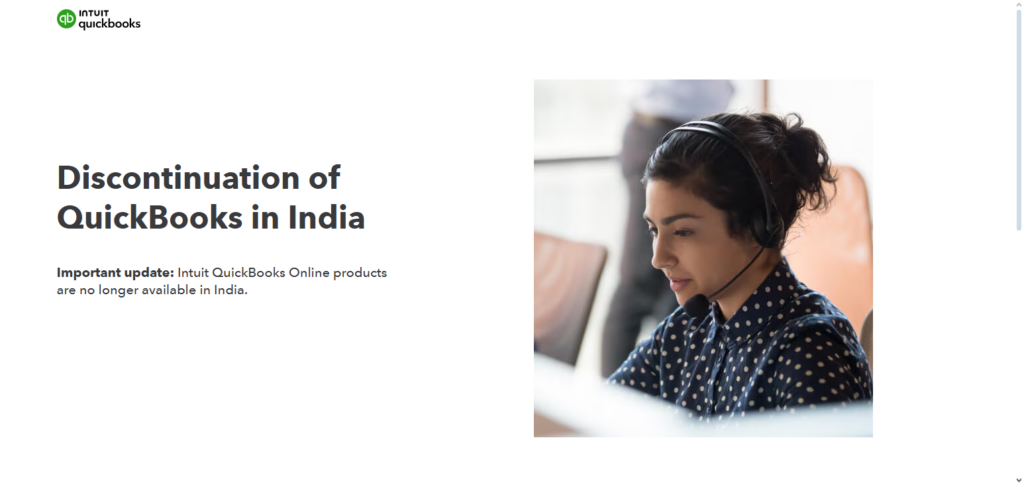
This results in a decrease of the tedious tasks which can unlock time for insufficient data. Working separated dashboards has an added benefits. These can be tailored to the specifications of the chosen user.
Updates are consistent, and security measures are robust. Both of these have a positive impact on the business owners as well as accountants. This provides the user with fresh data which can be examined in real time.
QuickBooks Online – Key Features
- Automated Bank Feeds – Sync and categorize transactions from your bank accounts with no manual entry required.
- Customizable Financial Reports – Create financial reports for your business, including profit and loss, cash flow, and balance sheet.
- Invoicing & Payment Processing – Bill your customers and enable email payment options to save time collecting payments.
- App Integrations – Automated transactions can be sent to payroll, inventory management, or CRM systems from hundreds of third-party applications.
- Multi-User Collaboration – Grant role-specific access to financial records and reporting.
QuickBooks Online – Advantages & Disadvantages
| Advantage | Disadvantage |
|---|---|
| Powerful automation for bank feeds & invoicing | Can be expensive for small businesses |
| Large ecosystem of integrations | Learning curve for advanced features |
| Strong reporting & dashboards | Occasional updates may change workflows |
| Cloud access from any device | Higher-tier plans required for certain features |
| Support for multiple users with permissions | Support can be slow during peak times |
2. Xero
Xero has been recognized as one of the best accounting automation platforms because of its ease of use and time-saving automation features.
With fully automated bank reconciliations, cash flow updates, and invoicing reminders, Xero keeps financial data up to date without any manual intervention.
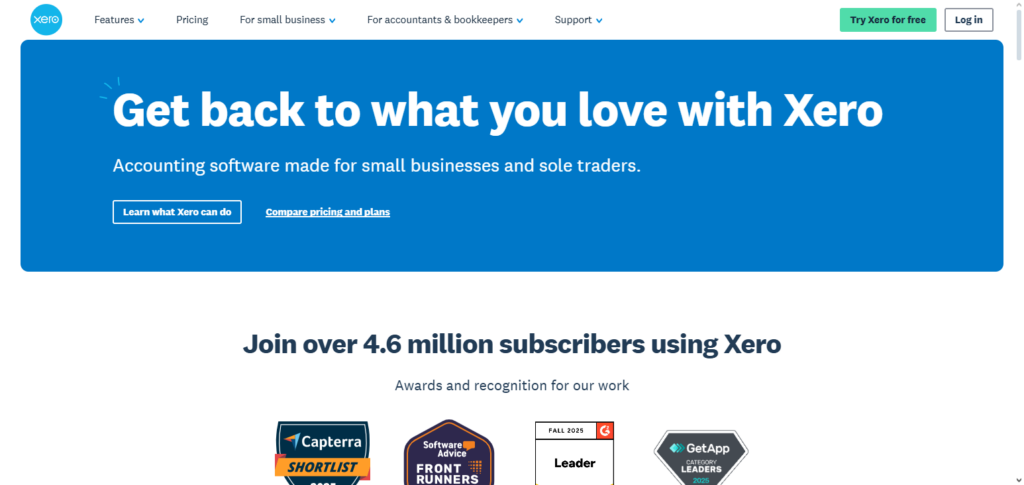
With unlimited users and fully customizable workflows to third-party applications, and 800+ seamless app connections, financial data can be tailored across payroll, payments, and reporting.
The user-friendly design attracts small businesses, as well as, accountants, and bookkeepers. The cloud-based software and advanced security features allow remote teams to work together efficiently and keep their financial data accurate and current.
Xero – Key Features
- Real Time Bank Reconciliation – Books are always accurate as transactions are matched and accounts are updated.
- Unlimited Users – Add as many team members as you need at no additional charge.
- Cash Flow Dashboard – Get a visual of your money coming in and going out.
- Integration Marketplace – Over 800 business applications can be integrated.
- Multi-Currency Support – Foreign transactions are automatically converted at real time rates.
Xero – Advantages & Disadvantages
| Advantage | Disadvantage |
|---|---|
| Unlimited users included in price | No built-in payroll in some regions |
| Robust app marketplace | Can be overwhelming for beginners |
| Strong bank reconciliation automation | Fewer advanced reporting features |
| Real-time cash flow visibility | Add-ons may increase overall cost |
| Multi-currency support | Some features need higher plans |
3. Zoho Books
Automation of invoicing and GST compliance are some of the powerful accounting functions that makes Best Accounting Automation Platforms Zoho Books a winner. Bank reconciliation, payment reminders, and recurring billing are some of the daily chores that get automated to streamline cash flow management.
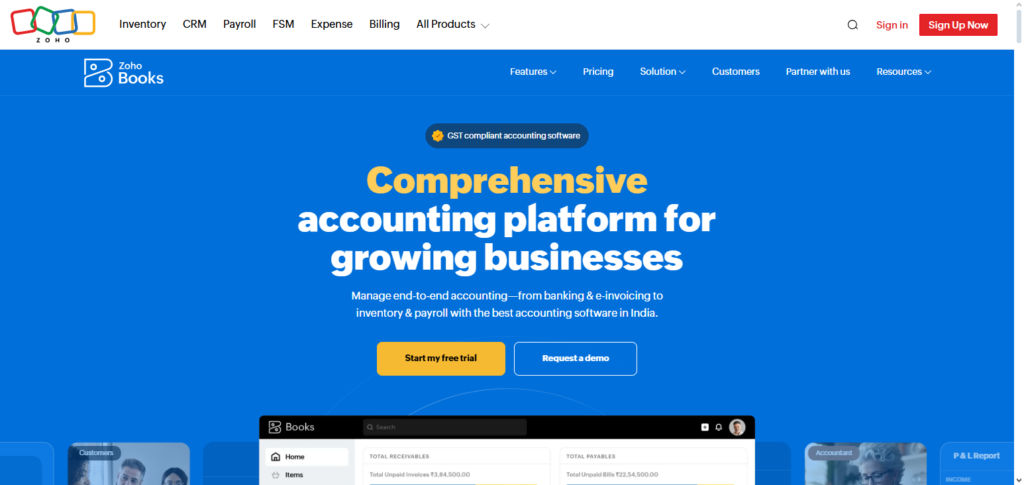
Fully integrating with other parts of the Zoho ecosystem, such as CRM and inventory management, is a great improvement for operational efficiency.
The customizable approval processes and workflows strengthen cash management and financial control. Insights into financial wellbeing and profitability are made available with advanced reporting. The ability to file taxes and process multi-currency transactions are added to the tax growing operational needs of a business.
Zoho Books – Key Features
- Automated GST/VAT Compliance – Tax calculation and assistance with local tax filing are available.
- Recurring Invoices & Payments – Regular billing can be scheduled.
- Client Portal – Clients can pay online, look at invoices, and estimates and approve them.
- Workflow Automation – Custom rules for the routing of approvals and notifications.
- Integrated Zoho Ecosystem – Integrates with Zoho CRM, Projects, Inventory, and more.
Zoho Books – Advantages & Disadvantages
| Advantage | Disadvantage |
|---|---|
| Excellent Zoho ecosystem integration | Limited third-party integrations compared to competitors |
| Automated GST/VAT compliance | User interface can feel cluttered |
| Affordable pricing | Limited advanced accounting features |
| Custom workflows & approvals | Support response may vary |
| Strong automation & recurring billing | Learning curve for new users |
4. FreshBooks
FreshBooks is one of the Best Accounting Automation Platforms aimed particularly at freelance service providers. It integrates with invoicing automation that features customizable templates and collection accelerators such as payment reminders and online payment options.
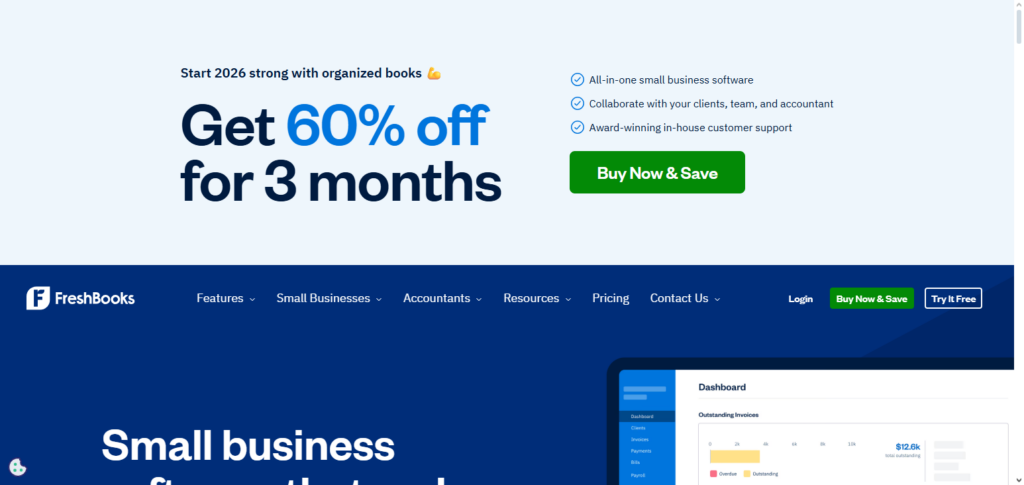
Users get a complete picture of their financial performance thanks to synced time tracking, expense management, and project profitability reports with invoices. FreshBooks requires a low level of accounting knowledge thanks to its user-friendly design, and its professional estimates and client-ready financial summaries improve customer relations.
Workstream optimizations are made with integrations to payment gateways and productivity, CRM and other tool apps. Business owners get the ability to mobile manage their finances and keep their books accurate and updated.
FreshBooks – Key Features
- Professional Invoicing Templates – Invoices can be made with your company’s branding and have reminders set for automation.
- Time Tracking and Project Billing – Tracks Time and expenses for client projects.
- Online Payments – Integrated gateways accept payments via credit cards and ACH.
- Expense Categorization – Receipts can be photographed and expenses will automatically be categorized.
- Mobile App Access – Accountings full functionality on Android and iOS devices.
FreshBooks – Advantages & Disadvantages
| Advantage | Disadvantage |
|---|---|
| Easy invoicing & time tracking | Limited accounting features beyond basics |
| Ideal for service-based businesses | No advanced inventory management |
| Intuitive user interface | Less powerful reporting |
| Integrated expense tracking | Pricing increases with clients |
| Strong mobile app support | Not suited for complex accounting needs |
5. Sage Intacct
Sage Intacct is well recognised as one of the Best Accounting Automation Platforms Sage Intacct for large enterprises and mid-sized companies with sophisticated requirements in financial management.
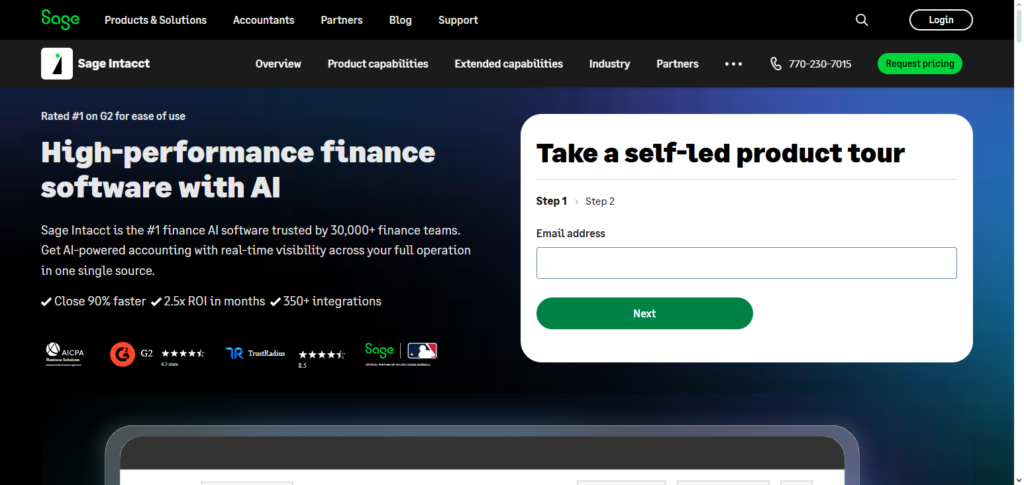
It simplifies and automates manual overhead in complicated multi-entity accounting, multi-currency consolidation, and revenue recognition. Finance teams can customize reports and use real-time dashboards to gain insights into performance metrics and operational drivers.
Sage Intacct’s strong governance and compliance audit trails are enhanced by robust controls, and seamless open API integration with CRM, HR, and budgeting tools. Sage Intacct Cloud architecture provides the scalability, security, and high availability to support global operations, finance leaders in the strategic modernization of accounting functions, and entire organizations.
Sage Intacct – Key Features
- Advanced Financial Management – Includes GL, AP , AR, and multi-entity consolidations.
- Real-Time Dashboards – Visual displays of key performance indicators and metrics.
- Revenue Recognition Automation – Automation for compliance with the standards of ASC 606 and IFRS 15.
- Role-Based Security – Detailed user permissions and audit trails.
- Open APIs – Simple integration with other enterprise systems, CRM, and HR.
Sage Intacct – Advantages & Disadvantages
| Advantage | Disadvantage |
|---|---|
| Excellent for multi-entity accounting | High cost for smaller businesses |
| Real-time financial dashboards | Implementation can be complex |
| Advanced revenue recognition | Requires accounting expertise |
| Strong compliance & control features | Customization can be time-consuming |
| Scalable for growth | Training often needed for full utilization |
6. Wave Accounting
Wave Accounting has been regarded as one of the Best Accounting Automation Platforms Wave Accounting for small businesses and startups due to its outstanding features and not charging users with a subscription fee.
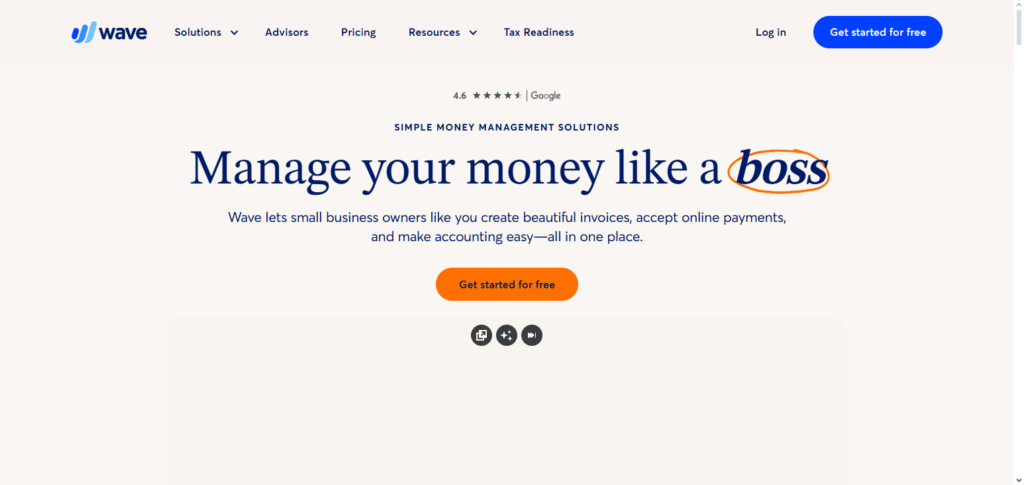
For instance, automatic bank and credit card connections provide instant categorization and account reconciliation. Users can send invoices and even take online payments to facilitate their cash flow.
Users can even scan their receipts on their mobiles to capture expenses in real time. While payroll management and payment processing are paid features, Wave’s basic features include bookkeeping, reporting, and tax tracking even accounting for financial management. Wave’s accounting software is even more enticing due to its seamless setup and design for micro businesses and sole proprietors.
Wave Accounting – Key Features
- Free Core Accounting Tools – Includes bookkeeping, invoicing, and expense tracking, entirely free.
- Auto Bank & Credit Card Sync – Sets up linked accounts so you can effortlessly download your transactions.
- Receipt Scanning – Scan receipts via your phone’s camera.
- Professional Reports – Prepares your balance sheets, cash flow, and profit and loss statements.
- Optional Payroll Add-On – Payroll functionality available for an added cost.
Wave Accounting – Advantages & Disadvantages
| Advantage | Disadvantage |
|---|---|
| Free core accounting features | Limited automation compared to paid tools |
| Simple and intuitive interface | Customer support limited for free users |
| Expense & invoice automation | Add-ons like payroll cost extra |
| Mobile receipt scanning | Not ideal for large enterprises |
| Good for sole proprietors | Basic reporting capabilities |
7. Kashoo
Kashoo is among the Best Accounting Automation Platforms Kashoo for freelancers and micro businesses wanting automation and simple bookkeeping. It automates the classification of expenses through the link to the bank account, creates accurate reports of revenues and expenses, and facilitates tax reporting.
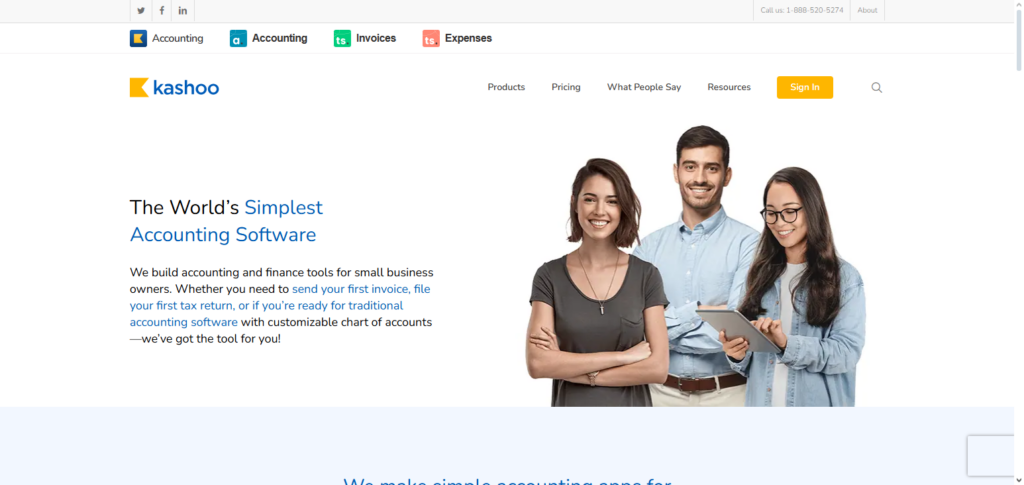
The smart rules, which learn and adapt to the user’s activities, speed up repetitive bookkeeping activities. The design is simple and important financial information is easily accessible. It is invoicing and billing, and it offers services that encompass expenses, receipt tracking, and customer management.
For the solo business owner, it is particularly appreciated for its simplicity and complexity. It offers automation and prompt clarity and financial reporting.
Kashoo – Key Features
- Easy Bank Feeds – Imports and sorts transactions automatically.
- Smart Rules – Remembers and assigns categories to the same transactions.
- Multi-Currency – Facilitates international transactions.
- Expense Tracking – Attach receipts to expenses.
- Clean, Minimal Interface – Non-accountants can complete the setup easily.
Kashoo – Advantages & Disadvantages
| Advantage | Disadvantage |
|---|---|
| Very simple & easy to use | Lacks advanced features for growing businesses |
| Automated transaction categorization | Limited integrations |
| Smart rules reduce repetitive tasks | Not suitable for complex accounting |
| Clean interface | Fewer reporting options |
| Affordable pricing | Limited scalability |
8. Tipalti
Tipalti is listed among the Best Accounting Automation Platforms Tipalti for businesses that have complicated accounts payable requirements and international suppliers. It automates the entire payables workflow, including supplier fraud, tax compliance, and multi-currency payments, as well as automated remittance.
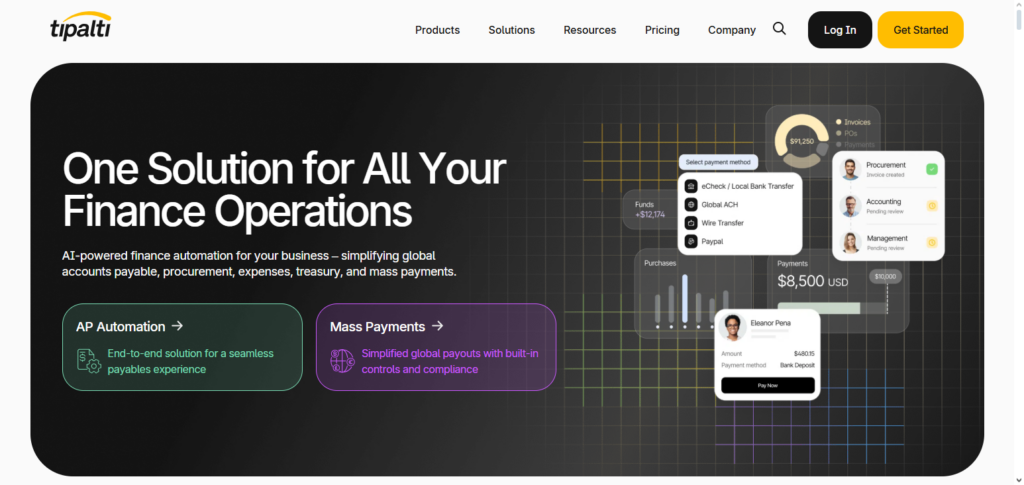
Some of the fraud detection and approval routing, and reconciliation tools, lessen the risk of and effort for manual reconciliation. Tipalti provides seamless integration with the most popular ERP systems.
This integration keeps the payables and general ledger in sync and streamlines the financial reporting flow. It also optimizes financial control. Automation of mass payments increases agility, including payments via global ACH, wire, and local payment options. Finance teams experience greater confidence in their operational efficiencies, regulatory compliance, and management of working capital.
Tipalti – Key Features
- Supplier Onboarding – Vendors can complete their own onboarding including tax form collection.
- Global Payables Automation – Handles multiple currencies for bulk payments.
- Tax Compliance & Reporting – Handles 1099/1042 reporting and compliance by country.
- Approval Workflows – Customizable rules for automated approvals.
- ERP Integrations – Payables data integration with leading ERP solutions.
Tipalti – Advantages & Disadvantages
| Advantage | Disadvantage |
|---|---|
| Automates global payable workflows | Expensive for smaller payables teams |
| Supports multiple payment methods | Complexity for setup & training |
| Built-in tax compliance features | Best suited for larger companies |
| Supplier onboarding automation | May require ERP customization |
| High scalability for global operations | Requires ongoing maintenance |
9. BlackLine
BlackLine earns recognition as one of the Best Accounting Automation Platforms BlackLine, attributed to the excellent capabilities for financial close and reconciliation for large organizations that require accuracy and audit readiness.
BlackLine helps companies avoid manual spreadsheet work by using automated journal entries, continuous accounting, and real-time balance sheet certification. Predefined process flows and built-in compliance controls reduce the risk of errors and compliance breaches, while dashboards monitor close progress for finance leaders.
ERP system integrations consolidate financial data for reporting and risk management. Internal and external reviews are simplified by BlackLine’s advanced task management, audit trails, and documentation storage. For companies that want speed and control in their financial operations, BlackLine helps to eliminate most manual work from the month-end and year-end processes.
BlackLine – Key Features
- Automated Reconciliations – Though, even more, automated processes replace spreadsheets to keep everything seamless.
- Continuous Accounting – Final close quicker with up-to-the-minute incoming transactions.
- Task Management & Workflow – Assign, track, and document close tasks.
- Audit-Ready Documentation – Since documentation is stored in one place and is easy to retrive, it is simple to track audits.
- ERP Connectivity – Seamless integration with your financial ERP solutions.
BlackLine – Advantages & Disadvantages
| Advantage | Disadvantage |
|---|---|
| Automates reconciliations & close tasks | High cost and implementation time |
| Increases accuracy & compliance | Complex for smaller companies |
| Centralized documentation & audit trails | Requires training for teams |
| Continuous accounting for real-time visibility | May need ERP upgrades |
| Improves close efficiency | Can be overkill for basic accounting |
10. FloQast
FloQast is also considered one of the Best Accounting Automation Platforms for helping businesses automate workflows and enhance collaboration among teams during monthly close cycles.
Since FloQast is designed by accountants, it integrates with existing ERP systems to automate the processes of reconciliation, checklist, close task assignments, and post-closers. Teams are kept in the loop with status updates and centralized document systems, which also reduces bottlenecks.
FloQast improves trust and accountability with clear task assignments and shutters. Customers praise FloQast for improving the accuracy of the financial operations and reducing the stress associated with the monthly close cycles.
FloQast – Key Features
- Close Checklist Automation – Monitors progress of monthly close activities.
- Reconciliation Management – Storage and reviews of reconciliations are centralized.
- Collaboration Tools – Features include comments, attachments, and version control.
- Performance Metrics – Dashboards that track cycle times and where bottlenecks occur.
- ERP Integration – Merges balance sheet data with your ERP solutions.
FloQast – Advantages & Disadvantages
| Advantage | Disadvantage |
|---|---|
| Great for month-end close automation | Needs existing ERP system |
| Strong collaboration tools | Requires team training |
| Checklist tracking & status visibility | Focused on close process only |
| Centralized reconciliation management | Not a full accounting system |
| Improves team accountability | Costs can be high |
Benefits of Using Accounting Automation Platforms
| Benefit | Description |
|---|---|
| Time Savings | Automates repetitive tasks like data entry, reconciliation, and invoicing, allowing finance teams to focus on analysis and strategic planning. |
| Improved Accuracy | Reduces human errors by automatically importing and categorizing transactions, ensuring consistent and reliable financial records. |
| Real-Time Financial Visibility | Provides live dashboards and up-to-date reports on cash flow, expenses, and profitability for faster decision-making. |
| Cost Efficiency | Lowers operational costs by minimizing manual labor and reducing the risk of costly accounting mistakes or penalties. |
| Enhanced Compliance | Helps maintain regulatory and tax compliance with built-in rules, audit trails, and automated reporting features. |
| Better Cash Flow Management | Speeds up invoicing and payment collection, helping businesses maintain healthier cash flow. |
| Scalability | Grows with your business by supporting more users, higher transaction volumes, and multi-entity operations. |
| Improved Collaboration | Enables secure access for accountants, managers, and stakeholders to work on the same financial data in real time. |
| Data Security & Backup | Protects sensitive information through encryption, controlled access, and automatic cloud backups. |
| Strategic Insights | Generates actionable financial insights and performance trends to support smarter business planning and forecasting. |
Conclusion
For companies looking to improve financial operations, lower manual error rates, and obtain real-time performance visibility, selecting the best accounting automation platforms is crucial.
While Sage Intacct, BlackLine, and FloQast offer enterprise-grade controls and sophisticated financial management, QuickBooks Online, Xero, and Zoho Books provide small and mid-sized enterprises with straightforward automation.
Tools like FreshBooks, Wave, and Kashoo make bookkeeping easier for independent contractors and businesses, while platforms like Tipalti improve the efficiency of worldwide payables.
You can turn accounting from a time-consuming activity into a strategic benefit by matching the appropriate platform with your company’s size, complexity, and growth objectives.