
In this article, I will walk you through bridging assets to Monad. You will understand how to set up a wallet, choose tokens, adjust fees, transfer assets from other networks to Monad, and do it safely.
- What Is a Blockchain Bridge?
- How to Bridge to Monad
- Step 1. Connect Your Wallet
- Step 2. Sourc Network and Destination Network.
- Step 3. Pick the Asset
- Step 4. Putting in the Amount
- Step 5. Fees and Confirm
- Step 6. Engage the Move
- Step 7. Transaction Pending
- Step 8. Make Sure You Have the Funds in Monad
- Prerequisites for Bridging to Monad
- Supported Wallet
- Sufficient Funds for Fees
- Tokens That Are Transferable
- Network Connected
- Safe Location
- Transaction Time
- Best Practices for Safe Bridging
- Safe Bridges Only
- Verify Wallet Addresses
- Smaller Amounts First
- Keep Wallets Under Protection
- Check Token Bridging Availability
- Watch Transactions
- Always Watch Out for Fees
- Common Issues and Troubleshooting
- Delayed Transactions
- Incorrect Network Selection
- Unsupported Tokens
- Insufficient Gas Fees
- Transaction Stuck or Failed
- Wrong Wallet Address
- Pros & Cons
- Conclusion
- FAQ
This guide will help beginners avoid the errors and pitfalls in safely bridging tokens and do it efficiently.
What Is a Blockchain Bridge?
A blockchain bridge enables the connection of two distinct blockchain networks at a time, allowing users seamless movement of tokens, data, or assets across the networks. Bridges tackle the issue of blockchain siloing, allowing for an ecosystem with disparate and with varying specifications to operate with one another.
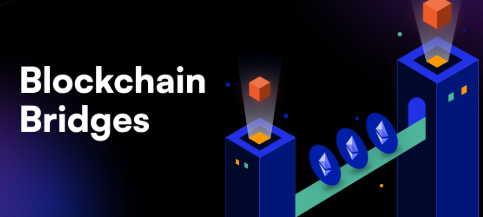
The utilize an approach of locking certain assets on the source and then minting the same value tokens on the destination chain. Bridges operate using a centralized (managed by a single entity who is trusted) or a decentralized (managed entirely by smart contracts) approach.
The value of an interconnected bridge cannot be overstated. on the flip side, the smart contracts have numerous vulnerabilities built in with caution to security or reservations to whose using the service}.
How to Bridge to Monad
Step 1. Connect Your Wallet
- Open a wallet of your choice such as Metamask.
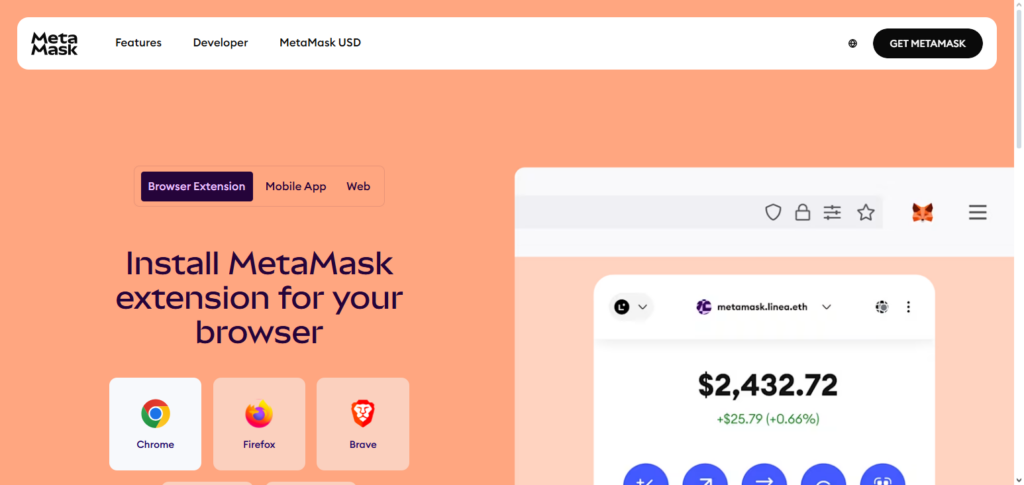
- Make sure that your wallet is connected to the Ethereum network.
- Go to the website for the Monad bridge.
Step 2. Sourc Network and Destination Network.
- For Sourc Network, pick Ethereum.
- For Destination Network, pick Monad.
Step 3. Pick the Asset
- Pick the asset as USDC that you would want to bridge.
Step 4. Putting in the Amount
- Enter the amount of USDC that you want to move over to Monad.
- Make sure to leave a little bit of ETH in your wallet for gas if you are transferring EFI.
Step 5. Fees and Confirm
- Have a look at the gas fees as well as the bridge fees.
- Carefully confirm the transaction.
Step 6. Engage the Move
- Hit Bridge or Confirm.
- Give your wallet permission for the transaction.
Step 7. Transaction Pending
- Wait a few minutes for the transaction to be complete.
- You can monitor the transaction from the bridge.
Step 8. Make Sure You Have the Funds in Monad
- Change your wallet to the Monad Network.
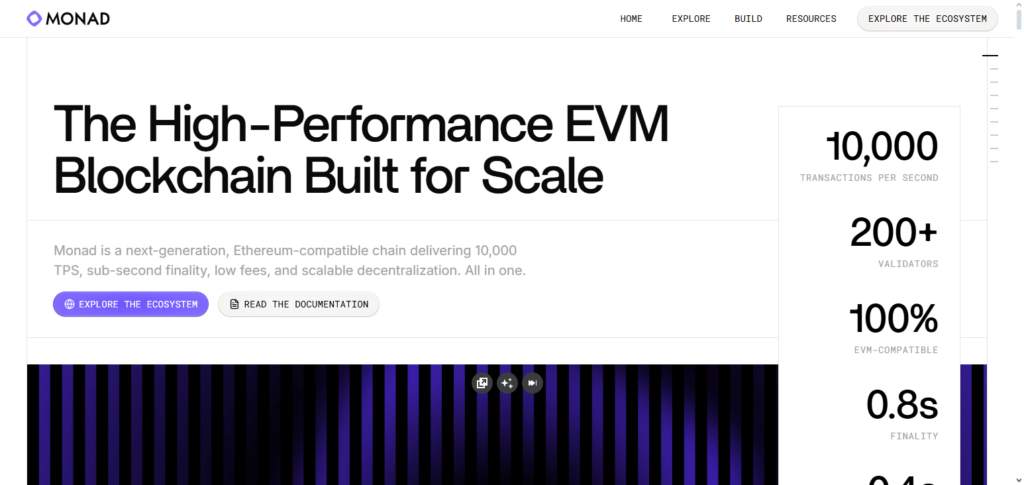
- Look at your USDC and check that the money that you just bridged has arrived.
Prerequisites for Bridging to Monad
Supported Wallet
MetaMask, Trust Wallet, or WalletConnect are all compatible wallets to use.
Sufficient Funds for Fees
Any native tokens, for example, ETH for Ethereum, are gas tokens that you need to have.
Tokens That Are Transferable
You can only transfer tokens that are compatible with the Monad bridge.
Network Connected
Your wallet needs to be connected to the source blockchain network.
Safe Location
You should only use official bridge websites (not public wifi) to avoid being hacked.
Transaction Time
You should be aware that cross-chain transfer transactions might take a few minutes to process.
Best Practices for Safe Bridging
Safe Bridges Only
Always make sure to access the bridge directly from the official site and authorized sites.
Verify Wallet Addresses
Make sure to check the destination wallet address to not lose funds.
Smaller Amounts First
Try to bridging large funds to do small tests at first.
Keep Wallets Under Protection
For more vulnerable software wallets, consider using protection via a more secure hardware wallet.
Check Token Bridging Availability
Always check if the tokens to be bridged are available and supported in both the originating and destination networks.
Watch Transactions
Always make sure to watch the transactions until they are confirmed in the destination chain.
Always Watch Out for Fees
Make sure to check the gas and bridge fees, especially if you’re trying to avoid getting a surprise.
Common Issues and Troubleshooting
Delayed Transactions
Cross-chain transfers can experience delays. You can visit the bridge explorer for the most up-to-date information.
Incorrect Network Selection
To avoid failed transactions, ensure your wallet is connected to the correct source network.
Unsupported Tokens
Monads only supports bridging certain tokens. Unsupported tokens are likely to be lost.
Insufficient Gas Fees
Make sure you have enough of the native tokens like ETH to be able to cover transaction fees.
Transaction Stuck or Failed
If the network is unstable, you will have to wait to try again. Otherwise contact the bridge support.
Wrong Wallet Address
You need to double-check the destination address. Otherwise, you run the risk of losing access to the tokens in the wallet.
Pros & Cons
| Pros | Cons |
|---|---|
| Enables cross-chain asset transfers, expanding liquidity and usage. | Smart contract risks can lead to potential loss of funds. |
| Access to Monad ecosystem for DeFi, NFTs, and dApps. | Transaction fees may be high on congested networks. |
| Supports decentralized finance opportunities across multiple networks. | Delayed transactions may occur due to network congestion. |
| Seamless interoperability between different blockchain networks. | Using unofficial bridges can be unsafe. |
| Provides flexibility in managing digital assets across chains. | Complexity for beginners may cause errors during bridging. |
Conclusion
Bridging to Monad enables new opportunities such as participating in DeFi and cross-chain transactions as well as gaining access to Monad’s enlarging ecosystem.
If users connect a secure wallet, pick the right tokens, and confirm transactions, then users will be able to move their possessions across networks without any issues, and the crafting of these transactions will be safe.
Although there are some risks such as absence of a fee, an holdup, or complications with the smart contract, if users carry out some best practices, then the bridging experience will be seamless.
Overall, users bridging to Monad will be able to utilize their assets in the blockchain efficiently to access many more opportunities in the world of finance.
FAQ
Which wallets can I use to bridge to Monad?
Popular wallets like MetaMask, Trust Wallet, and WalletConnect are supported for bridging to Monad.
How long does it take to bridge assets to Monad?
Transaction times vary depending on network congestion but usually take a few minutes to complete.
Are there fees for bridging to Monad?
Yes, you need to pay gas fees on the source network and possible bridge fees.